Updated
The best memory for Codex in 2026
The best memory for Codex is Glen for a team, and Codex's own memories feature plus AGENTS.md for a developer working alone. Glen's Codex plugin records every turn into one memory your org shares and adds the matching part to each prompt before the model reads it. We measured that setup on Codex itself: replaying the last 100 merged PRs of a workspace with Codex 5.5, the runs with Glen used 29% fewer tokens and reached a merged change 21% faster, with quality at parity or better and recall overhead counted inside the numbers.
Codex ships two memory layers. AGENTS.md loads from ~/.codex/AGENTS.md and from each directory between the repo root and where you started Codex, up to 32 KiB in total by default. Codex memories is off until you enable it, then keeps notes under $CODEX_HOME/memories/ on that one machine, and OpenAI's docs say to keep required team guidance in AGENTS.md. Below are six options, ranked for engineers running Codex on a shared codebase, with what each records and who can read it afterwards.
Short answer
- Several engineers on one codebase, in Codex, Claude Code or Cursor
- Glen
- One developer, no new accounts
- Codex memories + AGENTS.md
- Free capture that stays on your machine
- claude-mem
- The same memory API in Codex and in your own product
- Mem0 or Supermemory
- A graph built from documents, code and conversations
- Cognee
Codex memory tools at a glance
| # | Tool | Connects via | Captures | Team sharing | Price |
|---|---|---|---|---|---|
| 01 |  GlenOur pick | Plugin (hooks) plus a CLI | Every turn, automatically | Whole orgOrg-wide, filtered per user at recall | Free for 15,000 memories, no card |
| 02 |  Codex memories + AGENTS.mdgithub.com | Built in | Memories writes notes once enabled | Repo filesAGENTS.md through git; memories stay on one machine | Included with Codex |
| 03 |  Mem0mem0.ai | Plugin or remote MCP | Skill-guided, with opt-in hooks | Shared spacesPer user, agent or app entity | Free tier; paid is usage-based or custom |
| 04 |  Supermemorysupermemory.ai | Plugin or remote MCP | Automatic with the plugin; tool calls over MCP | Shared spacesPer repo by default; orgs with scoped keys | Free with $5 credit; Pro $19/mo |
| 05 |  claude-memcmem.ai | Plugin (hooks) | Tool use and session end, automatically | One personLocal per project; team sharing is a pilot | Free locally; CMEM Pro $30/mo |
| 06 |  Cogneecognee.ai | Plugin (hooks) | Automatic, synced at session end | Shared spacesMulti-user, with permissions | Free tier; $1 per 1M tokens after |
How we ranked them
- Uses Codex's hooks. Codex runs SessionStart, UserPromptSubmit, Stop and tool hooks by default, and SessionStart and UserPromptSubmit can return additionalContext. A memory tool built on them records and recalls without waiting for the model to decide; one built only on MCP tools saves what the agent remembers to save.
- Leaves the machine. Codex memories lives under $CODEX_HOME. We checked whether each option follows you to a second laptop, and whether a teammate's Codex can read it.
- Crosses agents. Plenty of teams run Codex next to Claude Code or Cursor. A fix found in one agent is only useful to the others if the memory is shared between them.
- Reversed decisions drop out. Append-only memory keeps recalling the approach the team abandoned last month. We looked for tools that stop surfacing a fact once a newer one contradicts it.
- Setup and price. How it installs into Codex, and the first paid tier, from each vendor's pricing page as of November 2026.
The 6 best memory tools for Codex
Glen
Our pickBest for: Teams running Codex alongside Claude Code or Cursor on the same codebase.

tryglen.com - Connects to Codex
- Plugin (hooks) plus a CLI
- Captures
- Every turn, automatically
- Shared with your team
- Org-wide, filtered per user at recall
Codex lets a UserPromptSubmit hook add context, and Glen's plugin uses that hook exactly as it does in Claude Code: before each prompt reaches the model, it looks up the memories that match and adds them. Stop records the finished turn. PostToolUse links each commit to the session that made it, which is how glen code-search can take a line of code back to the conversation that wrote it.
What gets recorded belongs to the org, not to $CODEX_HOME on one laptop. Codex, Claude Code and Cursor sessions share one store with public Slack channels, GitHub, tickets, docs and call transcripts from Fireflies, Fathom and Granola. Access control runs per observation at recall, so an agent only sees what its user is already cleared to see, and when a newer decision contradicts an older one the older one stops surfacing.
Strengths
- Recall is in context before the model reads each prompt
- One memory shared with Claude Code and Cursor sessions
- glen incognito keeps recall and records nothing; glen off stops both
- Skills, artifacts and session transcripts in the same library
Limits
- Hosted only; there is no self-hosted build
- Pays off once two or more people record into it
Managed service · Free for 15,000 memories, no card
Set up Glen in Codex →Codex memories + AGENTS.md
Best for: One developer who wants Codex to remember with nothing extra installed.
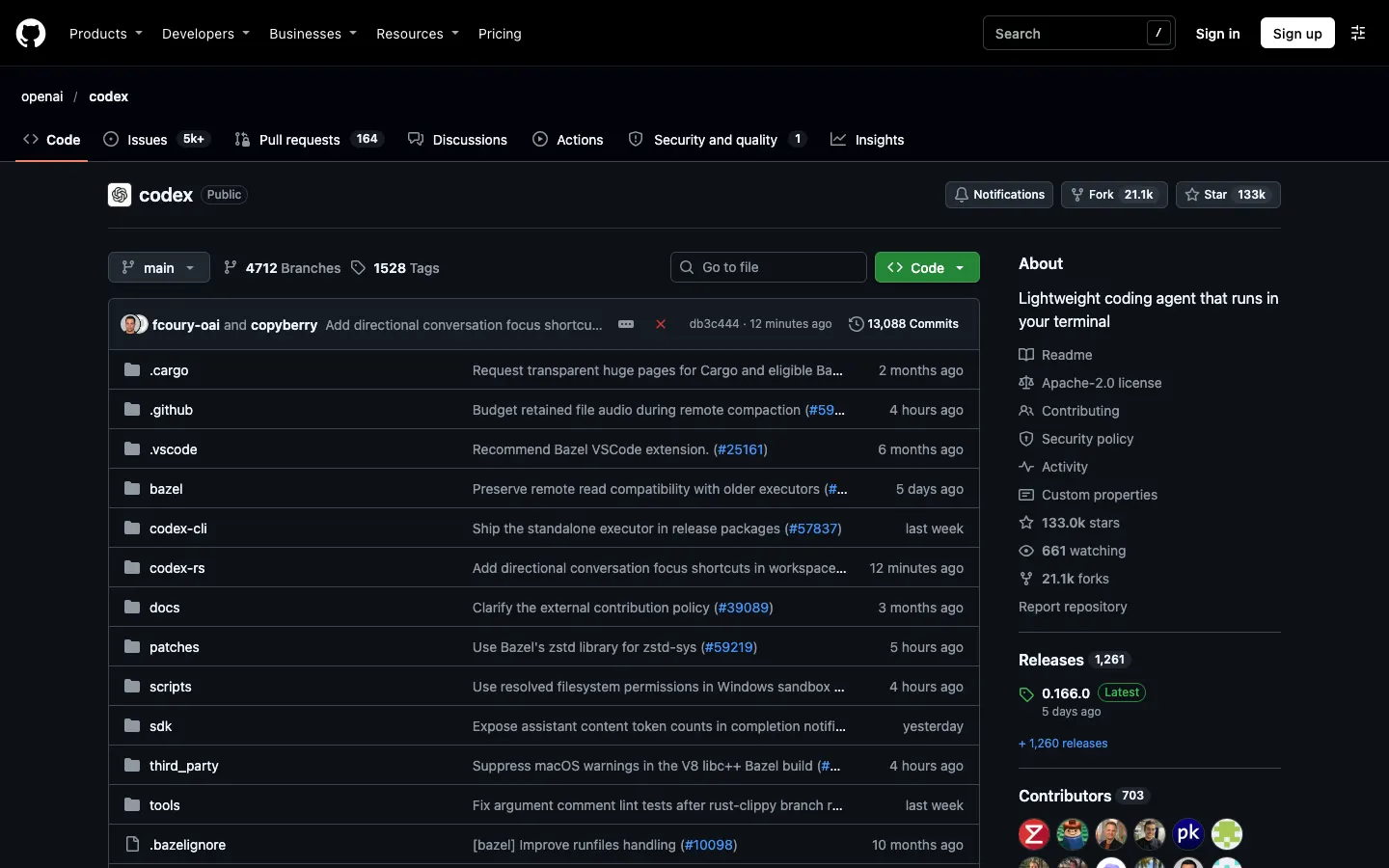
github.com - Connects to Codex
- Built in
- Captures
- Memories writes notes once enabled
- Shared with your team
- AGENTS.md through git; memories stay on one machine
AGENTS.md is the layer Codex always reads. It loads the global ~/.codex/AGENTS.md (or AGENTS.override.md), then one file per directory from the repo root down to your working directory, and stops when the combined text reaches project_doc_max_bytes, 32 KiB by default. Codex memories is a separate feature and off by default: add memories = true under [features] in config.toml, or turn on "Enable Codex memories" in the desktop app's Settings > Personalization, and Codex keeps notes in $CODEX_HOME/memories/ (memories_v2/ on new profiles) that you manage with /memories.
For one person on one machine, that covers a lot. OpenAI's docs describe memories as tied to the machine and tell you to keep required team guidance in AGENTS.md, so anything a teammate's Codex should know has to be written into a committed file by someone.
Strengths
- Free and already installed
- AGENTS.md is plain Markdown that travels with the repo
- /memories shows what Codex kept and lets you edit it
Limits
- Memories is off by default and stays on one machine
- All AGENTS.md files together are capped at 32 KiB by default
- Nothing from Slack, GitHub or your other agents
Built into Codex · Included with Codex
Visit github.com ↗Mem0
Best for: Teams already using Mem0 as the memory layer in their own product.
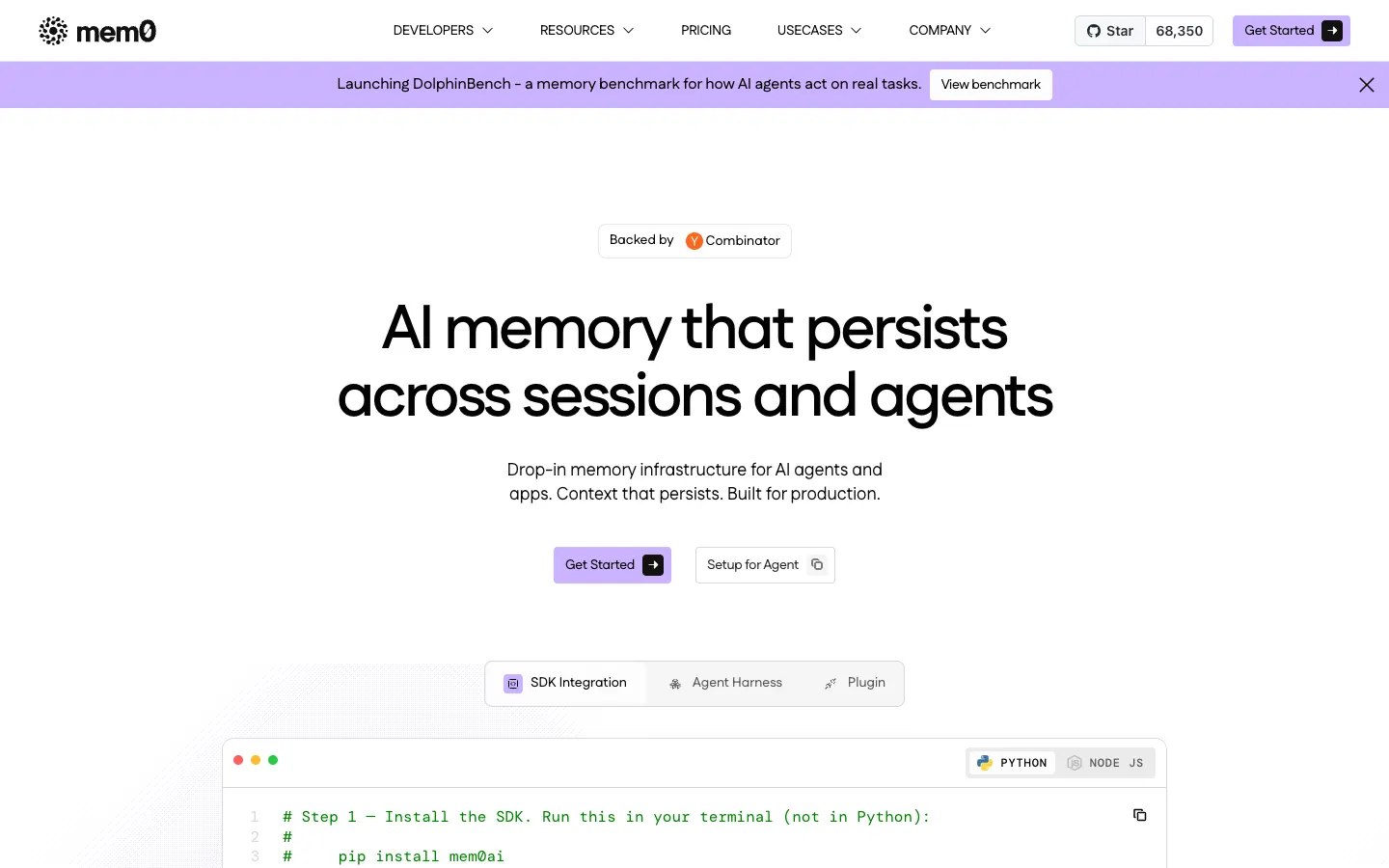
mem0.ai - Connects to Codex
- Plugin or remote MCP
- Captures
- Skill-guided, with opt-in hooks
- Shared with your team
- Per user, agent or app entity
In Codex, Mem0's plugin works mainly through a skill that tells the agent when to save and search; hooks are there, but you opt into them. Mem0 also documents its remote MCP server at mcp.mem0.ai for Codex, signed in through the browser or with a bearer key, and over MCP memory is written only when the agent calls a tool. Memories are scoped to user, agent, app or run entities and kept in a vector store, with graph memory on the Custom plan.
The project is Apache 2.0 with about 68,000 GitHub stars, and many teams already use it inside their apps. Hosted pricing changed in 2026: Starter, Growth and Pro are closed to new accounts, so new users get a free tier of 10,000 adds and 1,000 retrievals a month and then usage billing or a custom contract. The docs don't describe sharing memory across a team.
Strengths
- Open source under Apache 2.0
- One SDK for Codex and for code you write against it
- Plugin and MCP setups for most coding agents
Limits
- Without the opt-in hooks, capture depends on the agent following the skill
- No published paid price for new accounts
- Team sharing isn't described
Open source (Apache 2.0) · Free tier; paid is usage-based or custom
Visit mem0.ai ↗Supermemory
Best for: Developers who switch between Codex, Claude Code and OpenCode in the same repo.
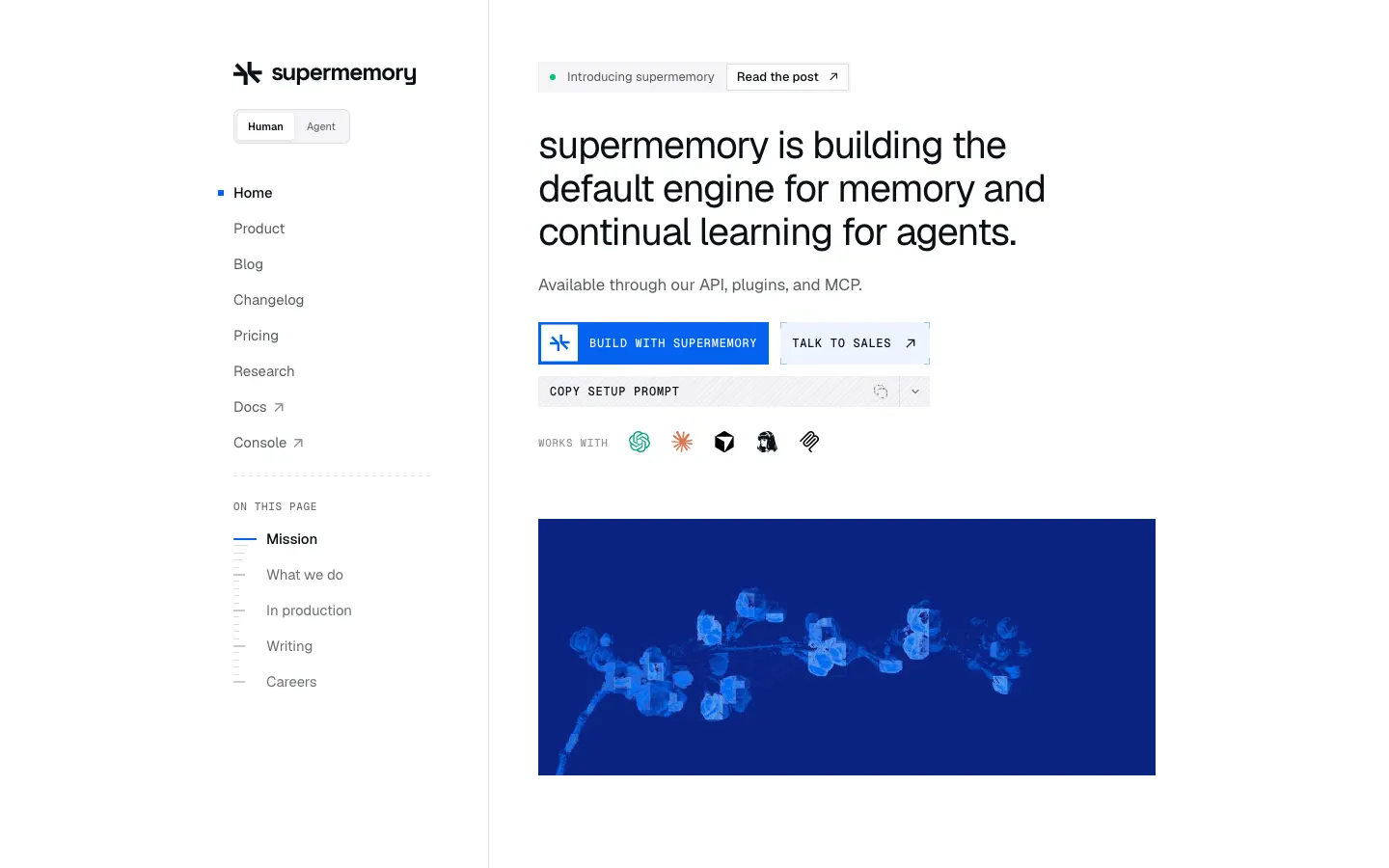
supermemory.ai - Connects to Codex
- Plugin or remote MCP
- Captures
- Automatic with the plugin; tool calls over MCP
- Shared with your team
- Per repo by default; orgs with scoped keys
One container per repo is Supermemory's default, and its Codex, Claude Code and OpenCode plugins all read the same one, so moving between those agents inside a repo keeps what was saved. Capture through the plugins is automatic. The remote MCP server at mcp.supermemory.ai signs in with OAuth, but there saving happens only when the agent calls add_memory.
Underneath is a hosted memory API you can call from your own product, and the MIT-licensed core runs in Docker if you want to host it. New accounts start with $5 of credit; Pro is $19 a month with three seats. Orgs can add members and scoped API keys, so access is set per key and container rather than per user and fact.
Strengths
- Automatic capture through the Codex plugin
- One container shared with Claude Code and OpenCode
- Open source with a Docker option
Limits
- Access is scoped by container and key, not by what each person may see
- Usage is metered in credits
Open source (MIT) · Free with $5 credit; Pro $19/mo
Visit supermemory.ai ↗claude-mem
Best for: Solo developers who want free, local capture of Codex sessions.

cmem.ai - Connects to Codex
- Plugin (hooks)
- Captures
- Tool use and session end, automatically
- Shared with your team
- Local per project; team sharing is a pilot
Despite the name, claude-mem's installer sets up Codex as well as Claude Code, Cursor and OpenCode. It hooks tool use and session end, has an LLM compress what happened into summaries, and stores them in SQLite with FTS5 full-text search plus a Chroma index, all local by default. At about 112,000 GitHub stars it's the most-starred memory project on this page.
CMEM Pro is the paid tier, $30 a month after a 30-day trial. TeamBrain, the feature for sharing between people, was a pilot with no public pricing when we checked, so for now claude-mem is a tool for one person's machine.
Strengths
- Free and local, Apache 2.0
- Capture runs through hooks, so it doesn't depend on the agent choosing to save
- One installer covers Codex, Claude Code, Cursor and OpenCode
Limits
- Memory stays on one machine
- Summaries cost LLM calls you run or pay for
Open source (Apache 2.0) · Free locally; CMEM Pro $30/mo
Visit cmem.ai ↗Cognee
Best for: Teams that want documents, code and conversations turned into a graph they can query.
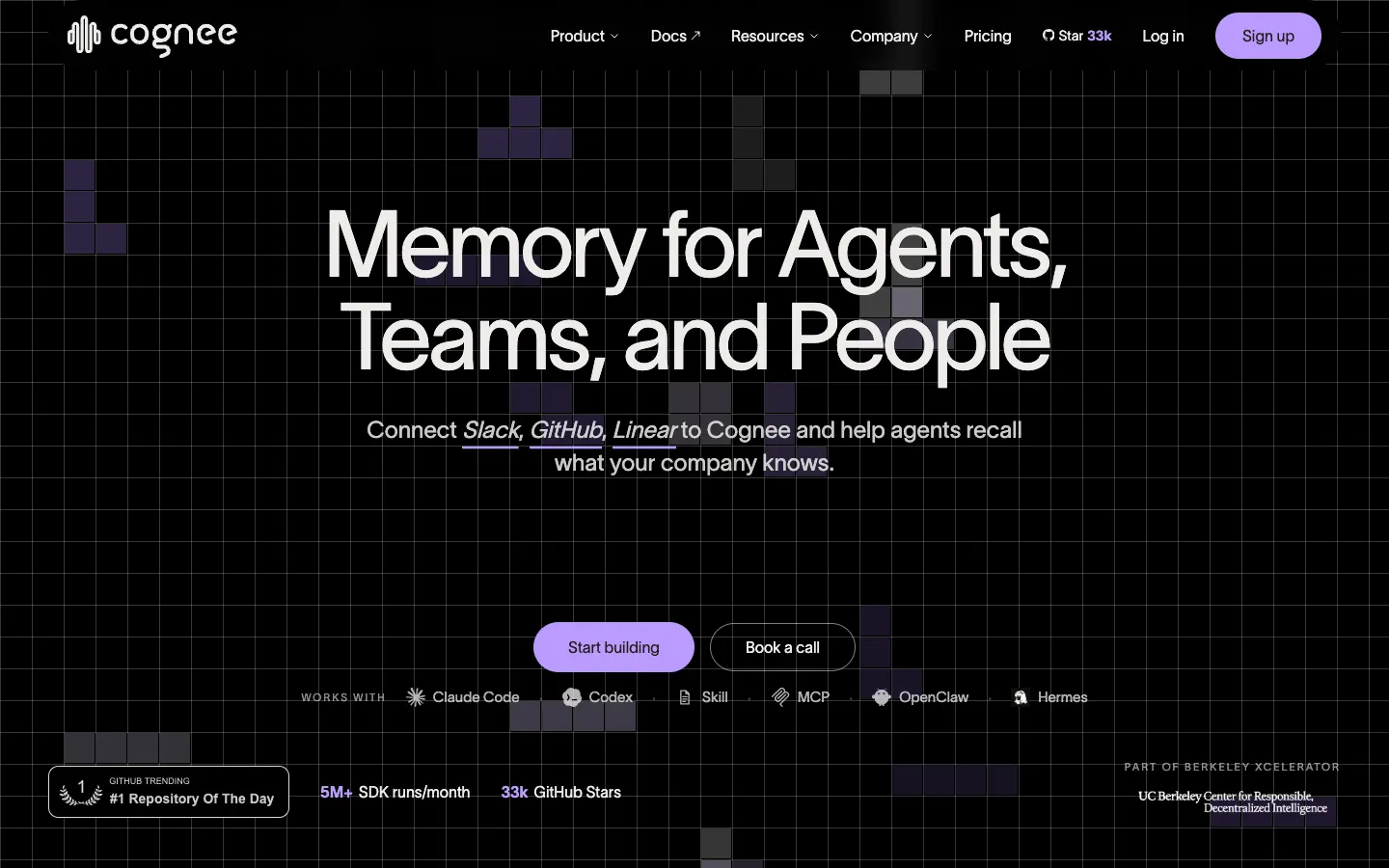
cognee.ai - Connects to Codex
- Plugin (hooks)
- Captures
- Automatic, synced at session end
- Shared with your team
- Multi-user, with permissions
Cognee is an open-source engine that turns documents, code and conversations into a knowledge graph. Its Codex plugin captures sessions automatically and syncs them when the session ends, and its docs note that Codex needs hooks enabled for that to work. Multi-user setups get permissions, so more than one person can write to and read from the same graph.
It's Apache 2.0 with about 33,000 GitHub stars. There's a free tier, then $1 per million tokens. Cognee makes most sense if you also want to load documentation and code into the graph and query it outside Codex; if all you need is for Codex to recall past sessions, the plugins above are built for that alone.
Strengths
- Open source under Apache 2.0
- Automatic capture from Codex sessions
- Permissions for multi-user setups
Limits
- Codex hooks must be enabled for capture
- Token-based pricing grows with how much you load into it
Open source (Apache 2.0) · Free tier; $1 per 1M tokens after
Visit cognee.ai ↗
Set up Glen in Codex
Glen goes into Codex as a plugin, installed by the glen CLI. You need Node.js and a Glen account; the free plan covers 15,000 memories with no card.
1. Run the installer
It installs the glen CLI, signs you in, and adds the plugin to the agents it detects on your machine, Codex included.
bashnpx @tryglen/cli@latest install2. Open Codex in a repo
Codex runs plugin hooks by default, so config.toml needs no change. From the next prompt, matching memories arrive as context and each finished turn is recorded.
3. Check what it can recall
Ask Codex about earlier work, or search memory yourself from the terminal.
bashglen search "why we pinned the Postgres driver version"
Which one should you pick?
The deciding question is who else needs what your Codex session found. If nobody does, turn on Codex memories, keep AGENTS.md short and current, and add claude-mem if you want capture that doesn't rely on Codex choosing to write a note. That setup costs nothing and stays on your machine.
If the answer is a teammate, or your own Claude Code session tomorrow, per-machine memories can't reach them and AGENTS.md carries only what someone wrote down. Glen covers that case using the same Codex hooks the local tools use: it records every turn from every teammate, adds what matches before each prompt, filters it by what each person can see, and drops decisions the team has reversed. Mem0, Supermemory and Cognee are the ones to compare if you also want a memory API inside a product you're building.
FAQ
- Does Codex have memory?
- It has two kinds. AGENTS.md files load at the start of every session, and Codex memories, off by default, keeps notes in $CODEX_HOME/memories/ once you enable it. Both stay on your machine unless you commit an AGENTS.md to the repo.
- How do I turn on Codex memories?
- Set memories = true under [features] in config.toml, or turn on "Enable Codex memories" in the desktop app under Settings > Personalization. Then run /memories to see and manage what Codex has kept.
- Is there a size limit on AGENTS.md in Codex?
- Yes. Codex combines the global file with every AGENTS.md from the repo root to your working directory, and the total is capped by project_doc_max_bytes, 32 KiB by default. A memory tool that recalls per prompt avoids loading everything into every session.
- How much context can a Codex hook add?
- SessionStart and UserPromptSubmit hooks can return additionalContext, about 2,500 tokens per hook by default. Glen's plugin adds its recall through UserPromptSubmit, so it works within that cap on each prompt.
- Can Codex and Claude Code share memory?
- Not through their built-in features: Codex memories and Claude Code's auto memory are separate folders. Glen's plugin runs in both and writes to one org memory, so something worked out in a Claude Code session is recalled in Codex. Supermemory's plugins also share a per-repo container between the two.
- Can I keep a Codex session out of team memory?
- Run glen incognito to keep recall but record nothing, or glen off to do neither. Codex's own memories feature stays off unless you enable it.