Updated
The best memory for OpenCode in 2026
The best memory for OpenCode is Glen if you're on a team whose other agents and tools already write to it, and Supermemory's opencode-supermemory plugin if you work alone and want your own sessions saved. Glen connects to OpenCode as a remote MCP server: your OpenCode agent can search the memory recorded from teammates' Claude Code, Codex and Cursor sessions and from Slack, GitHub, tickets, docs and calls, but OpenCode sessions themselves are not recorded into it. Whether that trade suits you depends on what the rest of your team runs, which is why it comes before the list.
OpenCode has no memory of past sessions built in. It loads instruction files: AGENTS.md, found by searching upward from the project, ~/.config/opencode/AGENTS.md for personal rules, CLAUDE.md as a fallback, and any files listed in the instructions array of opencode.json, which accepts globs and URLs. OpenCode plugins can inject context before each model request, and MCP servers sign in with OAuth automatically. We compared six options on what they record from OpenCode, what an OpenCode agent can recall through them, and who else can read it.
Short answer
- A team whose memory already comes from Claude Code, Codex, Cursor, Slack and GitHub
- Glen
- Solo, OpenCode sessions saved automatically
- Supermemory (opencode-supermemory)
- Solo, free and local
- claude-mem
- Instructions that rarely change
- AGENTS.md
- Shared notes someone reviews before they're saved
- ByteRover
OpenCode memory tools at a glance
| # | Tool | Connects via | Captures | Team sharing | Price |
|---|---|---|---|---|---|
| 01 |  GlenOur pick | Remote MCP (OAuth) | OpenCode sessions not recorded; reads team memory | Whole orgOrg-wide, filtered per user at recall | Free for 15,000 memories, no card |
| 02 |  OpenCode AGENTS.mdopencode.ai | Built in | None; files are written by hand | Repo filesProject AGENTS.md through git | Free |
| 03 |  Supermemorysupermemory.ai | Plugin (opencode-supermemory) or remote MCP | Automatic with the plugin; tool calls over MCP | Shared spacesPer repo by default; orgs with scoped keys | Free with $5 credit; Pro $19/mo |
| 04 |  claude-memcmem.ai | Plugin | Tool use and session end, automatically | One personLocal per project; team sharing is a pilot | Free locally; CMEM Pro $30/mo |
| 05 |  Mem0mem0.ai | Plugin or remote MCP | Plugin, or tool calls over MCP | Shared spacesPer user, agent or app entity | Free tier; paid is usage-based or custom |
| 06 |  ByteRoverbyterover.dev | Skill installed by the desktop app | Agent-driven, with a review step | Shared spacesPrivate, team and shared spaces | Free tier; Pro from 15/mo billed yearly |
How we ranked them
- Records OpenCode sessions. A plugin can capture each session as it runs; an MCP server only saves when the agent calls a save tool, or not at all. We say which applies to each pick, Glen included.
- What the agent can recall. Some tools only give OpenCode its own past sessions. Others reach what teammates' agents recorded and what the team wrote in Slack and GitHub.
- Recall timing. OpenCode plugins can add context before each model request. MCP tools are called when the agent decides to search, so an AGENTS.md line telling it when to search matters.
- Access and stale facts. Who can read a stored fact, and whether one the team has since reversed keeps coming back.
- Setup and price. What goes in opencode.json or gets installed, and the first paid tier, from each vendor's pricing page as of November 2026.
The 6 best memory tools for OpenCode
Glen
Our pickBest for: OpenCode users on teams whose other agents and tools already feed Glen.

tryglen.com - Connects to OpenCode
- Remote MCP (OAuth)
- Captures
- OpenCode sessions not recorded; reads team memory
- Shared with your team
- Org-wide, filtered per user at recall
In OpenCode, Glen is a remote MCP server rather than a plugin, and that changes what you get. The agent can call glen_search, glen_code_search, glen_skill_search and the artifact tools when it needs them, but nothing is added before each request, and OpenCode sessions are not recorded into memory. There is no Glen plugin for OpenCode yet.
What the search reaches is the case for it. Teammates' Claude Code, Codex and Cursor sessions are recorded through Glen's plugins, and public Slack channels, GitHub, tickets, docs and call transcripts from Fireflies, Fathom and Granola come in through integrations one person sets up once. An OpenCode agent querying that store gets results filtered per observation to what its user is cleared to see, and decisions the team has reversed no longer surface. If you work alone and OpenCode is your only agent, Glen has little to recall for you; pick a plugin below instead.
Strengths
- Reads memory recorded from the team's Claude Code, Codex and Cursor sessions
- Slack, GitHub, tickets, docs and calls in the same search
- OAuth sign-in with nothing to run locally
- glen_code_search traces a line of code to the session that wrote it
Limits
- OpenCode sessions are not recorded into memory
- Recall happens only when the agent calls glen_search
- Hosted only; there is no self-hosted build
Managed service · Free for 15,000 memories, no card
Set up Glen in OpenCode →OpenCode AGENTS.md
Best for: Project instructions every OpenCode session should load.
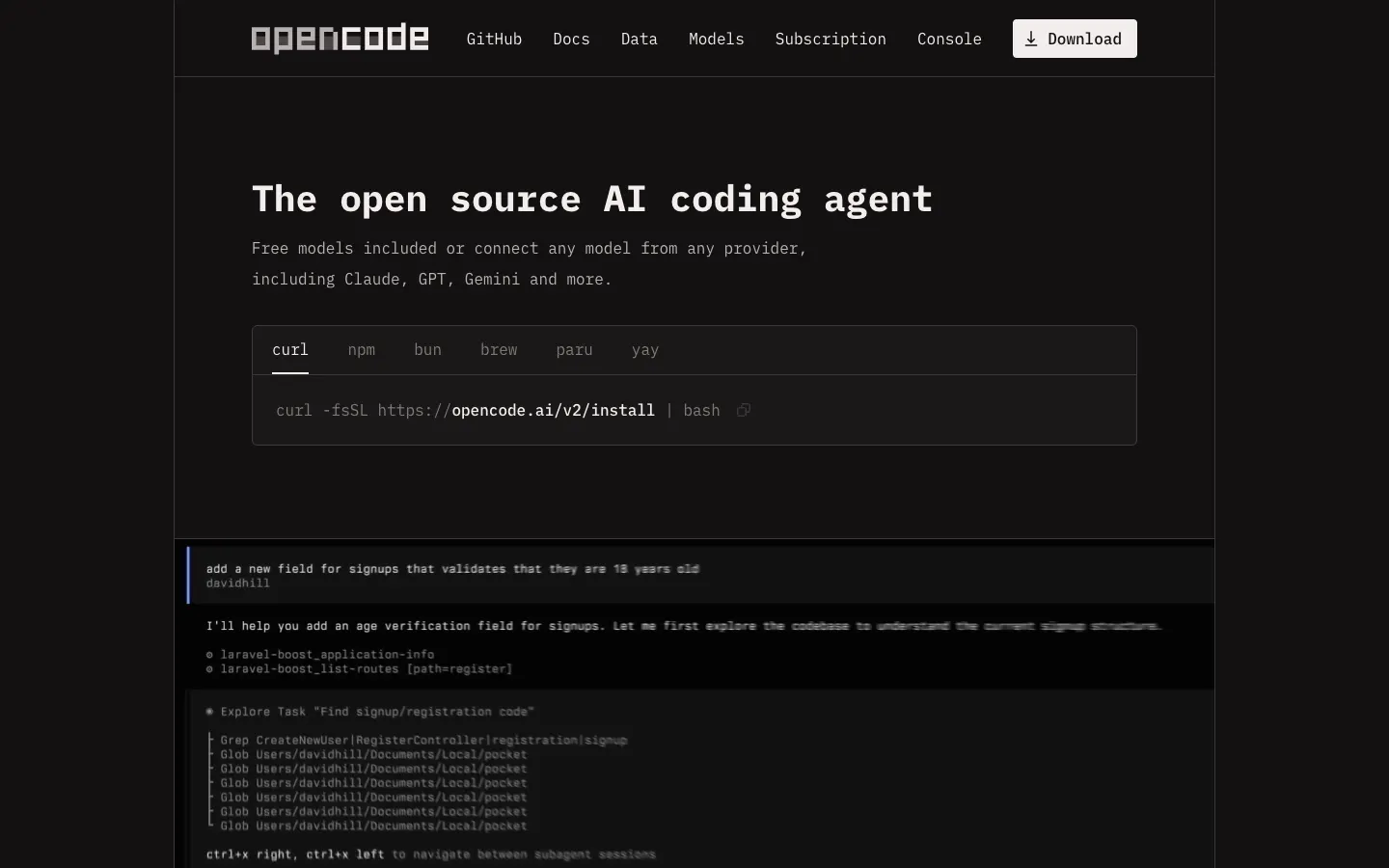
opencode.ai - Connects to OpenCode
- Built in
- Captures
- None; files are written by hand
- Shared with your team
- Project AGENTS.md through git
OpenCode doesn't carry anything between sessions on its own. What it loads is instruction files: AGENTS.md, found by searching upward from the project, ~/.config/opencode/AGENTS.md for rules that apply everywhere, and CLAUDE.md as a fallback, so a repo already set up for Claude Code works without changes. The instructions array in opencode.json adds more files by glob or by URL, which lets every checkout load the same hosted document.
For conventions that rarely change, that's enough, and it's free. It holds only what someone writes and updates by hand, and nothing from earlier sessions finds its way in.
Strengths
- Free and part of OpenCode
- Reads existing CLAUDE.md files
- The instructions array can load shared files from a URL
Limits
- No memory of past sessions
- Everything is written and maintained by hand
Built into OpenCode (MIT) · Free
Visit opencode.ai ↗Supermemory
Best for: Solo developers who want OpenCode sessions saved automatically.
supermemory.ai - Connects to OpenCode
- Plugin (opencode-supermemory) or remote MCP
- Captures
- Automatic with the plugin; tool calls over MCP
- Shared with your team
- Per repo by default; orgs with scoped keys
opencode-supermemory, a dedicated OpenCode plugin with about 1,700 GitHub stars, captures automatically. Memory goes into a per-repo container by default, and Supermemory's Claude Code and Codex plugins read the same container, so switching between those agents in one repo keeps what was saved. If you'd rather use MCP, the server at mcp.supermemory.ai signs in with OAuth and saves only when the agent calls add_memory.
Supermemory is a hosted memory API with an MIT-licensed core you can run in Docker. New accounts get $5 of credit; Pro is $19 a month with three seats, and orgs can add members with scoped API keys.
Strengths
- Captures OpenCode sessions without the agent calling a tool
- Shares a container with Claude Code and Codex
- Open source with a Docker option
Limits
- Scoped by repo container and key, not by what each person may see
- Usage is metered in credits
Open source (MIT) · Free with $5 credit; Pro $19/mo
Visit supermemory.ai ↗claude-mem
Best for: Solo developers who want free, local capture.

cmem.ai - Connects to OpenCode
- Plugin
- Captures
- Tool use and session end, automatically
- Shared with your team
- Local per project; team sharing is a pilot
Running the claude-mem installer with --ide opencode sets it up for OpenCode; the same installer covers Claude Code, Cursor and Codex. It records tool use and session end, has an LLM compress each session into summaries, and stores them locally in SQLite with FTS5 full-text search plus a Chroma index.
With about 112,000 GitHub stars and an Apache 2.0 license, it's the most-starred memory project on this page. CMEM Pro costs $30 a month after a 30-day trial. TeamBrain, the feature for sharing between people, was a pilot with no public pricing when we checked.
Strengths
- Free and local by default
- Capture doesn't depend on the agent choosing to save
- One installer across OpenCode, Claude Code, Cursor and Codex
Limits
- Memory stays on one machine
- Summaries cost LLM calls you run or pay for
Open source (Apache 2.0) · Free locally; CMEM Pro $30/mo
Visit cmem.ai ↗Mem0
Best for: Teams that already use Mem0 in their own product.
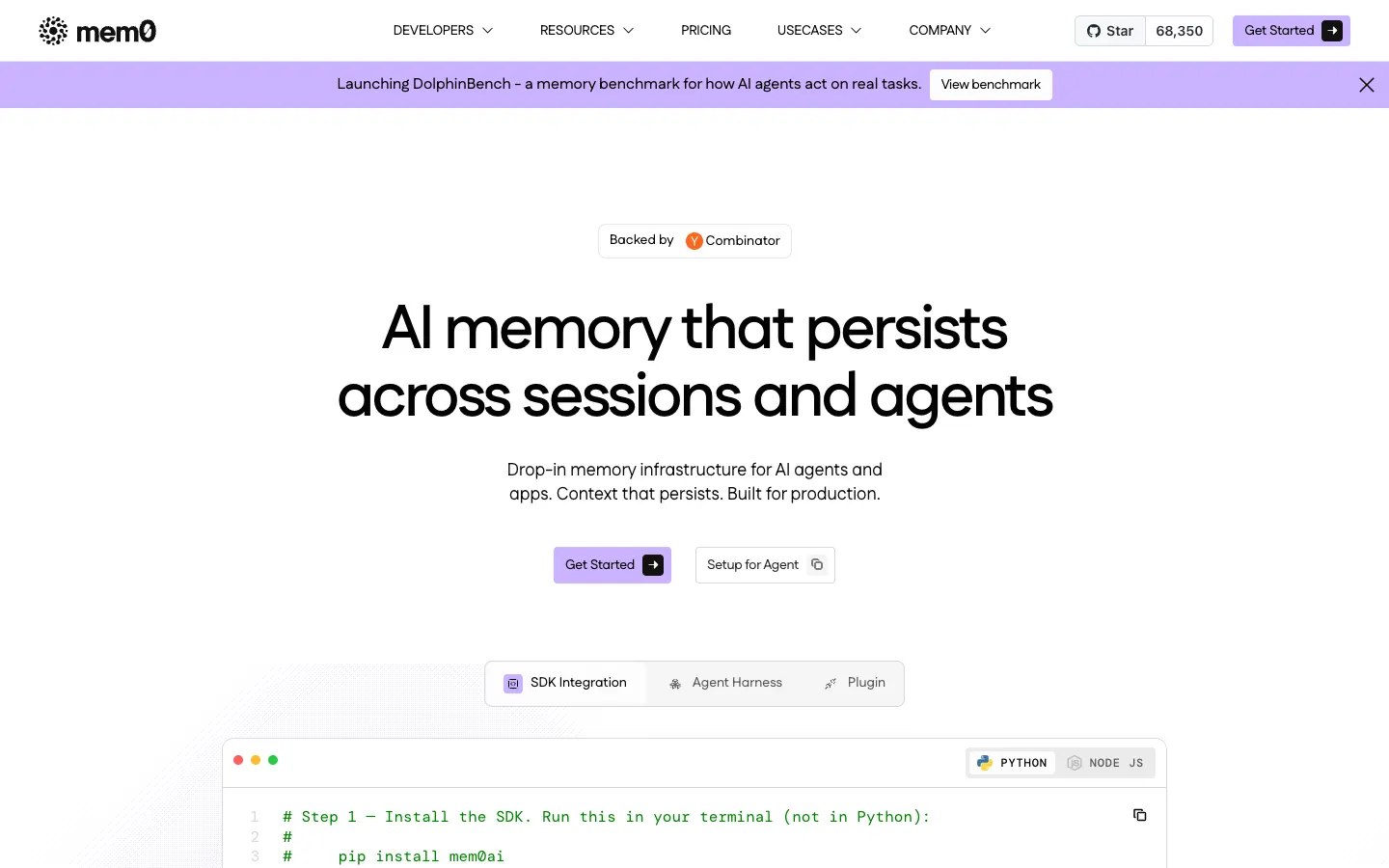
mem0.ai - Connects to OpenCode
- Plugin or remote MCP
- Captures
- Plugin, or tool calls over MCP
- Shared with your team
- Per user, agent or app entity
OpenCode is covered on both of Mem0's routes: there's a Mem0 plugin for it, and the docs include an OpenCode setup for the remote MCP server at mcp.mem0.ai, which accepts a browser sign-in or a bearer key. Over MCP, memory is written and read when the agent calls the tools. Mem0 scopes memories to user, agent, app or run entities and keeps them in a vector store; graph memory needs the Custom plan.
The project is Apache 2.0 with about 68,000 GitHub stars. In 2026 the Starter, Growth and Pro plans closed to new accounts, so new users get a free tier of 10,000 adds and 1,000 retrievals a month and then usage billing or a custom contract. Team sharing isn't described in the docs.
Strengths
- Apache 2.0 with a large community
- Plugin and MCP routes into OpenCode
- One SDK for OpenCode and your own app
Limits
- Over MCP, saving waits for the agent to call a tool
- No published paid price for new accounts
- Team sharing isn't described
Open source (Apache 2.0) · Free tier; paid is usage-based or custom
Visit mem0.ai ↗ByteRover
Best for: Teams that want shared notes someone approves before they're saved.

byterover.dev - Connects to OpenCode
- Skill installed by the desktop app
- Captures
- Agent-driven, with a review step
- Shared with your team
- Private, team and shared spaces
A versioned tree of Markdown files under .brv/context-tree/ is where ByteRover keeps memory, with git-like history, and its desktop app installs a skill into OpenCode as well as Cursor, Codex, Claude Code, Gemini CLI and GitHub Copilot. Nothing is saved on its own: you ask the agent to record something, and the change goes through a review step before it lands.
That makes it a reviewed notebook in private, team or shared spaces, closer to a maintained AGENTS.md than to automatic capture. It's source-available under the Elastic License 2.0, with about 4,900 GitHub stars, a free tier for 100 synced context files, and Pro from 15 a month billed yearly.
Strengths
- Every saved change is reviewed
- Readable, versioned Markdown
- Team and shared spaces
Limits
- Nothing is captured unless someone asks
- Elastic License 2.0 is source-available, not open source
Source-available (Elastic License 2.0) · Free tier; Pro from 15/mo billed yearly
Visit byterover.dev ↗
Set up Glen in OpenCode
Glen connects to OpenCode as a remote MCP server with OAuth, so there is no CLI or plugin to install for OpenCode. You need a Glen account; the free plan covers 15,000 memories with no card. The memory OpenCode reads comes from your team's other agents and integrations, so it fills up once those are connected.
1. Add Glen to opencode.json
Under the mcp key, add a remote server pointing at Glen's MCP endpoint.
json{ "mcp": { "glen": { "type": "remote", "url": "https://mcp.tryglen.com/mcp" } } }2. Sign in
OpenCode runs the OAuth flow when it first connects. If it doesn't prompt you, start sign-in yourself and finish it in the browser.
bashopencode mcp auth glen3. Tell the agent when to search
Recall happens when the agent calls glen_search, so add a line to AGENTS.md saying when to use it. You can also ask directly, for example "search Glen for why we moved off the old job queue".
markdownBefore changing code you didn't write in this session, call glen_search for past decisions about it.
Which one should you pick?
Which pick fits depends on where your team's knowledge gets written down. If OpenCode is the only agent you run and you work alone, Glen has little to give you, because nothing you do in OpenCode is recorded into it. Install opencode-supermemory to save sessions automatically, or claude-mem if you want it free and local, and keep stable instructions in AGENTS.md.
The picture changes when you're the OpenCode user on a team that runs Claude Code, Codex or Cursor, or settles things in public Slack channels and GitHub reviews. Glen gives your OpenCode agent search over all of that: each teammate's recorded sessions and every connected integration, filtered to what you're cleared to see, with reversed decisions left out. Your own OpenCode sessions don't add to that memory while Glen connects to OpenCode over MCP only, so you read from the team's memory without writing to it.
FAQ
- Does OpenCode have memory?
- Not between sessions. OpenCode loads instruction files when it starts (AGENTS.md, ~/.config/opencode/AGENTS.md, CLAUDE.md as a fallback, and anything in the instructions array of opencode.json), but it doesn't keep a record of what past sessions did. That has to come from a plugin or an MCP server.
- Does OpenCode read CLAUDE.md?
- Yes, as a fallback for AGENTS.md, so a repo already set up for Claude Code gives OpenCode the same instructions.
- How do I add a remote MCP server to OpenCode?
- Add it under the mcp key in opencode.json with type "remote" and its url. OpenCode handles OAuth automatically, including dynamic client registration, or you can run opencode mcp auth <name> to sign in.
- Does Glen record my OpenCode sessions?
- No. Glen connects to OpenCode over MCP, so the agent can search team memory but OpenCode sessions aren't recorded. The memory it reads comes from teammates' Claude Code, Codex and Cursor sessions and from Slack, GitHub, tickets, docs and calls.
- Can OpenCode share memory with Claude Code?
- A CLAUDE.md is read by both, which covers written instructions. For session memory, Supermemory's plugins share a per-repo container across OpenCode, Claude Code and Codex. Glen lets OpenCode search what Claude Code sessions recorded, though OpenCode sessions don't flow back.
- Is there a memory plugin for OpenCode?
- Yes. opencode-supermemory, claude-mem (installed with --ide opencode) and Mem0's plugin all support OpenCode, and OpenCode plugins can add context before each model request. Glen doesn't have an OpenCode plugin yet and connects over MCP.