Updated
The best memory for Gemini CLI in 2026
The best memory for Gemini CLI is Glen when your team also runs Claude Code, Codex or Cursor and you want Gemini CLI to answer from what those sessions already worked out; if you work alone, Gemini CLI's own GEMINI.md files and memory tool cover most of what you need. Glen connects to Gemini CLI as a remote MCP server, and the agent calls glen_search when a question needs team context. It does not record Gemini CLI sessions. There is no Glen plugin for Gemini CLI yet, so the memory it reads comes from your teammates' Claude Code, Codex and Cursor sessions plus Slack, GitHub, tickets, docs and calls.
First check whether you still have Gemini CLI at all. On 2026-06-18 it stopped serving Google AI Pro and Ultra subscribers and free Code Assist users, who moved to Antigravity CLI; enterprise licenses and paid API keys kept Gemini CLI. We couldn't confirm whether GEMINI.md files or MCP settings carry over to Antigravity CLI, so everything below is about Gemini CLI itself. We compared six options on where the memory lives, who else can read it, and what it takes to set up.
Short answer
- A team that runs Gemini CLI next to Claude Code, Codex or Cursor
- Glen
- Solo, nothing to install
- GEMINI.md and the memory tool
- A reviewed Markdown context tree a team can share
- ByteRover
- Recall of what you did in other apps, kept on-device
- Pieces
- Free, local, verbatim conversation history
- MemPalace
Gemini CLI memory tools at a glance
| # | Tool | Connects via | Captures | Team sharing | Price |
|---|---|---|---|---|---|
| 01 |  GlenOur pick | Remote MCP server (OAuth) | None from Gemini CLI; reads what other agents and tools recorded | Whole orgOrg-wide, filtered per user at recall | Free for 15,000 memories, no card |
| 02 |  GEMINI.md and the memory toolgeminicli.com | Built in | When the model calls save_memory | Repo filesRepo GEMINI.md through git; the rest per user | Included with Gemini CLI |
| 03 |  ByteRoverbyterover.dev | Skill installed by the ByteRover desktop app | When you ask the agent to record, then you approve | Shared spacesPrivate, team and shared spaces | Free tier; Pro from 15/mo billed yearly |
| 04 |  Piecespieces.app | Local MCP server (PiecesOS) | On-screen work, clipboard and app activity, automatically | One personPer user, on-device | Pro $18.99/user/mo, no free plan |
| 05 |  MemPalacemempalaceofficial.com | Local MCP server | Through MCP tools in Gemini CLI; auto-save hooks are for other agents | Shared spacesLocal, or a shared hub several clients connect to | Free, runs locally |
| 06 |  Mem0mem0.ai | Remote MCP server (generic setup) | When the agent calls a Mem0 tool | Shared spacesPer user, agent, app or run entity | Free tier; paid is usage-based or custom |
How we ranked them
- Works alongside GEMINI.md. Gemini CLI already loads ~/.gemini/GEMINI.md and every GEMINI.md in the workspace, its parent directories and subdirectories. A memory tool should hold what those files can't, without asking you to move your rules out of them.
- Saves without being asked. The built-in memory tool writes only when the model calls save_memory, and most MCP memory servers work the same way. We noted which options record anything without a tool call.
- Readable by someone else. A personal GEMINI.md stays with one user. We checked whether a teammate's agent, or a Claude Code or Codex session, can read what was saved.
- Tied to one CLI or not. Part of Gemini CLI's user base moved to Antigravity CLI in June 2026. Memory behind an MCP server can be reached from any client that speaks MCP; memory kept in Gemini CLI's own files is read by Gemini CLI.
- Price. Free allowance and first paid tier, from each vendor's own pricing page as of November 2026.
The 6 best memory tools for Gemini CLI
Glen
Our pickBest for: Teams where Gemini CLI is one of several agents working on the same code.

tryglen.com - Connects to Gemini CLI
- Remote MCP server (OAuth)
- Captures
- None from Gemini CLI; reads what other agents and tools recorded
- Shared with your team
- Org-wide, filtered per user at recall
In Gemini CLI, Glen is one entry under mcpServers in ~/.gemini/settings.json pointing at https://mcp.tryglen.com/mcp, authorized once with /mcp auth glen. The agent then has glen_search, glen_code_search and the skill tools, and calls them when a question needs team context. Recall happens on request, and Gemini CLI sessions are not recorded: Glen has no Gemini CLI plugin, so nothing you do in Gemini CLI enters team memory.
What Gemini CLI can read is everything the rest of the org recorded: Claude Code, Codex and Cursor sessions captured through Glen's plugins, public Slack channels, GitHub, tickets, docs, and call transcripts from Fireflies, Fathom and Granola. Access control runs per observation at recall, so the agent only gets what its user is already cleared to see, and a decision the team later reversed stops surfacing. Glen's benchmark ran on Codex, not Gemini CLI: replaying 100 merged PRs with Codex 5.5, the arm with Glen used 29% fewer tokens and reached a merged change 21% faster. Gemini CLI only gets recall when the agent asks, so read that as a Codex number.
Strengths
- Gemini CLI can read what teammates' Claude Code, Codex and Cursor sessions worked out
- Access control per observation, applied at recall
- Reversed decisions stop surfacing
- Shared skills through glen_skill_search and glen_skill_use
Limits
- Gemini CLI sessions are not recorded; there is no Glen plugin for it yet
- Recall only happens when the agent calls glen_search
- Hosted only, no self-hosted build
Managed service · Free for 15,000 memories, no card
Set up Glen in Gemini CLI →GEMINI.md and the memory tool
Best for: One developer who wants memory with nothing to install.
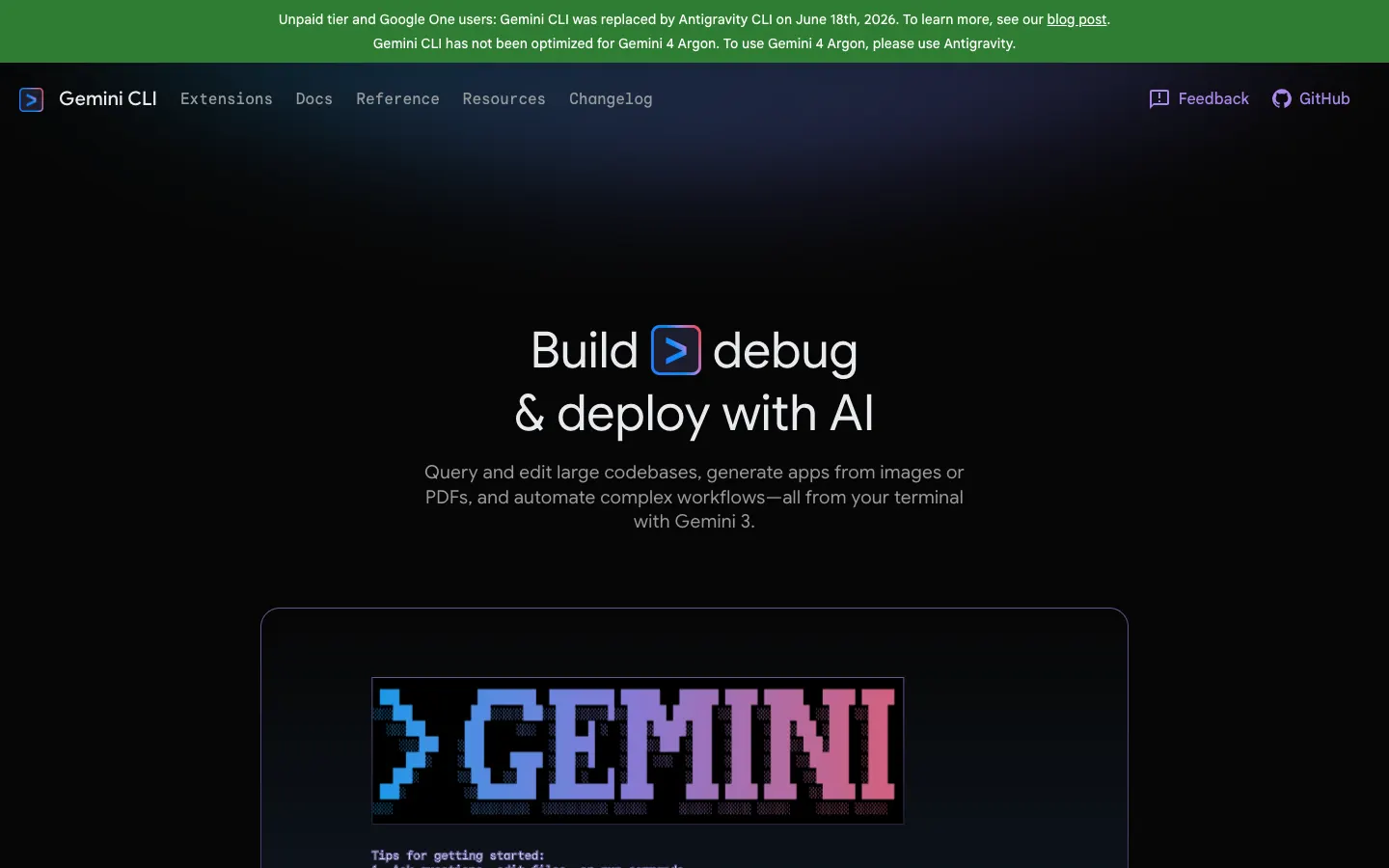
geminicli.com - Connects to Gemini CLI
- Built in
- Captures
- When the model calls save_memory
- Shared with your team
- Repo GEMINI.md through git; the rest per user
Context comes from a hierarchy of GEMINI.md files: a global ~/.gemini/GEMINI.md, then the files in your workspace, its parent directories and its subdirectories. Set context.fileName in settings to have Gemini CLI read AGENTS.md too. The memory tool, save_memory, writes facts into GEMINI.md files when the model decides something is worth keeping; /memory show prints the loaded context, and /memory reload reads the files again after you edit them by hand.
An experimental setting, experimental.autoMemory: true, turns on Auto Memory, which drafts patches to those files, and new skills, into a review inbox in the project for you to go through. A GEMINI.md committed to the repo reaches everyone who clones it. Everything else stays with one user, and none of it knows about Slack, tickets or another agent's sessions.
Strengths
- Free, built in, no account
- Plain Markdown you can read, edit and commit
- Auto Memory proposes edits for review instead of writing silently
Limits
- Saving depends on the model calling save_memory; Auto Memory is still experimental
- Only a committed GEMINI.md reaches teammates
- Nothing from Slack, tickets or other agents' sessions
Built into Gemini CLI · Included with Gemini CLI
Visit geminicli.com ↗ByteRover
Best for: Teams that want a curated, versioned set of Markdown context files with a review step.
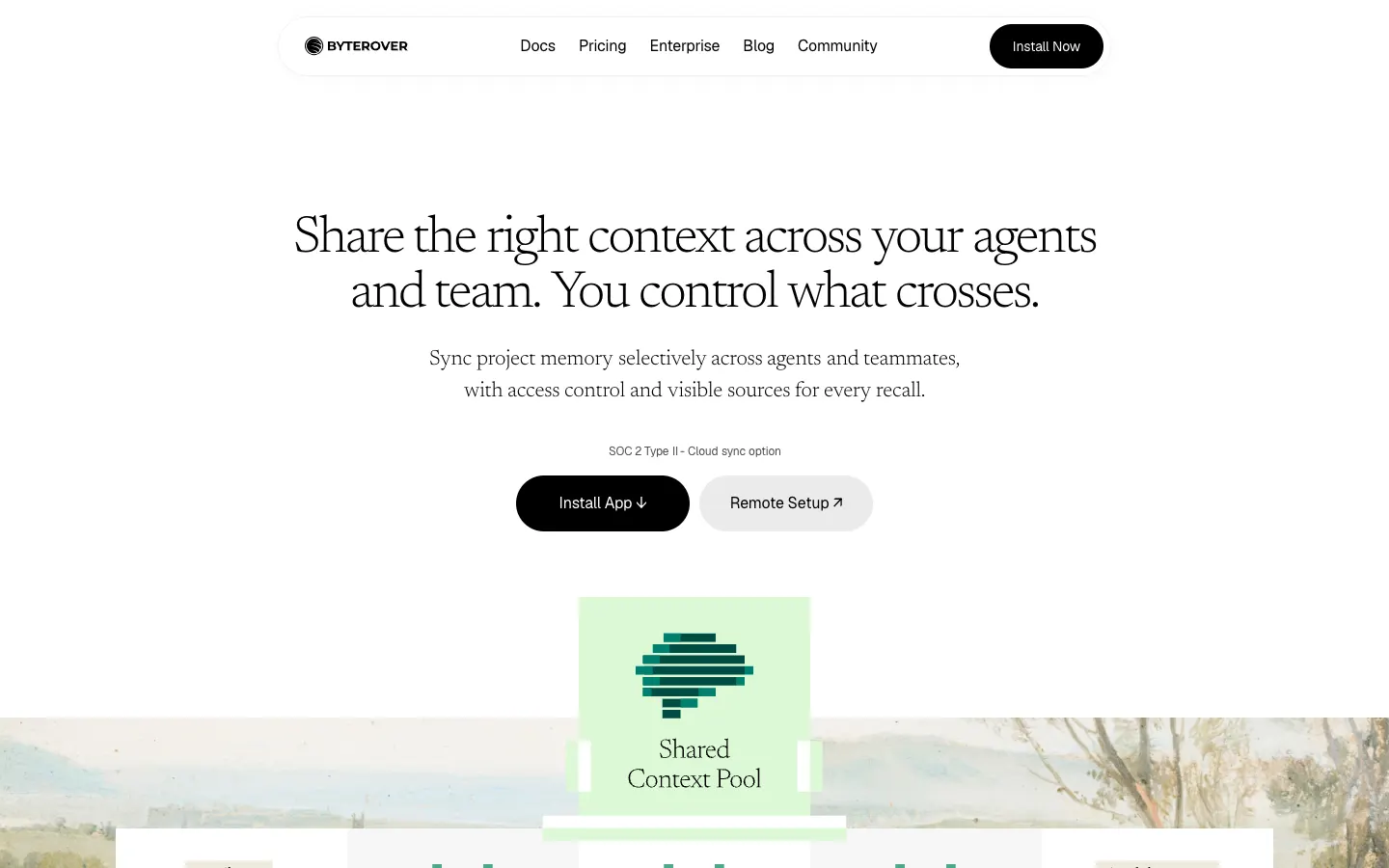
byterover.dev - Connects to Gemini CLI
- Skill installed by the ByteRover desktop app
- Captures
- When you ask the agent to record, then you approve
- Shared with your team
- Private, team and shared spaces
A context tree of Markdown files under .brv/context-tree/, versioned the way git versions code, is what ByteRover keeps. Its desktop app installs a skill into Gemini CLI, and the same app covers Claude Code, Codex, Cursor, OpenCode, GitHub Copilot and Devin (Windsurf), so one tree can serve several agents. The brv CLI works on the same tree from a terminal.
Capture is deliberate: you ask the agent to record something, and a review step lets you approve the change before it enters the tree. Spaces can be private, team or shared. ByteRover is source-available under the Elastic License 2.0 rather than open source; the free tier syncs 100 context files, and Pro starts at 15 a month billed yearly.
Strengths
- Every change passes a review you approve
- Versioned Markdown you can read
- One tree across Gemini CLI and other agents
Limits
- Nothing is saved unless someone asks for it
- Source-available, not open source
Source-available (Elastic License 2.0) · Free tier; Pro from 15/mo billed yearly
Visit byterover.dev ↗Pieces
Best for: Individuals who want recall of their own work across apps, kept on their machine.
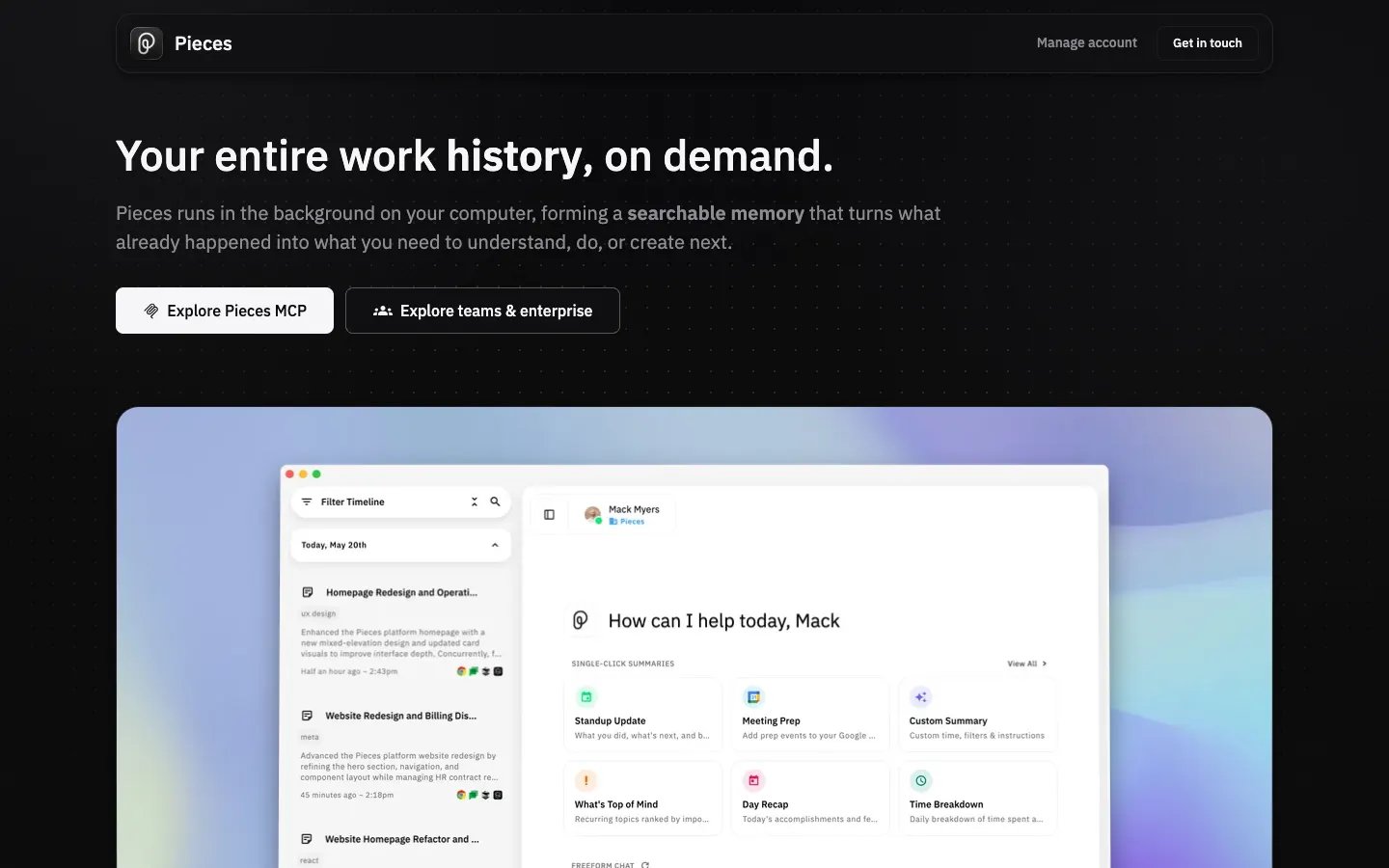
pieces.app - Connects to Gemini CLI
- Local MCP server (PiecesOS)
- Captures
- On-screen work, clipboard and app activity, automatically
- Shared with your team
- Per user, on-device
Pieces records from outside the agent. PiecesOS, its desktop app, captures on-screen work, clipboard contents and app activity on your machine, and Gemini CLI queries that record through a local MCP server with the ask_pieces_ltm tool. Gemini CLI is one of the clients Pieces documents, along with Claude Code, Codex CLI, Cursor, GitHub Copilot and Windsurf.
Because capture doesn't wait for the agent to decide to save, it holds context a GEMINI.md never would, such as what was on screen in other apps. It is also strictly one person's: the data stays on-device and isn't shared with anyone. Pieces is proprietary and costs $18.99 per user a month, with no free plan.
Strengths
- Records without any tool call
- Covers work outside the terminal
- Data stays on your machine
Limits
- No sharing with teammates
- No free plan
Proprietary · Pro $18.99/user/mo, no free plan
Visit pieces.app ↗MemPalace
Best for: Developers who want free, local, verbatim history, with a guide for Antigravity too.
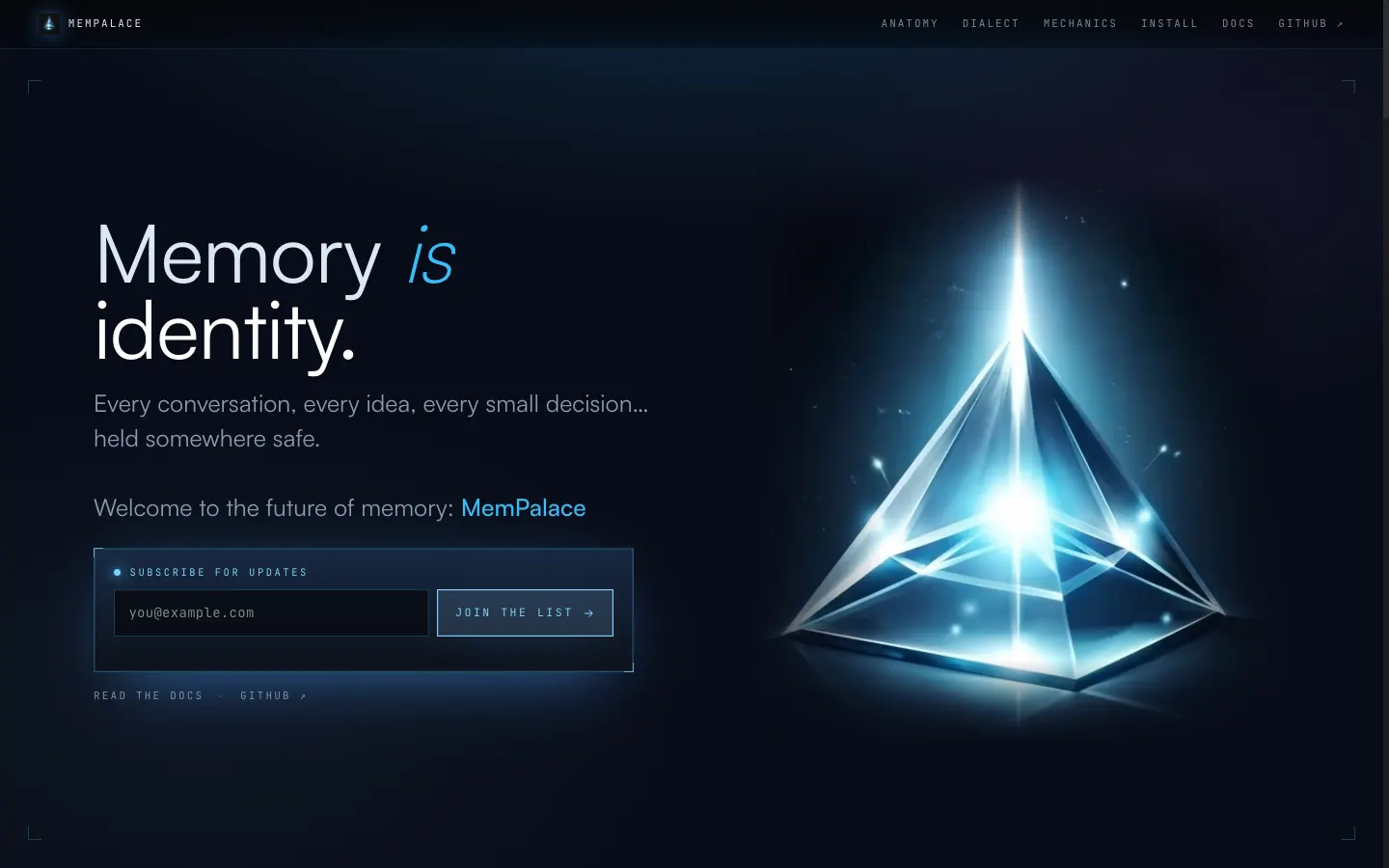
mempalaceofficial.com - Connects to Gemini CLI
- Local MCP server
- Captures
- Through MCP tools in Gemini CLI; auto-save hooks are for other agents
- Shared with your team
- Local, or a shared hub several clients connect to
With about 60,000 GitHub stars, MemPalace stores conversation history verbatim instead of summarizing it, and searches it semantically, with ChromaDB as the default store. It runs locally as an MCP server. The project publishes guides for both Gemini CLI and Antigravity, which matters if part of your team moved off Gemini CLI in June.
Its auto-save hooks cover Claude Code, Codex CLI and Cursor; in Gemini CLI it works through the MCP server alone. You can keep it private on one machine or run a shared hub that several clients connect to. It's MIT-licensed and free.
Strengths
- Free and open source (MIT)
- Keeps the full conversation, not a summary
- Documented for both Gemini CLI and Antigravity
Limits
- No automatic capture in Gemini CLI
- You run and maintain it yourself
Open source (MIT) · Free, runs locally
Visit mempalaceofficial.com ↗Mem0
Best for: Teams already building on Mem0 who want Gemini CLI on the same store.
mem0.ai - Connects to Gemini CLI
- Remote MCP server (generic setup)
- Captures
- When the agent calls a Mem0 tool
- Shared with your team
- Per user, agent, app or run entity
No Gemini CLI setup is documented by Mem0. Its remote MCP server at https://mcp.mem0.ai/mcp signs in through the browser or with a bearer key, and Gemini CLI accepts Streamable HTTP servers under httpUrl, so you can add it as a generic MCP server, working from Mem0's general instructions. Saving then happens only when the agent calls a Mem0 tool.
Mem0 itself is a memory SDK plus a hosted platform. It stores extracted facts in a vector store and scopes them to user, agent, app or run entities; the docs don't describe team sharing. It's Apache 2.0 with about 68,000 GitHub stars. New accounts get a free tier of 10,000 adds and 1,000 retrievals a month, then usage billing or a custom contract, since the Starter, Growth and Pro plans are closed to new sign-ups.
Strengths
- Same store your own app can use
- Open source under Apache 2.0
- Free tier for light use
Limits
- No Gemini CLI guide from Mem0
- Saving depends on tool calls
- No published paid price for new accounts
Open source (Apache 2.0) · Free tier; paid is usage-based or custom
Visit mem0.ai ↗
Set up Glen in Gemini CLI
Glen connects to Gemini CLI as a remote MCP server over Streamable HTTP, signed in with OAuth. You need a Glen account; the free plan covers 15,000 memories with no card. Gemini CLI reads team memory but doesn't record into it, so the memory has to come from your team's other agents and integrations.
1. Add Glen to settings.json
Add a glen entry under mcpServers in ~/.gemini/settings.json. The httpUrl key tells Gemini CLI to use Streamable HTTP.
json{ "mcpServers": { "glen": { "httpUrl": "https://mcp.tryglen.com/mcp" } } }2. Sign in
Start Gemini CLI and run /mcp auth glen, then complete the OAuth sign-in with your Glen account.
text/mcp auth glen3. Give it something to read
Glen fills from teammates' Claude Code, Codex and Cursor sessions, recorded through Glen's plugins, and from integrations one person sets up: Slack, GitHub, tickets, docs and call transcripts. On a machine with one of those agents, this installs the CLI and the plugin.
bashnpx @tryglen/cli@latest install4. Ask about past work
Ask Gemini CLI something the team has already settled. The agent calls glen_search for it; if it doesn't, ask it to check Glen.
Which one should you pick?
For one person still on Gemini CLI, through an enterprise license or a paid API key, the built-in layers go a long way: a project GEMINI.md, the memory tool, and Auto Memory if you'd rather review proposed edits than write them. Pieces adds recall of what happened outside the terminal, and MemPalace adds a free, verbatim local history.
Glen is the pick when Gemini CLI is one agent among several on a team. It won't record your Gemini CLI sessions, so its value there runs the other way: Gemini CLI can ask about what teammates' Claude Code, Codex and Cursor sessions, Slack channels, pull requests and calls already settled, filtered to what you're allowed to see, with reversed decisions left out. If your team is now split between Gemini CLI and Antigravity CLI, check each client's MCP support before standardizing on any of these.
FAQ
- Does Gemini CLI have memory?
- Yes. It loads GEMINI.md files from ~/.gemini/, your workspace, its parent directories and subdirectories at the start of a session, and its memory tool (save_memory) writes new facts into GEMINI.md files. An experimental Auto Memory setting drafts changes for you to review.
- Where does Gemini CLI store memory?
- In GEMINI.md files: a global one at ~/.gemini/GEMINI.md and project ones in the workspace. Run /memory show to see the combined context Gemini CLI loaded, and /memory reload after editing a file by hand.
- Can Gemini CLI read AGENTS.md?
- Yes, if you add it to context.fileName in settings.json. That helps when the same repo is also worked on in Codex or Cursor, which read AGENTS.md.
- What is Auto Memory in Gemini CLI?
- An experimental feature, turned on with experimental.autoMemory: true, that drafts patches to your memory files and new skills into a review inbox in the project. You decide what to keep.
- I lost access to Gemini CLI in June. What happened?
- On 2026-06-18 Gemini CLI stopped serving Google AI Pro and Ultra subscribers and free Code Assist users, who moved to Antigravity CLI. Enterprise licenses and paid API keys still run Gemini CLI. We haven't confirmed whether GEMINI.md files or MCP settings carry over, so check Antigravity CLI's own docs before relying on either.
- Does Glen record my Gemini CLI sessions?
- No. Glen connects to Gemini CLI as a remote MCP server and the agent reads from it with glen_search, but there's no Glen plugin for Gemini CLI, so its sessions aren't captured. Team memory comes from Claude Code, Codex and Cursor sessions and from Slack, GitHub, tickets, docs and calls.