Updated
The best memory for GitHub Copilot in 2026
The best memory for GitHub Copilot is Glen once your team's work runs across more than one repository and more than one agent, and Copilot Memory plus a .github/copilot-instructions.md file if you work alone. Copilot's built-in memory is more team-aware than most: Copilot writes repository facts itself, and everyone with read access to the repo gets them. What it holds stops at that repo and at Copilot, and it expires after 90 days unless an owner changes the window.
Glen adds memory from outside that boundary. It connects to Copilot in VS Code agent mode and in Copilot CLI as a remote MCP server with OAuth, and the agent searches it when a task needs past context. Copilot sessions aren't recorded into Glen, because there's no Glen plugin for Copilot yet; what Copilot reads is what your team's Claude Code, Codex and Cursor sessions, Slack, GitHub, tickets, docs and calls put there. The Copilot cloud agent can't use remote OAuth MCP servers, so Glen doesn't reach it. We compared six options on scope, which parts of Copilot they work in, and how long the memory lasts.
Short answer
- A team on Copilot plus Claude Code, Codex or Cursor, across several repos
- Glen
- Solo, or one team in one repo, on a paid Copilot plan
- Copilot Memory + instructions files
- Context someone reviews before it's kept
- ByteRover
- Notes you also open in Obsidian
- Basic Memory
- Recall of your own activity across apps
- Pieces
GitHub Copilot memory tools at a glance
| # | Tool | Connects via | Captures | Team sharing | Price |
|---|---|---|---|---|---|
| 01 |  GlenOur pick | Remote MCP server (OAuth) in VS Code and Copilot CLI | None from Copilot; reads what other agents and tools recorded | Whole orgOrg-wide, filtered per user at recall | Free for 15,000 memories, no card |
| 02 |  Copilot Memory + instructions filesgithub.com | Built in | Copilot writes memories as it works | Shared spacesRepository facts with everyone who has read access | Copilot Memory on paid Copilot plans |
| 03 |  ByteRoverbyterover.dev | Skill installed by the ByteRover desktop app | On request, with an approval step | Shared spacesPrivate, team and shared spaces | Free tier; Pro from 15/mo billed yearly |
| 04 |  Piecespieces.app | Local MCP server (PiecesOS) | Screen, clipboard and app activity, on-device | One personPer user, on-device | Pro $18.99/user/mo, no free plan |
| 05 |  Mem0mem0.ai | Remote MCP server in VS Code | Tool calls from the agent | Shared spacesPer user, agent, app or run entity | Free tier; paid is usage-based or custom |
| 06 |  Basic Memorybasicmemory.com | MCP server, local or cloud | Notes the agent chooses to write | Shared spacesCloud workspaces with members | Free locally; Cloud $19/mo per workspace |
How we ranked them
- Beyond one repository. Copilot Memory's repository facts stay in the repo they came from. A decision that spans repositories has to be learned again in each one.
- Beyond Copilot. If part of the team works in Claude Code, Codex or Cursor, or a decision was made in Slack or on a call, Copilot Memory never sees it.
- Which parts of Copilot it reaches. VS Code agent mode and Copilot CLI accept remote HTTP MCP servers with OAuth. The cloud agent accepts only servers with static headers, so memory servers that sign in with OAuth don't reach it.
- How recall reaches the model. Copilot ignores the output of its userPromptSubmitted hook, so no third-party tool can inject memory before each prompt. Memory gets to Copilot through instructions files, Copilot Memory, or the agent calling an MCP tool.
- How long it lasts. Copilot Memory expires after 90 days by default, adjustable from 7 to 180. Decisions older than that need to live somewhere else.
The 6 best memory tools for GitHub Copilot
Glen
Our pickBest for: Teams where Copilot is one of several agents and the context spans repos, Slack and tickets.

tryglen.com - Connects to GitHub Copilot
- Remote MCP server (OAuth) in VS Code and Copilot CLI
- Captures
- None from Copilot; reads what other agents and tools recorded
- Shared with your team
- Org-wide, filtered per user at recall
Copilot reaches Glen over MCP: in VS Code agent mode you add it as an HTTP server, and Copilot CLI reads it from ~/.copilot/mcp-config.json. Both sign in with OAuth, then call glen_search when a task needs past context. No memory tool could inject before each prompt here anyway: Copilot discards what its userPromptSubmitted hook returns. The cloud agent is out of reach because it only accepts MCP servers with static headers.
Nothing from a Copilot session is recorded into Glen; there's no Glen plugin for Copilot. The memory comes from the rest of the org: Claude Code, Codex and Cursor sessions captured by Glen's plugins, plus public Slack channels, GitHub, tickets, docs and call transcripts from Fireflies, Fathom and Granola. It isn't bound to one repository. Access control runs per observation when Copilot asks, so Copilot only gets what the signed-in user can already see, and when the team reverses a decision the older one stops surfacing.
Strengths
- Covers every repository the org works in, not one at a time
- Brings in Claude Code, Codex and Cursor sessions, Slack, tickets and calls
- Filtered per observation by what the user can see
- Skills library and artifacts from the same MCP server
Limits
- Copilot sessions aren't recorded; there's no Glen plugin for Copilot yet
- Doesn't work in the Copilot cloud agent
- Hosted only, no self-hosted build
Managed service · Free for 15,000 memories, no card
Set up Glen in GitHub Copilot →Copilot Memory + instructions files
Best for: A team that works mostly in Copilot and mostly in one repository.
github.com - Connects to GitHub Copilot
- Built in
- Captures
- Copilot writes memories as it works
- Shared with your team
- Repository facts with everyone who has read access
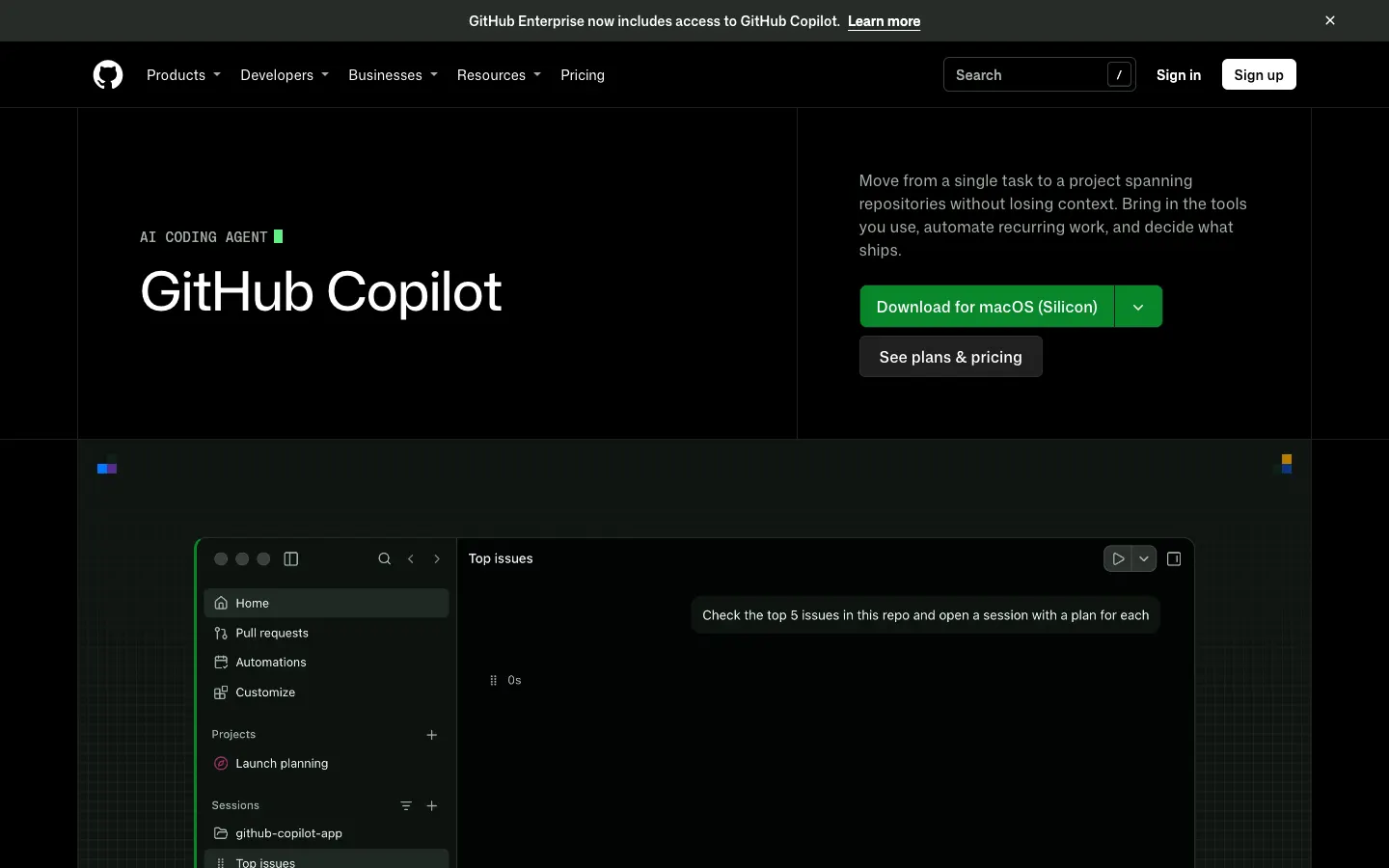
Copilot has two layers. Instructions are files people write: .github/copilot-instructions.md, .github/instructions/*.instructions.md, AGENTS.md, plus personal and organization instructions. Copilot Memory is the part Copilot writes, and it keeps two kinds of memory: repository facts, which every collaborator with read access to the repo gets and which need push permission to create, and user preferences, which follow you from repo to repo.
That sharing model is ahead of most built-in memory, which belongs to one user. The limits are about reach. A repository fact stays in its repository, memories expire after 90 days by default (owners can set 7 to 180), and Copilot Memory only knows what Copilot learned, so a decision made in a Claude Code session, a Slack thread, a ticket or a call isn't in it. It works in the Copilot app, CLI, cloud agent, code review, mobile, Slack and Teams, is off by default in VS Code, and comes with every paid plan.
Strengths
- Repository facts reach every collaborator with read access
- Copilot writes it, so nobody has to maintain it
- Included with every paid Copilot plan
Limits
- Repository facts stay in one repository
- Expires after 90 days by default
- Only learns from Copilot, and is off by default in VS Code
Built into GitHub Copilot · Copilot Memory on paid Copilot plans
Visit github.com ↗ByteRover
Best for: Teams that want curated, versioned context they approve change by change.
byterover.dev - Connects to GitHub Copilot
- Skill installed by the ByteRover desktop app
- Captures
- On request, with an approval step
- Shared with your team
- Private, team and shared spaces
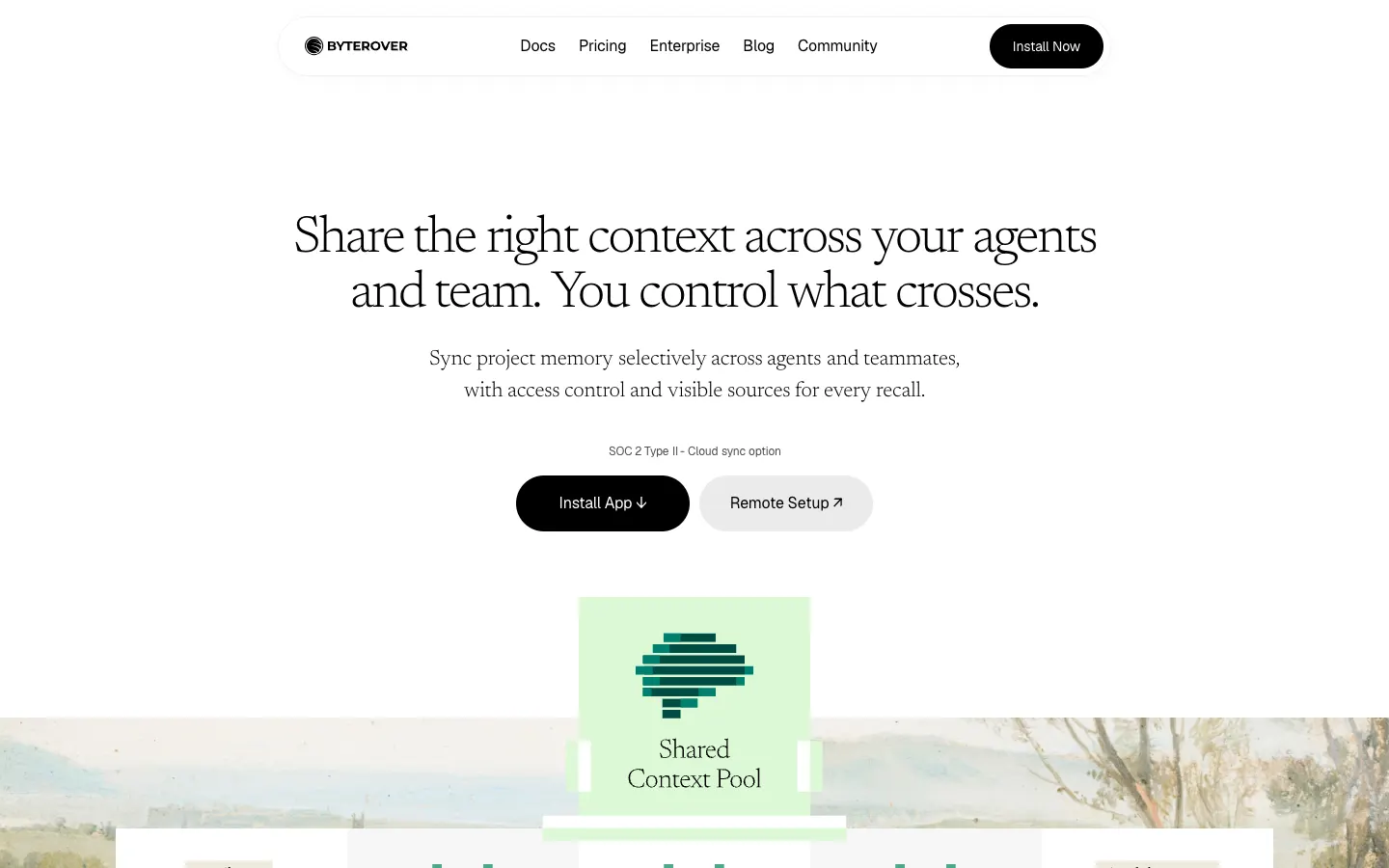
GitHub Copilot is one of the agents ByteRover's desktop app installs a skill into. The skill works against a context tree, Markdown files in .brv/context-tree/ with git-like version history, and the agent adds to it only when you ask it to record something; you approve each change in a review step before it's kept.
On that point it is the opposite of Copilot Memory: nothing is written unless a person decides it should be. Spaces can be private, team or shared, and the same tree is available to the other agents ByteRover installs into, including Claude Code, Codex and Cursor. It's source-available under the Elastic License 2.0, with a free tier of 100 synced context files and Pro from 15 a month billed yearly.
Strengths
- Every change is approved by a person
- One tree shared with Claude Code, Codex and Cursor
- Free tier to start
Limits
- Nothing is captured unless someone asks
- Source-available, not open source
Source-available (Elastic License 2.0) · Free tier; Pro from 15/mo billed yearly
Visit byterover.dev ↗Pieces
Best for: Developers who want Copilot to recall their own activity outside the editor.
pieces.app - Connects to GitHub Copilot
- Local MCP server (PiecesOS)
- Captures
- Screen, clipboard and app activity, on-device
- Shared with your team
- Per user, on-device
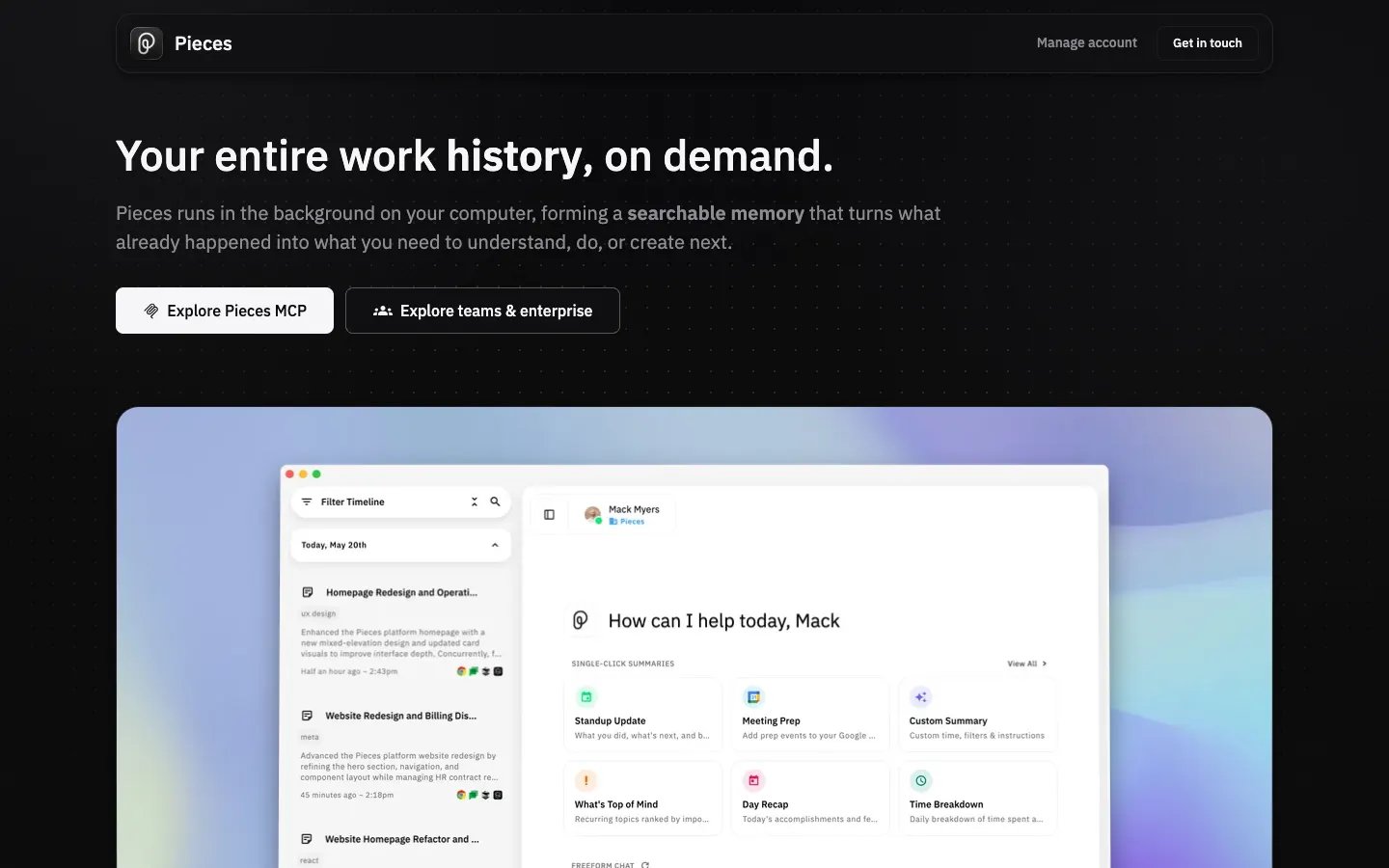
Capture in Pieces happens outside any agent. PiecesOS runs on your machine and records on-screen work, clipboard contents and app activity; GitHub Copilot, which Pieces documents as a client, queries that record through a local MCP server and the ask_pieces_ltm tool.
The trade-off is scope. Everything stays on one device and belongs to one person, so it adds to Copilot Memory's repository facts without giving a team anything shared. Pieces is proprietary and costs $18.99 per user a month, with no free plan.
Strengths
- Records without the agent deciding to save
- Sees work outside VS Code and the terminal
Limits
- One person, one device
- No free plan
Proprietary · Pro $18.99/user/mo, no free plan
Visit pieces.app ↗Mem0
Best for: Teams already building on Mem0 who want Copilot in VS Code on the same store.
mem0.ai - Connects to GitHub Copilot
- Remote MCP server in VS Code
- Captures
- Tool calls from the agent
- Shared with your team
- Per user, agent, app or run entity
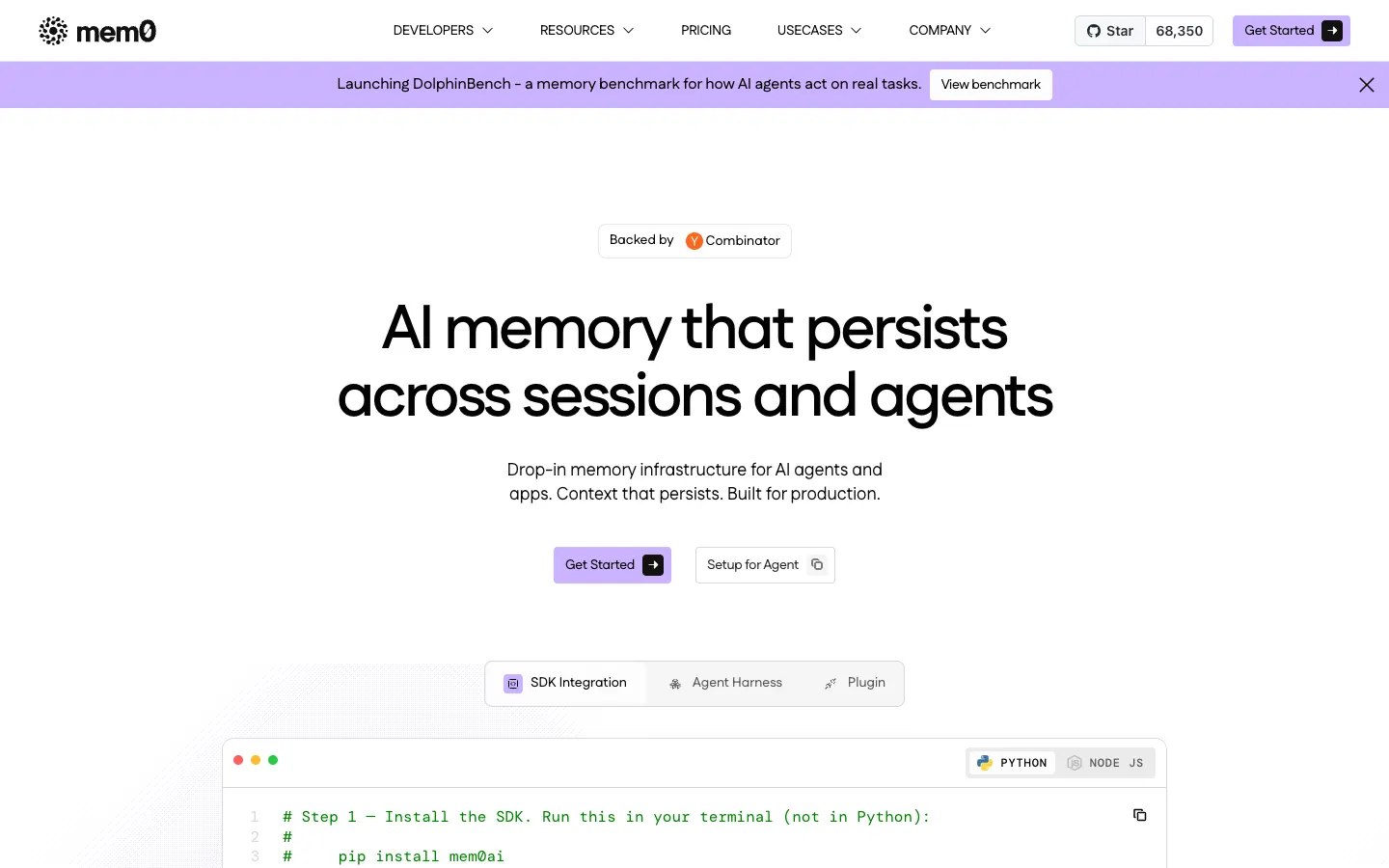
VS Code is one of the clients Mem0 documents for its remote MCP server, which is how Copilot agent mode picks it up. The server lives at https://mcp.mem0.ai/mcp and signs in through the browser or with a bearer key. In Copilot, saving and recall both happen through tool calls, so the agent has to decide to use them.
Behind the server is Mem0's platform, which extracts facts into a vector store and scopes them to user, agent, app or run entities; the docs don't describe team sharing. Mem0 is Apache 2.0 with about 68,000 GitHub stars. New accounts get 10,000 adds and 1,000 retrievals a month free, then usage billing or a custom plan.
Strengths
- Documented VS Code setup
- The same store your own app can call
- Open source under Apache 2.0
Limits
- Team sharing isn't described in the docs
- No published paid price for new accounts
Open source (Apache 2.0) · Free tier; paid is usage-based or custom
Visit mem0.ai ↗Basic Memory
Best for: People who want Copilot's memory as Markdown notes they can open in Obsidian.

basicmemory.com - Connects to GitHub Copilot
- MCP server, local or cloud
- Captures
- Notes the agent chooses to write
- Shared with your team
- Cloud workspaces with members
Notes are the unit in Basic Memory: Markdown files that you and the agent both read and write, compatible with Obsidian. VS Code is one of its documented MCP clients, so Copilot agent mode can use it locally over stdio or against Basic Memory Cloud over HTTPS. Copilot writes notes through MCP tools when it decides something is worth keeping.
Compared with Copilot Memory, you get files you own and can edit, with no expiry window, and a cloud workspace includes two members. The cost is that capture depends on the agent choosing to write. Locally it's free under AGPL-3.0; Cloud is $19 a month per workspace.
Strengths
- Plain files you own, readable in Obsidian
- Free locally
Limits
- Capture depends on the agent choosing to write
- AGPL license can rule it out inside some companies
Open source (AGPL-3.0) · Free locally; Cloud $19/mo per workspace
Visit basicmemory.com ↗
Set up Glen in GitHub Copilot
Glen connects to Copilot in VS Code agent mode and in Copilot CLI as a remote MCP server with OAuth. It doesn't work in the Copilot cloud agent, which only accepts servers with static headers. You need a Glen account; the free plan covers 15,000 memories with no card.
1. Add Glen to Copilot CLI
Add a glen entry with type http to ~/.copilot/mcp-config.json. Copilot CLI supports OAuth for remote HTTP servers, so you sign in with your Glen account instead of pasting a key.
json{ "mcpServers": { "glen": { "type": "http", "url": "https://mcp.tryglen.com/mcp" } } }2. Or add it in VS Code
Use VS Code's MCP server settings to add an HTTP server named glen with the URL https://mcp.tryglen.com/mcp, and sign in when asked. Copilot can then call it in agent mode.
3. Record from the agents Glen has plugins for
Glen fills from Claude Code, Codex and Cursor sessions and from integrations one person sets up once: Slack, GitHub, tickets, docs and calls. On a machine with one of those agents, this installs the CLI and the plugin.
bashnpx @tryglen/cli@latest install4. Ask Copilot
In agent mode or Copilot CLI, ask about something the team settled outside this repo. Copilot calls glen_search; mention Glen in the prompt if it doesn't.
Which one should you pick?
Start with what you're already paying for. Copilot Memory comes with every paid plan, shares repository facts with everyone who can read the repo, and together with a .github/copilot-instructions.md file it covers a team that lives in Copilot and in one repository. Turn it on in VS Code, where it's off by default.
Glen is worth adding when the context Copilot needs was produced somewhere Copilot Memory can't see: another repository, a teammate's Claude Code or Codex session, a Slack thread, a ticket, a call. Through MCP in VS Code and Copilot CLI, Copilot can search all of it, filtered to what the user is allowed to see, with reversed decisions left out. Copilot's own sessions won't feed into Glen until there's a Glen plugin for Copilot, so the more of your team's work happens in Claude Code, Codex or Cursor, the more Copilot has to find.
FAQ
- Does GitHub Copilot have memory?
- Yes. Copilot Memory, on every paid plan, lets Copilot write down repository facts and your preferences as it works. The Copilot app, CLI, cloud agent, code review, mobile, Slack and Teams use it; it's off by default in VS Code. Instructions files are a separate layer that people write.
- Are Copilot memories shared with my team?
- Repository facts are: anyone with read access to the repo gets them, and creating them needs push permission. User preferences follow only you. Neither crosses into other repositories.
- How long does Copilot Memory keep things?
- 90 days by default. Owners can set the expiry anywhere from 7 to 180 days.
- What's the difference between copilot-instructions.md and Copilot Memory?
- You write .github/copilot-instructions.md, along with .github/instructions/*.instructions.md, AGENTS.md and personal or organization instructions. Copilot writes Copilot Memory itself, and those memories expire, after 90 days by default.
- Can the Copilot cloud agent use Glen?
- No. The cloud agent only accepts MCP servers configured with static headers, not remote servers that sign in with OAuth. Glen works in VS Code agent mode and Copilot CLI.
- Does Glen record my Copilot sessions?
- No. Copilot reads from Glen through glen_search, but there's no Glen plugin for Copilot, so its sessions aren't captured. Copilot also ignores the output of its userPromptSubmitted hook, so memory can't be injected before each prompt the way Glen does it in Claude Code.