Updated
The best memory for Windsurf in 2026
The best memory for Windsurf (now Devin Desktop) is Glen for a team, and plain rules files, AGENTS.md and .devin/rules/, for someone working alone. The memory feature Windsurf users knew is gone. Windsurf was renamed Devin Desktop on 2026-06-02 (v3.0.12), and on 2026-09-08 (v3.9.19) Cascade was removed, taking Cascade Memories with it. Devin Local is the agent now, and a migration wizard moved hooks, workflows and memories into the new setup.
We couldn't confirm whether Devin Local keeps memories between sessions. Devin's cloud product has Devin Memory, which is personal and not shared with teammates, and it isn't confirmed to apply to Desktop. What Devin Desktop clearly reads are rules files and MCP servers, so every option below is one or the other. Glen connects as a remote MCP server with OAuth: Devin Local calls glen_search to read the team's memory, but Devin Desktop sessions aren't recorded into it, since there's no Glen plugin for Devin Desktop yet.
Short answer
- A team, especially one also using Claude Code, Codex or Cursor
- Glen
- Solo, replacing Cascade Memories with nothing new to install
- Devin Desktop rules
- A memory API you also call from your own product
- Mem0 or Supermemory
- Curated Markdown context with an approval step
- ByteRover
Windsurf memory tools at a glance
| # | Tool | Connects via | Captures | Team sharing | Price |
|---|---|---|---|---|---|
| 01 |  GlenOur pick | Remote MCP server (OAuth) | None from Devin Desktop; reads what other agents and tools recorded | Whole orgOrg-wide, filtered per user at recall | Free for 15,000 memories, no card |
| 02 |  Devin Desktop rulesdevin.ai | Built in | Whatever you write into rules files | Repo filesRepo files through git; ~/.devin/rules/ per user | Included with Devin Desktop |
| 03 |  Mem0mem0.ai | Remote MCP server | Tool calls from the agent | Shared spacesPer user, agent, app or run entity | Free tier; paid is usage-based or custom |
| 04 |  ByteRoverbyterover.dev | Skill installed by the ByteRover desktop app | On request, approved in a review step | Shared spacesPrivate, team and shared spaces | Free tier; Pro from 15/mo billed yearly |
| 05 |  Piecespieces.app | Local MCP server (PiecesOS) | Screen, clipboard and app activity, automatically | One personPer user, on-device | Pro $18.99/user/mo, no free plan |
| 06 |  Supermemorysupermemory.ai | Remote MCP server (OAuth) | When the agent calls add_memory | Shared spacesPer-repo containers; orgs with scoped API keys | Free with $5 credit; Pro $19/mo |
How we ranked them
- Doesn't depend on Cascade. Anything built on Cascade Memories stopped working on 2026-09-08. We only list options that run through what Devin Desktop reads now: rules files and MCP servers.
- Shared through the repo. Devin Desktop reads AGENTS.md and a shared .devin/mcp_config.json from the repo, so one commit can give every teammate the same rules and the same memory server. We checked whether the memory behind that server is shared too, or kept per user.
- Records without a save call. Over MCP, a memory server only saves when the agent calls one of its tools. We noted which options record anything on their own.
- Setup and price. Which config file it goes in, how it signs in, and the first paid tier from each vendor's own pricing page as of November 2026.
The 6 best memory tools for Windsurf
Glen
Our pickBest for: Teams moving off Cascade Memories who want memory that isn't tied to one person or one editor.

tryglen.com - Connects to Windsurf
- Remote MCP server (OAuth)
- Captures
- None from Devin Desktop; reads what other agents and tools recorded
- Shared with your team
- Org-wide, filtered per user at recall
A committed .devin/mcp_config.json is the team route: everyone who opens the repo gets the Glen entry, and each person signs in with their own Glen account over OAuth, so recall is scoped to them. For yourself alone it goes in ~/.config/devin/mcp_config.json. Devin Local then calls glen_search when it needs context. Devin Desktop's UserPromptSubmit hook can add context to a prompt, but Glen has no Devin Desktop plugin yet, so for now recall is on request and Devin Desktop sessions aren't recorded.
The memory comes from the rest of the team's work: Claude Code, Codex and Cursor sessions captured through Glen's plugins, public Slack channels, GitHub, tickets, docs, and call transcripts from Fireflies, Fathom and Granola. It belongs to the org, not one user. Access control runs per observation at recall, so each person's agent sees only what that person is cleared to see, and decisions the team has since reversed stop surfacing.
Strengths
- One committed .devin/mcp_config.json gives the whole team the same memory server
- Reads Claude Code, Codex and Cursor sessions, Slack, GitHub, tickets and calls
- Access control per observation at recall; reversed decisions stop surfacing
- Skills and artifacts from the same server
Limits
- Devin Desktop sessions aren't recorded; no Glen plugin for it yet
- Recall only when Devin Local calls glen_search
- Hosted only, no self-hosted build
Managed service · Free for 15,000 memories, no card
Set up Glen in Windsurf →Devin Desktop rules
Best for: One developer replacing Cascade Memories with files they control.
devin.ai - Connects to Windsurf
- Built in
- Captures
- Whatever you write into rules files
- Shared with your team
- Repo files through git; ~/.devin/rules/ per user
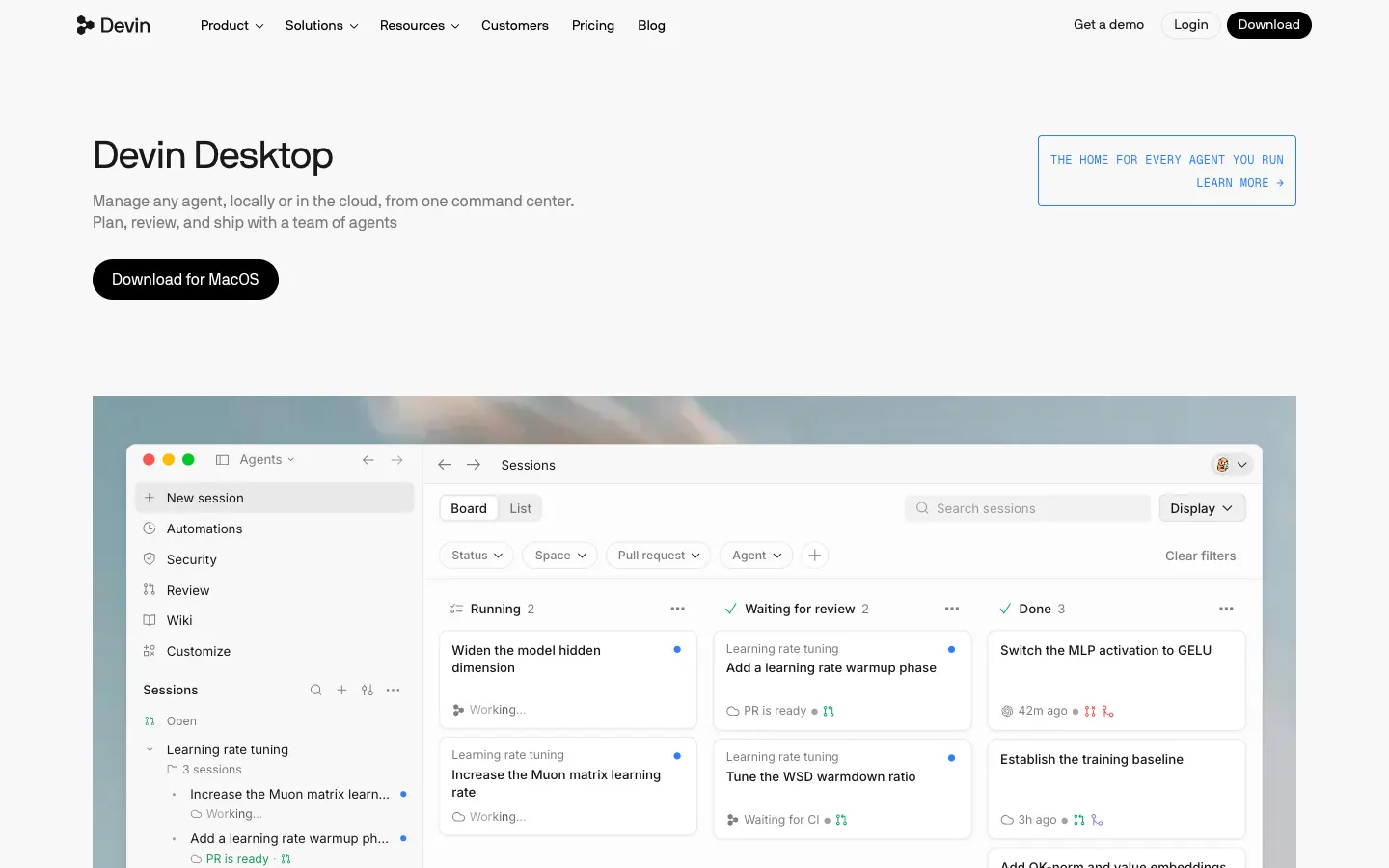
Rules load from several places: AGENTS.md, AGENTS.local.md, .devin/rules/*.md, .devin/global_rules.md, and ~/.devin/rules/ for rules that follow you across projects. Older .windsurf/rules/ folders and .windsurfrules files are still read, so a repo set up in the Windsurf days keeps its rules without moving anything.
Rules only hold what someone wrote, and nothing updates them as you work. With Cascade Memories gone and Devin Local's memory between sessions unconfirmed, they're the dependable layer for one person, and the committed ones reach teammates through git. The migration wizard moved existing memories into the new setup, so check what it carried over before rewriting anything by hand.
Strengths
- Free and built in
- Legacy .windsurfrules and .windsurf/rules/ still load
- Committed rules reach every teammate through git
Limits
- Nothing is learned automatically; someone writes each rule
- Rules in ~/.devin/rules/ stay on one machine
- Nothing from Slack, tickets or other agents' sessions
Built into Devin Desktop · Included with Devin Desktop
Visit devin.ai ↗Mem0
Best for: Teams already on Mem0 who want Devin Desktop to read the same store.
mem0.ai - Connects to Windsurf
- Remote MCP server
- Captures
- Tool calls from the agent
- Shared with your team
- Per user, agent, app or run entity
Windsurf is one of the clients Mem0 documents for its remote MCP server at https://mcp.mem0.ai/mcp, which signs in through the browser or with a bearer key. The guide uses the Windsurf name; in Devin Desktop the server goes in mcp_config.json like any other. Memories are saved and recalled through tool calls, so Devin Local has to decide to use them.
Mem0 extracts facts into a vector store and scopes them to user, agent, app or run entities; its docs don't describe team sharing. It's Apache 2.0 with about 68,000 GitHub stars. New accounts start on a free tier of 10,000 adds and 1,000 retrievals a month, then move to usage billing or a custom plan, since Starter, Growth and Pro are closed to new sign-ups.
Strengths
- Documented MCP setup for Windsurf
- The same store your own app can call
- Open source under Apache 2.0
Limits
- Saving depends on the agent calling a tool
- No published paid price for new accounts
Open source (Apache 2.0) · Free tier; paid is usage-based or custom
Visit mem0.ai ↗ByteRover
Best for: Teams that want reviewed, versioned context across Devin Desktop and other agents.
byterover.dev - Connects to Windsurf
- Skill installed by the ByteRover desktop app
- Captures
- On request, approved in a review step
- Shared with your team
- Private, team and shared spaces
Of the tools here, ByteRover is the only one whose docs use the new name: its desktop app lists Devin (Windsurf) among the agents it installs a skill into. The skill reads and writes a context tree, Markdown files in .brv/context-tree/ with git-like versioning, and the brv CLI works on the same tree.
Nothing goes in until someone asks the agent to record it and approves the change in a review step, so what's in the tree is what someone chose to keep. Spaces can be private, team or shared. ByteRover is source-available under the Elastic License 2.0; the free tier syncs 100 context files, and Pro starts at 15 a month billed yearly.
Strengths
- Names Devin (Windsurf) as a supported agent
- Every change passes a review
- Team and shared spaces
Limits
- Nothing is captured unless someone asks
- Source-available, not open source
Source-available (Elastic License 2.0) · Free tier; Pro from 15/mo billed yearly
Visit byterover.dev ↗Pieces
Best for: Individuals who want recall of their own work across apps, kept on-device.
pieces.app - Connects to Windsurf
- Local MCP server (PiecesOS)
- Captures
- Screen, clipboard and app activity, automatically
- Shared with your team
- Per user, on-device
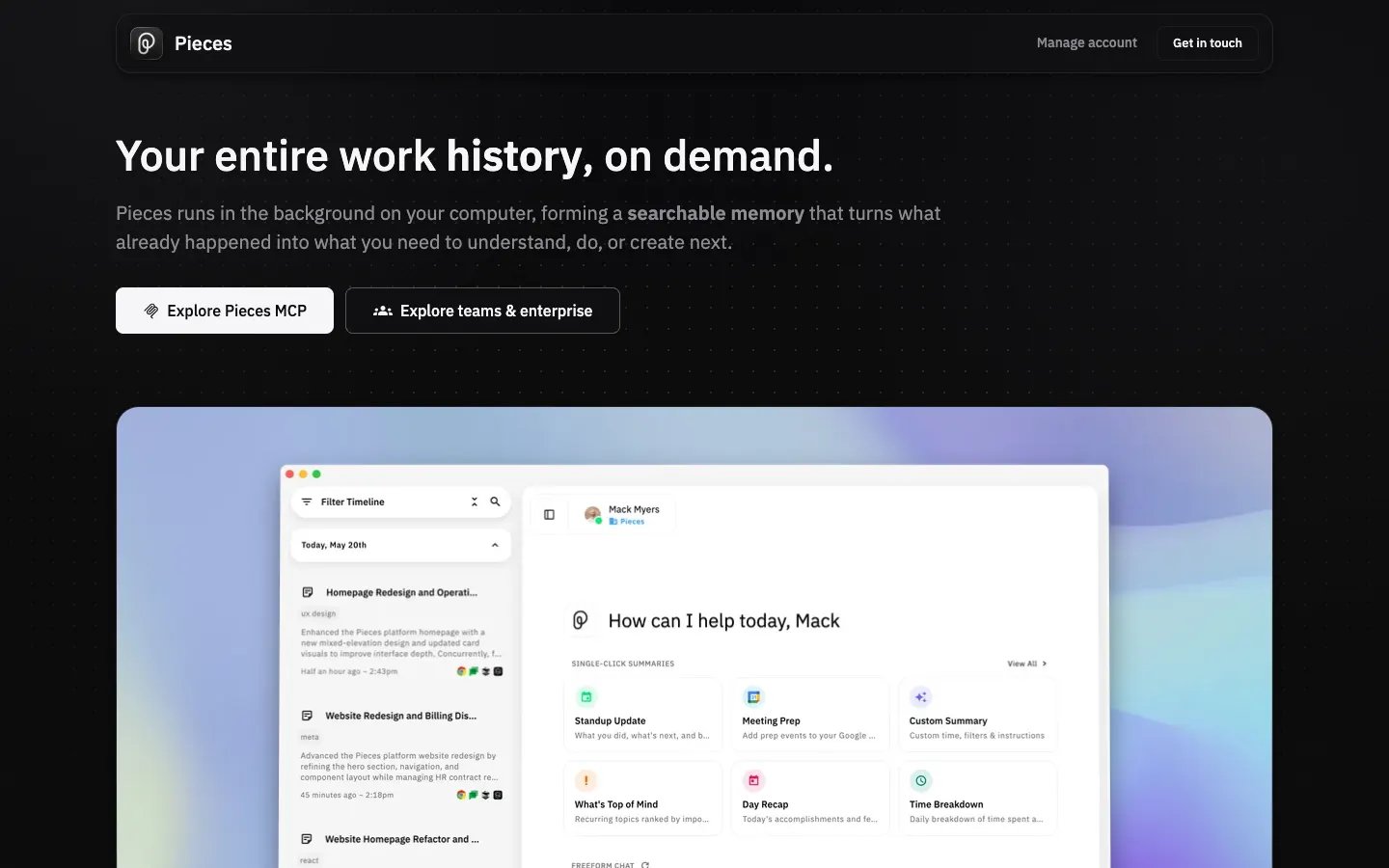
Recording happens outside the editor: PiecesOS captures on-screen work, clipboard contents and app activity on your machine and keeps it there. Devin Local reaches it through a local MCP server and the ask_pieces_ltm tool; Pieces documents the setup under the Windsurf name.
Within Devin Desktop it's the one option here that records without a tool call, which counts for more now that Cascade Memories no longer records anything. It's also the most personal: nothing leaves the device or reaches a teammate. Pieces is proprietary and costs $18.99 per user a month; there's no free plan.
Strengths
- Records without the agent deciding to save
- Covers work outside the editor
Limits
- One person, one device
- No free plan
Proprietary · Pro $18.99/user/mo, no free plan
Visit pieces.app ↗Supermemory
Best for: Developers who want one memory API for their agents and their own app.
supermemory.ai - Connects to Windsurf
- Remote MCP server (OAuth)
- Captures
- When the agent calls add_memory
- Shared with your team
- Per-repo containers; orgs with scoped API keys
Over MCP, Supermemory signs in with OAuth at https://mcp.supermemory.ai/mcp, and its README names Windsurf among the clients. Its plugins, which save on Stop and recall on UserPromptSubmit, exist for Claude Code, Cursor, Codex and OpenCode but not Devin Desktop, so here capture happens only when the agent calls add_memory.
The reason to pick it is the API: what Devin Local writes lands in the same service you can call from a product you're building. The plugins default to a per-repo container shared across Claude Code, Codex and OpenCode, and organizations can add members with scoped API keys. The core is MIT-licensed and can be self-hosted with Docker. New accounts get $5 of free credit; Pro is $19 a month with three seats.
Strengths
- OAuth sign-in, no key to paste
- Same API for your agents and your own app
- Open source with a Docker self-host option
Limits
- No Devin Desktop plugin, so no automatic capture
- Usage is metered in credits
Open source (MIT) · Free with $5 credit; Pro $19/mo
Visit supermemory.ai ↗
Set up Glen in Windsurf
Glen connects to Devin Desktop as a remote MCP server with OAuth. You need a Glen account; the free plan covers 15,000 memories with no card. Devin Desktop reads Glen but doesn't record into it, so the memory comes from your team's other agents and integrations.
1. Add Glen as an MCP server
With the Devin CLI installed (Devin Local reads the same config), run devin mcp add with -s project to commit the entry to .devin/mcp_config.json for the whole team, or -s user to keep it in ~/.config/devin/mcp_config.json. Or add the JSON below to either file yourself. The entry holds no credentials, since each person signs in on their own.
bashdevin mcp add -s project glen https://mcp.tryglen.com/mcp2. Or edit mcp_config.json
The same entry by hand. A URL tells Devin it's a Streamable HTTP server.
json{ "mcpServers": { "glen": { "url": "https://mcp.tryglen.com/mcp" } } }3. Sign in
Devin opens a browser sign-in the first time it connects. Use your Glen account; recall is filtered by what that account can see. If the token expires, the server shows Needs authentication under Customize > MCPs, and Authenticate signs you in again.
4. Record from Claude Code, Codex or Cursor
Glen fills from teammates' sessions in those agents and from integrations one person sets up once: Slack, GitHub, tickets, docs and calls. On a machine with one of those agents, this installs the CLI and the plugin.
bashnpx @tryglen/cli@latest install
Which one should you pick?
If Cascade Memories disappearing is what brought you here and you work alone, move what you relied on into rules files. AGENTS.md and .devin/rules/ load in every session, your old .windsurfrules still works, and the migration wizard already moved existing memories into the new setup. Add Pieces if you want something that records your own activity without being asked.
For a team, Glen fits the way Devin Desktop already shares configuration: commit one .devin/mcp_config.json and every teammate's Devin Local can search the same org memory, each filtered to what that person may see, with reversed decisions left out. What it searches comes from Claude Code, Codex and Cursor sessions, Slack, GitHub, tickets and calls. On Codex, where Glen's plugin runs, replaying 100 merged PRs with Codex 5.5 took 29% fewer tokens and reached a merged change 21% faster with Glen; Devin Desktop only gets recall on request, so treat that as a Codex result.
FAQ
- What happened to Windsurf Memories?
- Cascade Memories were removed along with Cascade on 2026-09-08, in v3.9.19. Windsurf had already been renamed Devin Desktop on 2026-06-02, and its agent is now Devin Local.
- Is Windsurf the same as Devin Desktop?
- Yes. Windsurf became Devin Desktop on 2026-06-02 with v3.0.12. Existing .windsurf/rules/ folders and .windsurfrules files are still read.
- Where did my old Windsurf memories go?
- A migration wizard moved hooks, workflows and memories into the Devin Desktop setup. We couldn't confirm whether Devin Local keeps adding memories between sessions, so put anything you need it to remember in rules files.
- Is Devin Memory shared with my team?
- Devin Memory in Devin's cloud product is personal and not shared with teammates, and it isn't confirmed to apply to Devin Desktop. Shared context in Devin Desktop comes from committed files (AGENTS.md, .devin/rules/) or an MCP server like Glen.
- Where does Devin Desktop keep its MCP config?
- In ~/.config/devin/mcp_config.json for your own servers and in .devin/mcp_config.json in a repo for shared ones. It supports stdio, Streamable HTTP and SSE servers, with OAuth.
- Does Glen record Devin Desktop sessions?
- No. Devin Local reads Glen through glen_search, but there's no Glen plugin for Devin Desktop yet, so its sessions aren't captured. Team memory comes from Claude Code, Codex and Cursor sessions plus Slack, GitHub, tickets, docs and calls.