Updated
The best memory for Claude in 2026
The best memory for Claude is Glen if you want your team's engineering memory inside claude.ai, Claude Desktop or the mobile app, and Claude's own memory and chat search if you use Claude on your own. This page covers the Claude chat apps; Claude Code is a separate product with its own memory and its own page.
Claude's built-in memory belongs to one person. Generate memory from chats is on by default for Free, Pro and Max, and off by default for Team and Enterprise members, where org owners control it. Search and reference chats, which lets Claude look up earlier conversations, is on paid plans only. Admins can't view what it holds about a member, and no one else's Claude reads it. Glen adds a custom connector that lets Claude search what the rest of your team has recorded through Claude Code, Codex and Cursor sessions, Slack, GitHub, tickets and calls. It doesn't record your Claude chats. We compared six options that work in the Claude apps on how they connect, who else can read the memory, what writes to it, and what they cost.
Short answer
- A team whose engineers run coding agents and also use Claude chat
- Glen
- Just you, on any plan
- Claude memory and chat search
- A Claude Team or Enterprise org wanting a shared graph its admins govern
- Zep
- Memory you also call from your own product
- Supermemory or Mem0
- Notes kept as Markdown you open in Obsidian
- Basic Memory
Claude memory tools at a glance
| # | Tool | Connects via | Captures | Team sharing | Price |
|---|---|---|---|---|---|
| 01 |  GlenOur pick | Custom connector (remote MCP, OAuth) | None from Claude chats; writes through tools you approve | Whole orgOrg-wide, filtered per user at recall | Free for 15,000 memories, no card |
| 02 |  Claude memory and chat searchclaude.com | Built in | Generates memory from your chats | One personOne person; admins can't view it | Included with Claude; chat search on paid plans |
| 03 |  Supermemorysupermemory.ai | Custom connector or Chrome extension | add_memory tool calls; extension suggests while you type | Shared spacesPer container; orgs with scoped API keys | Free with $5 credit; Pro $19/mo |
| 04 |  Zepgetzep.com | Zep Context plugin from the org marketplace | Tool calls guided by a skill | Shared spacesShared graphs with group-based (ABAC) policies | Free tier; Flex $125/mo |
| 05 |  Mem0mem0.ai | Remote MCP | Tool calls | Shared spacesPer user, agent or app entity | Free tier; paid is usage-based or custom |
| 06 |  Basic Memorybasicmemory.com | MCP, local or Basic Memory Cloud | Notes Claude writes | Shared spacesCloud workspaces with members | Free locally; Cloud $19/mo per workspace |
How we ranked them
- Works as a custom connector. Custom connectors run from Anthropic's cloud, not from your computer, so a memory server needs a public HTTPS URL to work in claude.ai or on mobile. Every plan can add custom connectors; Free is limited to one.
- Who else can read it. Claude's memory is per person and hidden from admins. We checked whether a tool lets a teammate's work reach your chat, and whether that access is filtered by who is allowed to see what.
- What gets written. The Claude apps have no hooks, so no connector can record a chat by itself. Memory changes when Claude calls a tool that writes, which puts the weight on what those tools are and who approves them.
- Fits your plan. On Free, a memory tool takes the only custom connector slot. Team and Enterprise orgs also have an org marketplace, which Zep uses to ship its plugin.
- Price. The free tier and first paid tier from each vendor's own pricing page, as of November 2026.
The 6 best memory tools for Claude
Glen
Our pickBest for: Teams that want their coding agents' history, Slack threads and GitHub answerable from a Claude chat.
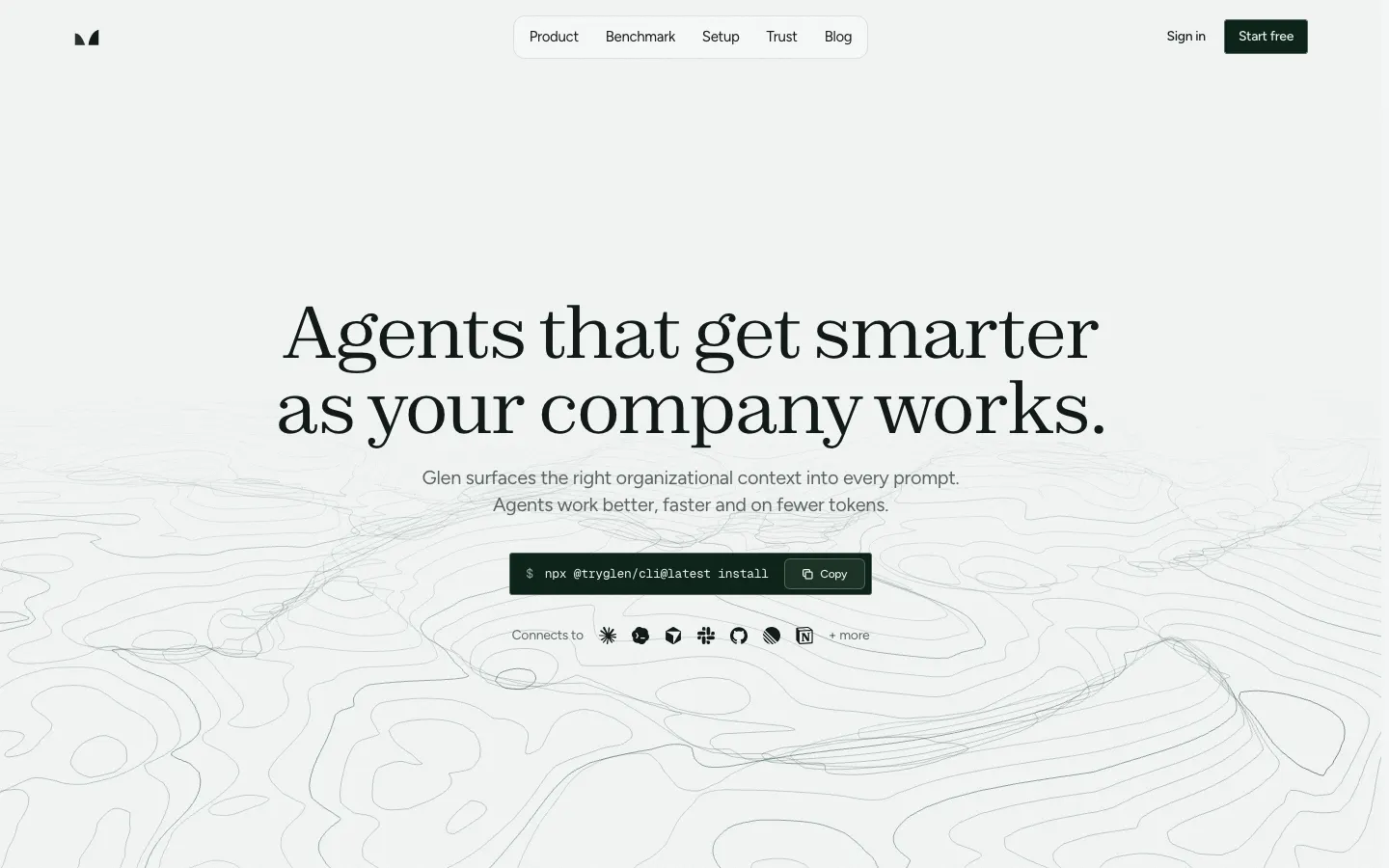
tryglen.com - Connects to Claude
- Custom connector (remote MCP, OAuth)
- Captures
- None from Claude chats; writes through tools you approve
- Shared with your team
- Org-wide, filtered per user at recall
Glen reaches Claude as a custom connector, added at claude.ai/customize/connectors with Glen's remote MCP URL and an OAuth sign-in, and it works in claude.ai, Claude Desktop and the mobile app. Claude can then call glen_search when a question needs team history, glen_code_search to find the agent conversation behind a line of code, and glen_skill_search or glen_artifact_search to pull up a saved skill or document. Claude decides when to call them, or you ask. There is no injection before each prompt, because the Claude apps have no hooks.
What Claude searches is memory your team built elsewhere: every turn of every engineer's Claude Code, Codex and Cursor sessions, plus public Slack channels, GitHub, tickets, docs and call transcripts from Fireflies, Fathom or Granola. Results are filtered per observation by what you are already cleared to see, and a decision the team has reversed stops surfacing. Glen does not record Claude chats. The only writes come from tools you approve, such as saving an artifact or a skill, importing a conversation, or glen_forget.
Strengths
- Teammates' coding-agent history and Slack decisions, one question away in Claude
- Filtered per observation, so a chat can't read past your permissions
- Hosted, so it works from claude.ai and mobile with no local server
- Same skills and artifacts library your coding agents use
Limits
- Doesn't record Claude chats or learn your personal preferences
- On Free, it takes the plan's only custom connector
- Recall depends on Claude calling the tool
Managed service · Free for 15,000 memories, no card
Set up Glen in Claude →Claude memory and chat search
Best for: Anyone using Claude on their own who wants it to carry context between chats.
claude.com - Connects to Claude
- Built in
- Captures
- Generates memory from your chats
- Shared with your team
- One person; admins can't view it
Claude has two features here. Generate memory from chats builds a memory from your conversations; it is on by default on Free, Pro and Max, and off by default for Team and Enterprise members, where org owners control it. Search and reference chats lets Claude look up earlier conversations, on paid plans only. Each project keeps its own memory, with a Use account memory option to bring in your general one, incognito chats are left out, and import and export are available as an experimental feature.
For a single person this is where to start, and on Free, Pro or Max it is already running. It stays with that person. A teammate's Claude doesn't read it, admins can't view it, and it holds nothing from your code, tickets or Slack unless you bring it into a chat.
Strengths
- On by default on Free, Pro and Max
- Per-project memory keeps separate work apart
- Incognito chats stay out of memory
Limits
- Per person, with no team layer
- Chat search needs a paid plan
- Nothing from coding agents, Slack or GitHub
Built into Claude · Included with Claude; chat search on paid plans
Visit claude.com ↗Supermemory
Best for: People who use Claude alongside ChatGPT, Gemini or Grok and want one memory across them.
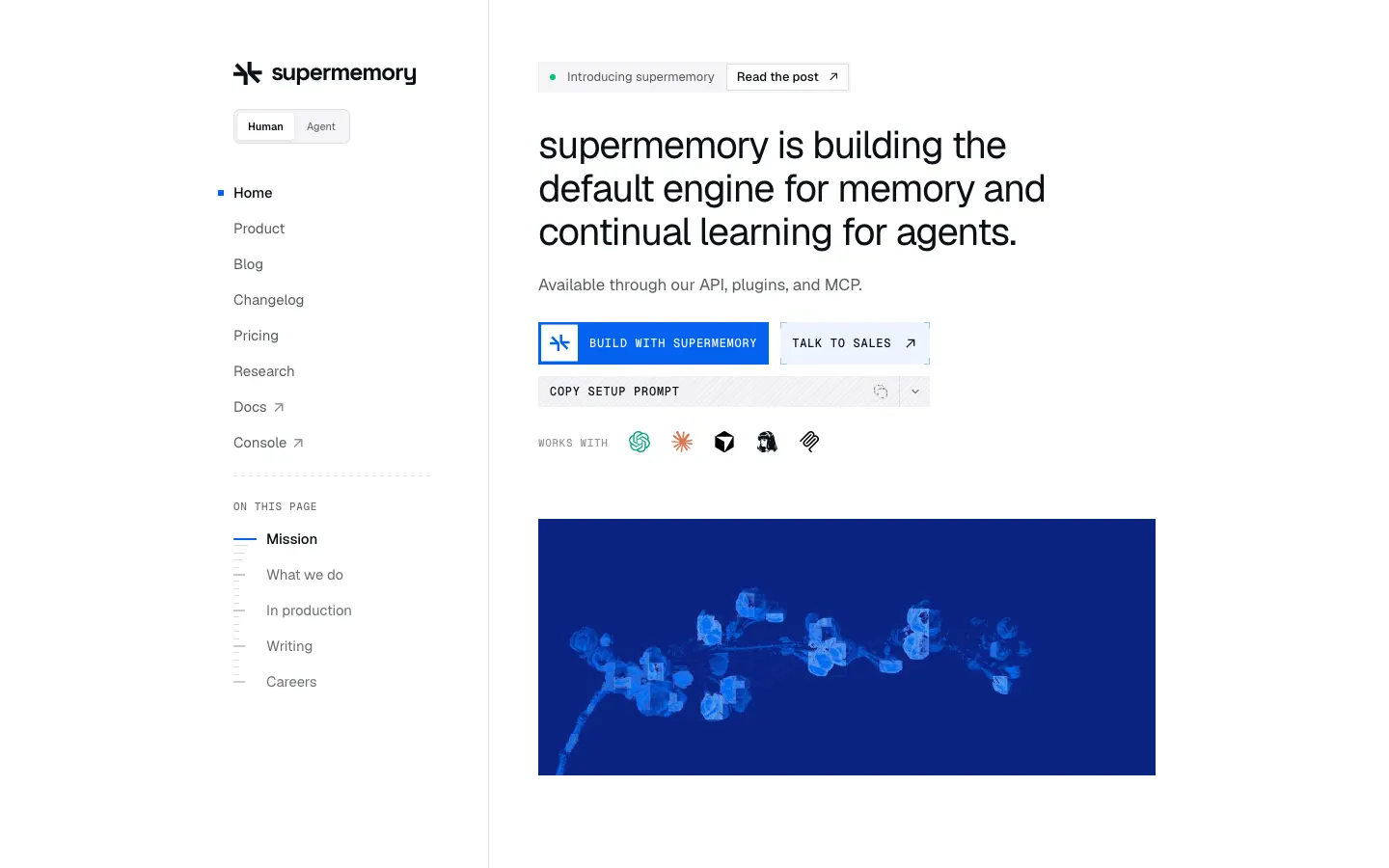
supermemory.ai - Connects to Claude
- Custom connector or Chrome extension
- Captures
- add_memory tool calls; extension suggests while you type
- Shared with your team
- Per container; orgs with scoped API keys
Supermemory documents adding its remote MCP server, mcp.supermemory.ai with OAuth, through Claude's Settings > Connectors. Over MCP, memories are written only when Claude calls add_memory. The Chrome extension adds two things in the browser: it imports the memories you already have in Claude, ChatGPT, Grok or Gemini, and it suggests saved context while you type in Claude and Gemini.
Behind both is the hosted memory API that also runs Supermemory's coding plugins for Claude Code, Cursor, Codex and OpenCode, and that you can call from your own app. The core is MIT-licensed and can run in Docker, though a Claude connector still needs a public URL. Pro costs $19 a month with three seats; new accounts start with $5 of credit.
Strengths
- Documented Claude connector setup
- Chrome extension suggests context while you type in Claude
- One API for chat apps, coding agents and your own product
Limits
- Saving over MCP depends on Claude calling add_memory
- Usage is metered in credits
Open source (MIT) · Free with $5 credit; Pro $19/mo
Visit supermemory.ai ↗Zep
Best for: Claude Team and Enterprise orgs that want a shared context graph their admins govern.
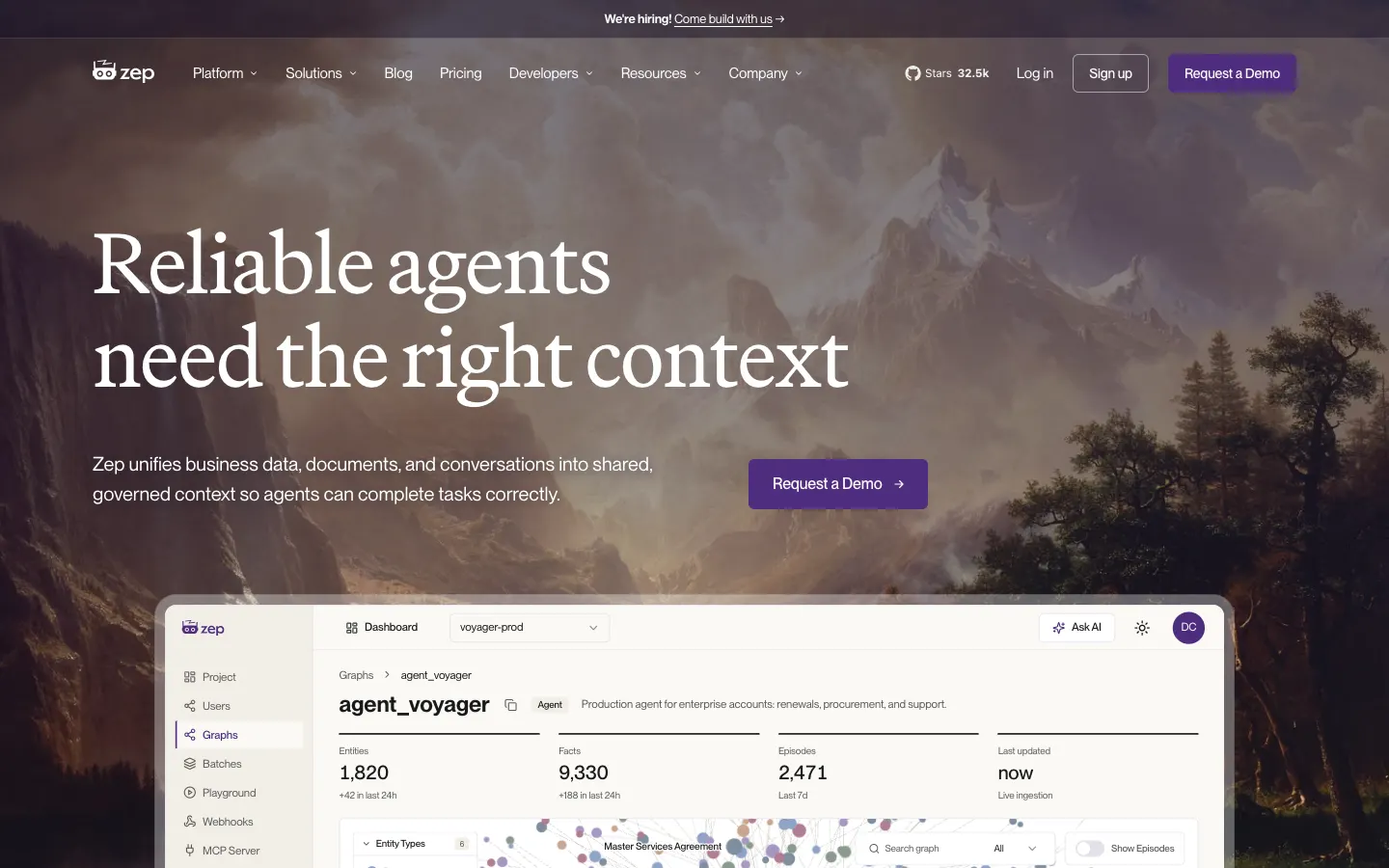
getzep.com - Connects to Claude
- Zep Context plugin from the org marketplace
- Captures
- Tool calls guided by a skill
- Shared with your team
- Shared graphs with group-based (ABAC) policies
For Claude, Zep ships Zep Context, a skill plus a remote MCP server, through the org marketplace on Team and Enterprise plans, so an owner can roll it out instead of each member adding a connector. Sign-in to api.getzep.com uses Google Workspace or the company's OIDC provider, and group-based (ABAC) policies decide who can read each shared graph.
Zep models business context as a temporal knowledge graph. Capture has no hooks: the bundled skill tells Claude when to write. The same plugin exists for ChatGPT workspaces, Cursor, Claude Code and Codex CLI. The free tier includes 10,000 credits and one MCP seat; Flex costs $125 a month for five MCP seats. Zep's Graphiti project is open source under Apache 2.0.
Strengths
- An owner installs it once for the whole Claude org
- Group-based access policies on shared graphs
- One plugin across Claude, ChatGPT, Cursor and coding agents
Limits
- The org marketplace route is Team and Enterprise only
- Needs Google Workspace or a company OIDC provider for sign-in
- Writes depend on Claude following the skill
Graphiti is open source; Zep Cloud is not · Free tier; Flex $125/mo
Visit getzep.com ↗Mem0
Best for: Developers already building on Mem0 who want the same memory in Claude Desktop.
mem0.ai - Connects to Claude
- Remote MCP
- Captures
- Tool calls
- Shared with your team
- Per user, agent or app entity
Mem0 documents its remote MCP server at mcp.mem0.ai for Claude Desktop, with a browser sign-in or a bearer key. In the Claude apps it works through tool calls: memories are added and searched when Claude decides to call Mem0's tools. Memory is organized around user, agent, app and run entities, and the docs don't describe team sharing.
Mem0 is mostly an SDK and hosted platform for putting memory into your own product, with about 68,000 GitHub stars and an Apache 2.0 license. The Starter, Growth and Pro plans are closed to new accounts and the OpenMemory MCP server is gone; new users get a free tier of 10,000 adds and 1,000 retrievals a month, then usage billing or a custom contract. Its Chrome extension repository is archived.
Strengths
- Documented Claude Desktop setup
- Same memory as an app you build on Mem0
- Large open-source project under Apache 2.0
Limits
- Team sharing isn't described in the docs
- No published paid plan for new accounts
- The Chrome extension is archived
Open source (Apache 2.0) · Free tier; paid is usage-based or custom
Visit mem0.ai ↗Basic Memory
Best for: People who want Claude to keep notes as Markdown files they can edit and open in Obsidian.
basicmemory.com - Connects to Claude
- MCP, local or Basic Memory Cloud
- Captures
- Notes Claude writes
- Shared with your team
- Cloud workspaces with members
Basic Memory documents Claude Desktop setup for its MCP server, which reads and writes a folder of Obsidian-compatible Markdown notes. It runs over stdio on your machine or over HTTPS through Basic Memory Cloud. Because custom connectors in claude.ai run from Anthropic's cloud, the web and mobile apps need the cloud endpoint.
Claude writes most of the notes, through Basic Memory's tools, when it or you decide something is worth keeping, and you can open and edit every file yourself. Cloud workspaces have members, so two people can share one notebook. Locally it is free under AGPL-3.0; Cloud costs $19 a month per workspace with two members.
Strengths
- Plain Markdown files you own
- Obsidian-compatible
- Free locally
Limits
- Writes depend on Claude choosing to save
- claude.ai and mobile need the paid cloud
- AGPL license can rule it out inside some companies
Open source (AGPL-3.0) · Free locally; Cloud $19/mo per workspace
Visit basicmemory.com ↗
Set up Glen in Claude
Glen is a custom connector in the Claude apps. Any plan that can add connectors works, including Free, which allows one custom connector. You also need a Glen account; the free plan covers 15,000 memories with no card.
1. Open Connectors
Go to claude.ai/customize/connectors and choose to add a custom connector.
2. Add Glen's URL and sign in
Name it Glen, paste this URL, and finish the OAuth sign-in.
https://mcp.tryglen.com/mcp3. Ask Claude about past work
In a new chat, ask something like "how did we fix the duplicate invoice emails?" and Claude calls glen_search to answer from what your team recorded. If you ask it to save a summary as an artifact, that write runs only after you approve the tool call.
Which one should you pick?
On Free, Pro or Max, working alone, Claude's own memory covers most of what you need: it's on by default, projects keep their own memory, and chat search on a paid plan finds the conversation you half remember. On Team or Enterprise, check whether your org owner has turned memory on before adding anything.
Glen earns its place when the knowledge you need was never in your Claude chats. If your engineers use Claude Code, Codex or Cursor, the reasons behind your code, the decisions made in Slack and the follow-ups from calls are already being recorded into Glen, and the connector lets anyone on the team ask Claude about them, filtered by their own access. It adds the team's memory next to Claude's memory of you and replaces neither. Orgs that want an admin-installed graph with ABAC policies should look at Zep.
FAQ
- Does Claude remember past chats?
- Yes, in two ways. Generate memory from chats builds a memory from your conversations and is on by default on Free, Pro and Max. Search and reference chats, on paid plans, lets Claude look up earlier conversations. Incognito chats are left out.
- How do I turn off Claude's memory?
- Switch off Generate memory from chats in Claude's settings, and on a paid plan you can switch off Search and reference chats too. On Team and Enterprise, org owners control the memory setting for members.
- Can my team share Claude memory?
- Not with Claude's memory, which belongs to each person; admins can't view members' memories. Glen gives a team one shared memory that each member's Claude searches through the connector, filtered by what that person is cleared to see.
- Is Claude memory the same as Claude Code memory?
- No. This page covers the Claude apps: claude.ai, Desktop and mobile. Claude Code is a separate product with its own memory and its own page; Glen connects to it through a plugin whose hooks record each turn and inject matching memories before every prompt.
- Can I use Glen on Claude's free plan?
- Yes. Claude Free allows one custom connector, so Glen can be that one. Glen's own free plan covers 15,000 memories with no card.
- Does Glen read or save my Claude conversations?
- No. Glen doesn't record Claude chats. It only sees the requests Claude sends when it calls one of Glen's tools, and it writes only when you approve a tool that writes, such as saving an artifact or importing a conversation.