Updated
The best memory for Amp in 2026
The best memory for Amp is Glen if your team also works in Claude Code, Codex or Cursor and settles decisions in Slack and GitHub, and Amp's own shared threads if everyone on the team works in Amp. Glen connects to Amp as a remote MCP server, so an Amp agent can search the memory recorded from teammates' other agents and from Slack, GitHub, tickets, docs and calls, but Amp threads are not recorded into it. For a team that works only in Amp, most of what there is to recall sits in Amp threads, and Amp already shares and searches those.
Amp's manual has no feature called memory. Two things carry from one thread to the next. AGENTS.md files load into every thread from the working directory, its parents up to $HOME, and ~/.config/amp/AGENTS.md. Threads are stored on Amp's servers; in a workspace, a thread in a workspace-owned project is shared with every member by default, and an agent reads another thread when you paste its URL or ask Amp to find it by keyword, file or author. We compared six options on what they keep from Amp threads, what an Amp agent can recall through them, and who else can read it.
Short answer
- A team that mixes Amp with Claude Code, Codex or Cursor, plus Slack and GitHub
- Glen
- A team where everyone works in Amp
- Amp shared threads and AGENTS.md
- Solo, Amp turns copied to a local store automatically
- Nowledge Mem
- One memory API for Amp and your own product
- Supermemory
- Open source and self-hosted
- CORE
Amp memory tools at a glance
| # | Tool | Connects via | Captures | Team sharing | Price |
|---|---|---|---|---|---|
| 01 |  GlenOur pick | Remote MCP (OAuth); glen CLI from the shell | Amp threads not recorded; reads team memory | Whole orgOrg-wide, filtered per user at recall | Free for 15,000 memories, no card |
| 02 |  Amp threads + AGENTS.mdampcode.com | Built in | Every thread is stored; AGENTS.md is written by hand | Shared spacesWorkspace threads by visibility setting; AGENTS.md through git | Included with Amp; workspaces at no extra charge |
| 03 |  Nowledge Memmem.nowledge.co | Native Amp plugin plus the nmem CLI | Each finished turn, on agent.end | One personOne person, across their own tools | Free for 50 memories; Plus $9.99/mo billed yearly |
| 04 |  Supermemorysupermemory.ai | Amp plugin, or remote MCP (OAuth) | Plugin saves when an agent run ends; tool calls over MCP | Shared spacesScoped by container tag; three seats on Pro | Free with $5 credit; Pro $19/mo |
| 05 |  COREgetcore.me | Remote MCP, with a documented amp mcp add command | Tool calls; pasted rules tell the agent to search and ingest | One personOne person | Free to self-host; hosted price not published |
| 06 |  Mem0mem0.ai | Remote MCP through amp mcp add (a generic route) | Tool calls only | Shared spacesPer user, agent or app entity | Free tier; paid is usage-based or custom |
How we ranked them
- Keeps what happened in Amp threads. Amp stores every thread itself. A plugin on Amp's agent.end event can copy each turn into another store; an MCP server saves only when the agent calls a tool, or not at all. We say which applies to each pick, Glen included.
- What a search reaches. Amp's thread search covers Amp threads you're allowed to open. Other tools reach sessions from other agents, or what the team wrote in Slack and GitHub.
- When recall happens. AGENTS.md is in every thread from the first message, and a plugin can append text to your message at agent.start. Threads and MCP tools are read when you mention one or the agent decides to call it, so a line in AGENTS.md saying when to search matters.
- Access and stale facts. Amp sets visibility per thread: restricted, the workspace, or anyone with the link. We looked at how each tool scopes what it stores, and whether a decision the team reversed keeps coming back.
- Setup and price. The command or plugin each one needs in Amp, and the first paid tier, from each vendor's pricing page as of November 2026.
The 6 best memory tools for Amp
Glen
Our pickBest for: Amp users on teams whose other agents and tools already write to Glen.
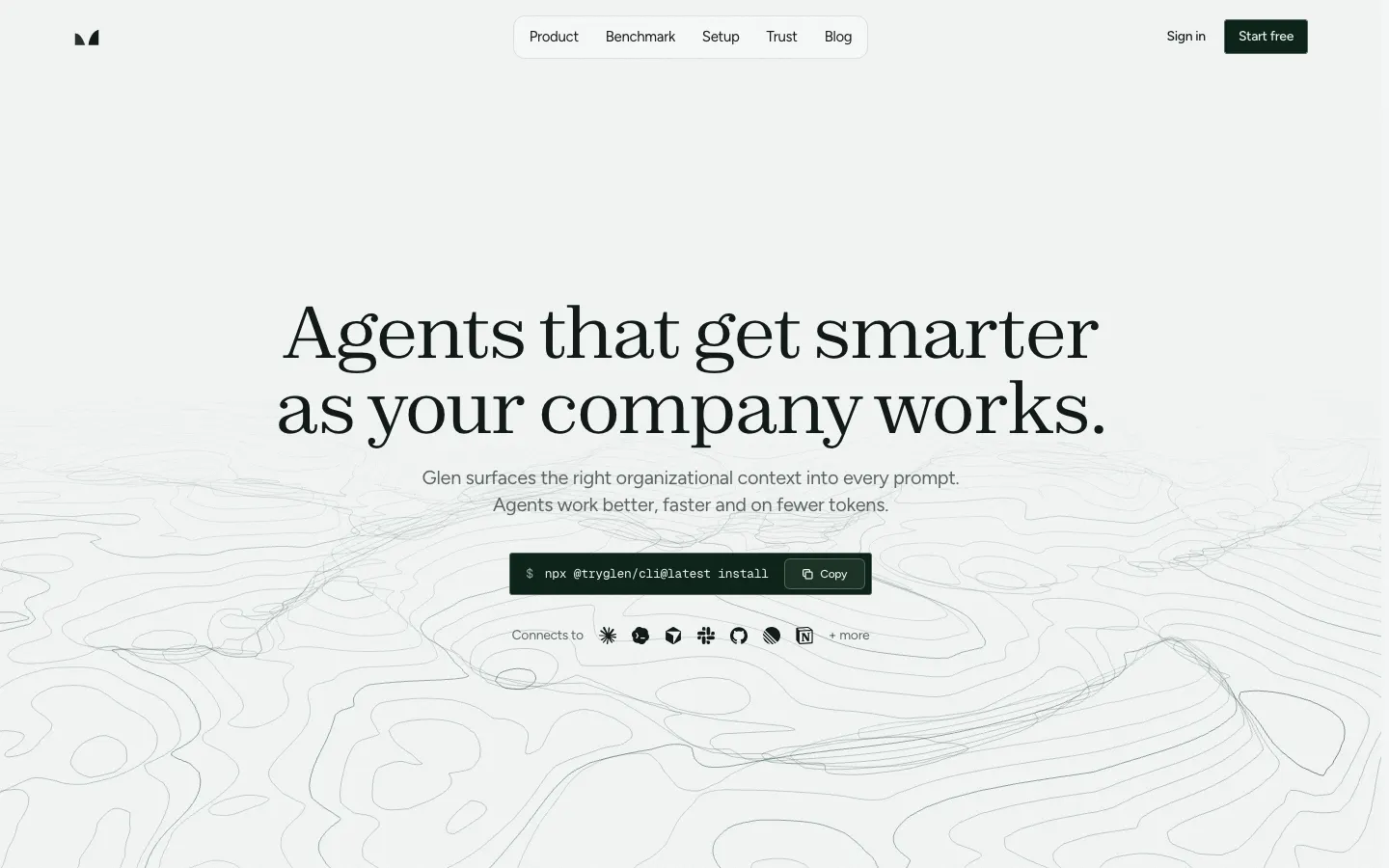
tryglen.com - Connects to Amp
- Remote MCP (OAuth); glen CLI from the shell
- Captures
- Amp threads not recorded; reads team memory
- Shared with your team
- Org-wide, filtered per user at recall
There is no Glen plugin for Amp. Glen connects as a remote MCP server at mcp.tryglen.com/mcp: amp mcp add registers it, and Amp opens the OAuth sign-in in your browser the next time the TUI starts. The agent can then call glen_search, glen_code_search, glen_skill_search and glen_artifact_search when a task needs them. Nothing is added before each prompt, and Amp threads are not recorded into memory. Amp also runs shell commands, so an agent can reach the same memory by running glen search once the glen CLI is installed and signed in; that route records nothing from Amp either.
The case for it is what the search reaches. Glen's plugins record every turn of teammates' Claude Code, Codex and Cursor sessions, and public Slack channels, GitHub, tickets, docs and call transcripts from Fireflies, Fathom and Granola arrive through integrations one person sets up once. Results are filtered per observation to what the person asking is cleared to see, and a decision the team later reversed stops surfacing. None of that includes Amp threads. If your whole team works in Amp and nowhere else, Amp's thread search is the better memory, and Glen adds only what comes from Slack, GitHub and the other integrations.
Strengths
- Searches memory recorded from teammates' Claude Code, Codex and Cursor sessions
- Slack, GitHub, tickets, docs and calls in the same search
- OAuth sign-in after one amp mcp add, with nothing to run locally
- glen_code_search traces code written in a recorded session back to that session
Limits
- Amp threads are not recorded into memory
- Recall happens only when the agent calls glen_search
- Hosted only; there is no self-hosted build
Managed service · Free for 15,000 memories, no card
Set up Glen in Amp →Amp threads + AGENTS.md
Best for: Teams where everyone works in Amp inside one workspace.
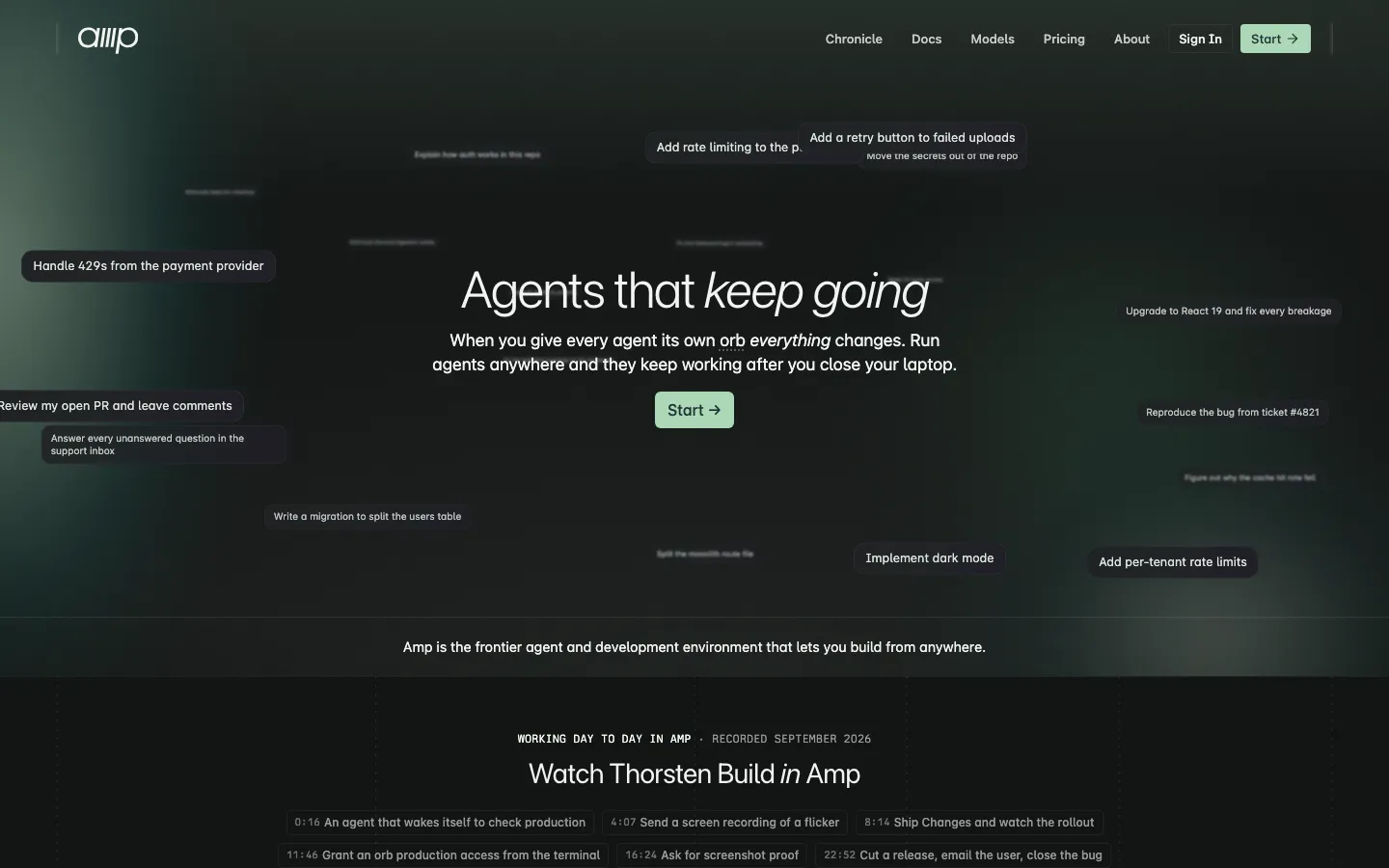
ampcode.com - Connects to Amp
- Built in
- Captures
- Every thread is stored; AGENTS.md is written by hand
- Shared with your team
- Workspace threads by visibility setting; AGENTS.md through git
Amp keeps every thread and can read old ones from a new one. A thread holds the prompts, replies, tool calls and changed files, lives on Amp's servers at a URL like ampcode.com/threads/T-…, and opens from the web app, the CLI and the desktop and mobile apps. Paste that URL or type @T-… in a prompt and the agent reads the thread and pulls out what matters for the current task. Ask it to find threads by keyword, file, author, label or date and it searches yours plus the ones workspace members have shared. "Handoff and …" starts a fresh thread with the context that matters, and commits carry an Amp-Thread-ID trailer that leads from git log back to the conversation.
Sharing is set per thread. Without a workspace every thread is private. In a workspace, threads in workspace-owned projects are shared with all members by default, threads in personal projects or with no project stay private, and admins can make private the default or block sharing outside the workspace. So a teammate's agent can search and read your workspace-shared threads, cannot open your restricted ones unless you've added that person, and can read a link-shared thread from outside the workspace only when someone pastes its URL.
AGENTS.md is the written half. Amp always includes AGENTS.md from the working directory and each parent up to $HOME, plus ~/.config/amp/AGENTS.md and ~/.config/AGENTS.md, and adds a subtree's AGENTS.md when the agent reads a file under it. A directory with no AGENTS.md falls back to AGENT.md or CLAUDE.md. @-mentions inside the file pull in other files, globs included, and workspace admins can set a Global AGENTS.md for every member. The limits are these: recall waits for you to mention a thread or ask for a search, a thread is a raw transcript in which a reversed decision still reads as current, and none of it covers work done outside Amp.
Strengths
- Every thread is kept and searchable with no setup
- Workspace projects share threads by default, and a workspace costs nothing extra
- AGENTS.md loads from the repo, parent directories, your config directory and workspace settings
- Reads CLAUDE.md where a directory has no AGENTS.md
Limits
- Thread search covers Amp threads only
- Recall waits for a thread mention or a search request
- Threads are raw transcripts; a reversed decision stays in the old thread
Built into Amp · Included with Amp; workspaces at no extra charge
Visit ampcode.com ↗Nowledge Mem
Best for: Solo developers who want Amp turns copied into a local store their other AI tools also read.
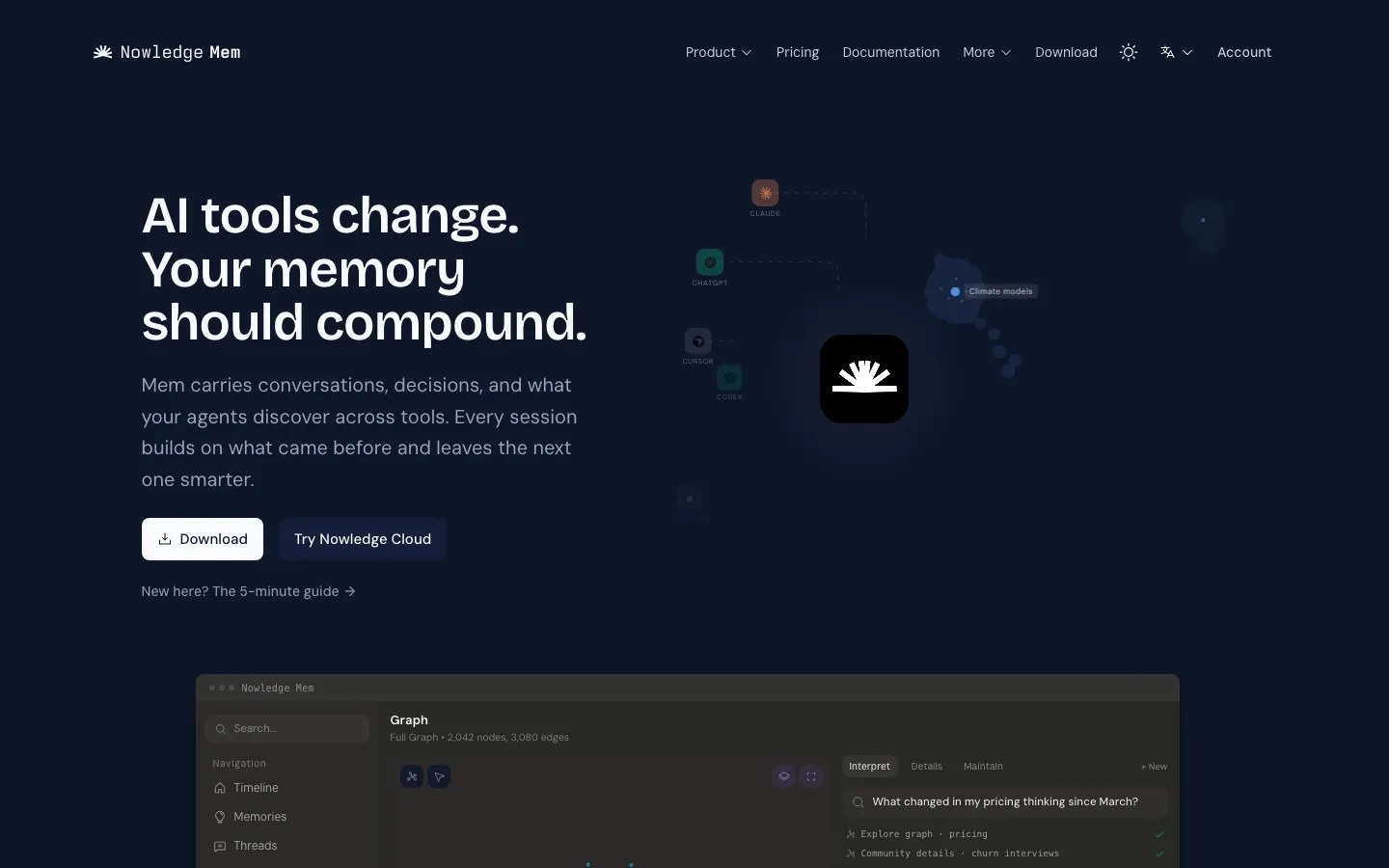
mem.nowledge.co - Connects to Amp
- Native Amp plugin plus the nmem CLI
- Captures
- Each finished turn, on agent.end
- Shared with your team
- One person, across their own tools
Amp's plugin API exposes agent.start and agent.end events, and Nowledge Mem ships a plugin written against it. When a turn ends, the plugin saves that turn into a Mem thread named amp-<threadID>. When a session starts it loads a Context Bundle of your rules and working memory, and the agent gets nowledge_mem_search, nowledge_mem_save and nowledge_mem_thread_search for everything else. You install it by running nowledge-mem-amp-plugin/scripts/install.sh from the nowledge-co/community repository, which writes the plugin to ~/.config/amp/plugins/ and a skill to ~/.config/amp/skills/nowledge-mem/. It needs the Nowledge Mem app or server running and the nmem CLI on your PATH; NMEM_AMP_AUTO_SYNC=0 turns capture off.
Amp already keeps its own threads, so what you gain is one store across tools: the same Mem takes in Claude Code, Codex and Cursor sessions. It is local-first, and its docs say your knowledge stays on your device by default. The Free plan allows 50 stored memories. Plus is $9.99 a month billed yearly, and Mem Vault is a one-time license, $19.99 during the public beta, that removes the limit and uses your own model keys. Plus lists a small team mode without describing it; the docs otherwise cover one person's memory across devices and tools.
Strengths
- Captures every Amp turn without the agent choosing to save
- Local by default
- One store across Amp, Claude Code, Codex and Cursor
Limits
- Each environment where Amp runs needs the nmem CLI and a reachable Mem server
- The Free plan is capped at 50 stored memories
- Team sharing isn't documented
Proprietary app; plugin source is public · Free for 50 memories; Plus $9.99/mo billed yearly
Visit mem.nowledge.co ↗Supermemory
Best for: Developers already building on Supermemory's API who want the same store in Amp.
supermemory.ai - Connects to Amp
- Amp plugin, or remote MCP (OAuth)
- Captures
- Plugin saves when an agent run ends; tool calls over MCP
- Shared with your team
- Scoped by container tag; three seats on Pro
An Amp plugin appears in Supermemory's changelog, dated 2026-05-07: it recalls memory at the start of an agent run and saves useful outcomes when the run ends. A second entry on 2026-10-30 added OAuth sign-in for the plugins through npx supermemory plugin, with Amp named among them, and opened every plugin to the Free plan. The changelog is the only description. Supermemory's docs have setup pages for Claude Code, Codex, Cursor and OpenCode but none for Amp, and we found no public repository for the Amp plugin, so expect to follow the installer's prompts. The documented fallback is the remote MCP server at mcp.supermemory.ai/mcp, which signs in with OAuth and saves only when the agent calls a tool.
Underneath is a hosted memory API with an MIT-licensed core and about 31,700 GitHub stars, so a team building its own agent can point it at the same store. The Free plan includes $5 of credits each month. Pro is $19 a month with three seats, and usage draws down credits on every plan.
Strengths
- Recall at the start of a run and saving at the end, without a tool call
- The same API works in your own product
- Plugins work on the Free plan
Limits
- No Amp setup page in the docs; the changelog is the only description
- Scoped by container tag and key, not by what each person may see
- Usage is metered in credits
Open source (MIT) · Free with $5 credit; Pro $19/mo
Visit supermemory.ai ↗CORE
Best for: People who want a self-hosted personal store that also takes in email, GitHub and Slack.
getcore.me - Connects to Amp
- Remote MCP, with a documented amp mcp add command
- Captures
- Tool calls; pasted rules tell the agent to search and ingest
- Shared with your team
- One person
One command in CORE's docs connects Amp: amp mcp add core-memory with the URL https://app.getcore.me/api/v1/mcp?source=amp. The endpoint signs in with OAuth or takes an API key as a bearer header, and the agent reads and writes through two tools, memory_search and memory_ingest. Nothing is saved unless the agent calls memory_ingest, so CORE publishes a block of memory rules to paste into your agent's instruction file. Its table of locations doesn't list Amp, where the right file is AGENTS.md.
CORE has grown past a memory server. It now describes itself as a personal AI OS: it indexes email, meetings, GitHub, Linear, Slack and assistant conversations into a temporal knowledge graph, and it runs tasks you write in plain text. That is more than most Amp users need for recall, and it is built around one person. The project is AGPL-3.0 with about 2,000 GitHub stars. Self-hosting runs on Docker, with 4 vCPU and 8 GB of RAM listed as requirements, and there is a hosted version at app.getcore.me for which we found no public price list.
Strengths
- A setup page that names Amp
- Open source and self-hostable
- Email, GitHub, Linear and Slack feed the same store
Limits
- Saves only when the agent calls memory_ingest
- Built for one person, not a team
- No public price for the hosted version
Open source (AGPL-3.0) · Free to self-host; hosted price not published
Visit getcore.me ↗Mem0
Best for: Teams that already use Mem0 inside their own product.
mem0.ai - Connects to Amp
- Remote MCP through amp mcp add (a generic route)
- Captures
- Tool calls only
- Shared with your team
- Per user, agent or app entity
Mem0's docs don't name Amp, so this route is generic. Mem0 hosts an MCP server at mcp.mem0.ai/mcp, and amp mcp add takes any server URL. The server accepts a browser sign-in or an API key sent as a bearer token; Amp runs OAuth sign-in for URL servers and also accepts a headers entry under amp.mcpServers, with ${VAR_NAME} standing in for the key. Mem0's setup page covers Claude Code, Codex, Cursor, Windsurf, VS Code and OpenCode, and its mcp-add helper has no Amp target, so you add the server yourself. Once it is connected, the agent saves with add_memory and looks things up with search_memories. Nothing is stored unless it calls a tool.
Memories are scoped to user, agent, app or run entities. The open-source project is Apache 2.0 with about 69,500 GitHub stars. The hosted pricing page lists two plans: Free, with 10,000 adds and 1,000 retrievals a month for the first 30 days, or 50,000 adds and 10,000 retrievals a month if you bring your own LLM key, then usage billing past those limits; and Custom, by contract. Mem0's docs don't describe sharing memory across a team.
Strengths
- Apache 2.0 with a large community
- One store for Amp and your own app
- Browser sign-in or a bearer key
Limits
- Mem0's docs don't name Amp; you add the server by hand
- Saving happens only when the agent calls a tool
- Team sharing isn't described
Open source (Apache 2.0) · Free tier; paid is usage-based or custom
Visit mem0.ai ↗
Set up Glen in Amp
Glen has no plugin for Amp. It connects as a remote MCP server with OAuth, so there is nothing to install beyond Amp itself. You need a Glen account; the free plan covers 15,000 memories with no card. What Amp reads through it comes from your team's other agents and integrations, so it has something to return once those are connected.
1. Add Glen as an MCP server
Run this once. It registers Glen in Amp's local MCP configuration; the same entry written by hand is a url under amp.mcpServers in ~/.config/amp/settings.json.
bashamp mcp add glen https://mcp.tryglen.com/mcp2. Sign in
Start the Amp TUI and Amp opens Glen's sign-in page in your browser; finish it there. This covers threads that run on your machine. Amp's manual says threads in an orb don't read your local settings file and that browser-based OAuth is unavailable there.
bashamp3. Tell the agent when to search
Recall happens when the agent calls glen_search, so put a line in AGENTS.md saying when. You can also ask in a prompt, for example "search Glen for why we split the billing worker".
markdownWhen a task touches code or a decision that predates this thread, call glen_search before editing.
Which one should you pick?
Start from where your team's work happens. If everyone works in Amp inside one workspace, the built-in tools cover most recall: threads in workspace projects are shared by default, any member's agent can search and read them, and a Global AGENTS.md carries the conventions. Glen does not record Amp threads, so for that team it adds only what comes from Slack, GitHub and the other integrations. Working alone, Nowledge Mem copies each Amp turn into a local store your other tools can read.
Glen earns its place when Amp is one agent among several. Teammates' Claude Code, Codex and Cursor sessions are recorded through Glen's plugins, and an Amp agent that calls glen_search gets those sessions together with Slack, GitHub, tickets, docs and calls, filtered to what you're cleared to see and with reversed decisions left out. You read from that memory in Amp without writing to it, and Amp's own thread search still covers what happened in Amp.
FAQ
- Does Amp have memory?
- Amp's manual has no feature called memory. What persists is AGENTS.md files, which load into every thread, and the threads themselves, which Amp stores and can read back: paste a thread URL or @T- ID, or ask Amp to find threads by keyword, file, author, label or date. The manual doesn't describe anything from past threads loading on its own.
- Where does Amp store threads and AGENTS.md?
- Threads are stored on Amp's servers and open at ampcode.com/threads/T-… from the web app, the CLI and the apps; adding .md to the URL returns the thread as Markdown. AGENTS.md is read from the working directory and its parents up to $HOME, from ~/.config/amp/AGENTS.md and ~/.config/AGENTS.md, and from a system path such as /etc/ampcode/AGENTS.md. If a directory has no AGENTS.md, Amp uses AGENT.md or CLAUDE.md there.
- Can my teammates' Amp agents read my threads?
- Only the ones they can open. In a workspace, threads in workspace-owned projects are shared with every member by default, and a member's agent can search and read those. Threads in personal projects or with no project are private unless you share them, and restricted threads are open only to people you add, plus workspace admins and Auditors through audited access. Link-shared threads from outside your workspace never appear in search.
- How do I add a remote MCP server to Amp?
- Run amp mcp add <name> <url>, or add a url entry, with optional headers, under amp.mcpServers in ~/.config/amp/settings.json. For servers that use OAuth, Amp opens the sign-in page when the TUI starts; it supports Client ID Metadata Documents and falls back to dynamic client registration. Orb threads don't read that local file and can't run a browser OAuth flow; for those the manual points to remote MCP definitions managed with amp mcp remote.
- Does Glen record my Amp threads?
- No. Glen has no Amp plugin and connects over MCP, so an Amp agent can search team memory but Amp threads aren't recorded. What it searches comes from teammates' Claude Code, Codex and Cursor sessions and from Slack, GitHub, tickets, docs and calls.
- Is there a memory plugin for Amp?
- Yes. Amp plugins are TypeScript or JavaScript modules that can act on agent.start and agent.end. Nowledge Mem documents an Amp plugin that saves each finished turn to a local store, and Supermemory's changelog lists one that recalls at the start of a run and saves at the end. Glen, CORE and Mem0 connect over MCP instead.