Updated
The best memory for Grok Bot in 2026
The best memory for Grok Bot is Glen if what you settle with your Bots needs to be searchable from the rest of your team's agents, and Grok Bot's own memory if you only need each Bot to remember you. The two do different jobs. Glen records your Grok Bot chats through the desktop app on your Mac, including the ones you send from your phone, into the org memory that teammates' Claude Code, Codex and Cursor sessions already write to. It does not put memory back into a Bot. Recall inside Grok Bot comes from the Bot's own memory or from a plugin.
Grok Bot is xAI's app for AI teammates that work on a shared cloud computer, with desktop, iPhone and Android clients. It is a separate product from the Grok chat app and from Grok Build, the coding CLI covered on our Grok page. Every Bot keeps its own memory of your preferences, your rules and a dated log of its work, and decides for itself what to save. Third-party memory reaches a Bot through a plugin from the catalog or a custom MCP connector. The vendors that build for Grok Bot report that plugin hooks do not run there, so memory added inside a Bot is saved and recalled only when the Bot chooses to, and the two tools here that capture on their own, Glen and claude-mem, do it from outside the chat. We compared six options on what they capture from Grok Bot, what a Bot can recall through them, and who else can read it.
Short answer
- Bot chats searchable from your team's Claude Code, Codex and Cursor
- Glen
- Each Bot remembering your preferences and rules, nothing to install
- Grok Bot memory
- One memory every Bot can save to, added from the plugin catalog
- Supermemory
- Capture that doesn't wait for a Bot to save
- claude-mem
- Bots that read what your other agents already stored
- Hindsight
Grok Bot memory tools at a glance
| # | Tool | Connects via | Captures | Team sharing | Price |
|---|---|---|---|---|---|
| 01 |  GlenOur pick | glen CLI reading the Mac desktop app's chat files | Finished chat turns, automatically; macOS only | Whole orgOrg-wide, filtered per user at recall | Free for 15,000 memories, no card |
| 02 |  Grok Bot memory (per Bot, plus Team Bot learning)x.ai | Built in | Automatic; each Bot decides what to save | Shared spacesPer Bot and per user; Team Bot memory after a Manager approves | Included with Grok Bot; plans from $30/mo |
| 03 |  Supermemorysupermemory.ai | Plugin from the Grok Bot catalog | Skills a Bot runs when asked | Shared spacesOne Supermemory account across all your Bots; three seats on Pro | Free with $5 credit; Pro $19/mo |
| 04 |  claude-memcmem.ai | CLI install plus an MCP server | Transcript watcher, automatic | One personLocal worker per machine; team sharing is a pilot | Free locally; CMEM Pro $30/mo |
| 05 |  Hindsighthindsight.vectorize.io | Custom connector (remote MCP, OAuth) plus skills | Skills a Bot chooses to run | Shared spacesA bank per Bot plus one shared bank; other banks in the org read-only | Free self-hosted; Cloud pay as you go, $5 credit |
| 06 |  Nowledge Memmem.nowledge.co | Custom connector (remote MCP, OAuth) | Tool calls; conversations only if the Bot calls sync_thread | One personYour own Mem, or a Nowledge Cloud workspace | Free for 50 memories; Plus $9.99/mo billed yearly |
How we ranked them
- Captures Grok Bot chats. Hindsight's and claude-mem's docs both say plugin hooks don't run in Grok Bot, so a plugin can't record turns as they happen. Capture is either a Bot calling a save tool or skill, or a process outside the chat reading transcripts, which is how Glen and claude-mem work.
- Recall inside a Bot. Grok Bot loads a Bot's own memory itself. Everything added from outside is recalled through MCP tools or skills that the Bot has to pick, so we say what prompts it to.
- Who else can read it. A personal Bot's memory belongs to one person and one Bot. We checked whether your other Bots, your teammates, or agents outside Grok Bot can read what gets stored.
- How it connects. The routes are a plugin from the catalog, a custom connector (a Remote HTTPS server URL with OAuth or headers, or a Command run on the Bot's computer), or software on your own machine. A team admin's connector policy can block the first two.
- Setup and price. What you install or paste, and the first paid tier, from each vendor's docs and pricing page as of November 2026.
The 6 best memory tools for Grok Bot
Glen
Our pickBest for: People whose teammates run Claude Code, Codex or Cursor and need to find what was decided in Grok Bot.
tryglen.com - Connects to Grok Bot
- glen CLI reading the Mac desktop app's chat files
- Captures
- Finished chat turns, automatically; macOS only
- Shared with your team
- Org-wide, filtered per user at recall
Glen doesn't connect to Grok Bot as a plugin. Running glen grok-bot start on a Mac registers a background job, a launchd agent, that reads the chat files the Grok Bot desktop app keeps under ~/Library/Application Support/Grok Bot and sends each finished turn to Glen. A turn is your prompt plus the Bot's text replies. The desktop app mirrors every Bot's thread, so chats you send from your phone are recorded too, while the Mac app is open. The job runs when the app writes a chat and again every five minutes, and the newest turn is sent after about two minutes without a new reply. Turns that start from another Bot's message or a Routine's wake-up are skipped, and tool calls and computer activity are not recorded.
Those chats land in the same org memory as your team's Claude Code, Codex and Cursor sessions and the public Slack channels, GitHub, tickets, docs and call transcripts one person connected. That is where they get used: a teammate's coding agent, or your own, can search what you settled with a Bot, filtered per observation to what its user is cleared to see. Nothing flows the other way. Glen's Grok Bot setup adds no connector, skill or memory to your Bots. Grok Bot does accept custom remote MCP servers, and Glen runs one for any MCP client at https://mcp.tryglen.com/mcp, but Glen's Grok Bot setup doesn't add it and Glen's docs don't cover that connection, so we don't count it as recall here.
Strengths
- Records Grok Bot chats with no save step, phone chats included
- Chats become searchable from Claude Code, Codex, Cursor, the glen CLI and Glen's web app
- Slack, GitHub, tickets, docs and calls in the same memory
- glen incognito and glen off apply to these chats
Limits
- No recall into a Bot; the setup adds no connector or skill to Grok Bot
- Background recording runs on macOS only, and only for chats the Mac app has loaded
- Bot-to-Bot messages, Routine wake-ups and tool activity are not recorded
- Hosted only; there is no self-hosted build
Managed service · Free for 15,000 memories, no card
Set up Glen in Grok Bot →Grok Bot memory (per Bot, plus Team Bot learning)
Best for: Anyone who wants each Bot to keep their preferences, rules and work history with nothing to install.
x.ai - Connects to Grok Bot
- Built in
- Captures
- Automatic; each Bot decides what to save
- Shared with your team
- Per Bot and per user; Team Bot memory after a Manager approves
Each Bot has its own memory: how you like to work, rules you ask it to keep, facts about you, and a dated log of what it has worked on. It decides on its own what is worth saving and doesn't ask first, and xAI's docs note that not every save shows up in the chat, so say "Remember that..." when a fact has to stick. What a Bot saves in one chat it has in all your chats with it. A few facts about you, such as your name and time zone, are shared by all your Bots; everything else stays with the Bot that learned it. There is no memory screen for a personal Bot. You ask in chat to see, correct or forget something, and the docs describe no way to export memory and give no size limit. Resetting a conversation keeps memory, deleting the Bot erases it, and Settings > General > Import hands your primary Bot what another assistant knows about you.
A Team Bot, on Team and Enterprise plans, learns for everyone who uses it. When a Collaborator teaches it something for the team, the Bot saves a suggestion and the owner or a Manager approves or rejects it; what it learns about you personally stays in your own chats. That is the only built-in way memory crosses between people, and it stays inside Grok Bot. The docs also say memory is not a source of truth and tell you to keep changing facts in the system they came from.
Strengths
- Nothing to install; every Bot has it
- Name, time zone and similar facts reach all your Bots
- Team Bot learning is reviewed by an owner or Manager before it applies to the team
- Can import what another assistant knows about you
Limits
- No memory screen for personal Bots; you inspect it by asking
- One Bot can't read another Bot's memory beyond the shared facts
- Agents outside Grok Bot can't read any of it
Built into Grok Bot · Included with Grok Bot; plans from $30/mo
Visit x.ai ↗Supermemory
Best for: Grok Bot users who want one memory all their Bots can save to and search.
supermemory.ai - Connects to Grok Bot
- Plugin from the Grok Bot catalog
- Captures
- Skills a Bot runs when asked
- Shared with your team
- One Supermemory account across all your Bots; three seats on Pro
Only one memory vendor on this page has a listing in Grok Bot's plugin catalog, and it is Supermemory. You open the Supermemory for Grok Bot plugin page, choose Add to Grok Bot, restart the app, and ask a Bot to sign you in; a connect card links your Supermemory account with no API key in the chat. The plugin gives Bots three skills: memory-init to learn a codebase, memory-save and memory-search. There are no slash commands. A Bot picks the skill from what you ask, so a fact is saved when you say "remember that" or the Bot decides to, not on every turn. Supermemory also publishes a Supermemory Bot that you can @-mention in any chat and that your other Bots can ask for stored context.
Connected apps in Grok Bot are account-wide, so every Bot you run reaches the same Supermemory account. That gets around the per-Bot split in Grok Bot's own memory. Supermemory's docs call it the same plugin it ships for Cursor, where hooks capture each turn; the Grok Bot page lists only the skills. Supermemory is a hosted memory API with an MIT-licensed core and about 32,000 GitHub stars. New accounts get $5 of credit, and Pro is $19 a month with three seats.
Strengths
- Listed in Grok Bot's plugin catalog
- One memory for every Bot on your account
- Sign-in through a connect card, with no key pasted into chat
- MIT-licensed core
Limits
- Saves only when a Bot runs the save skill
- Usage is metered in credits
Open source (MIT) · Free with $5 credit; Pro $19/mo
Visit supermemory.ai ↗claude-mem
Best for: People who want Bot work captured without relying on the Bot to save it.
cmem.ai - Connects to Grok Bot
- CLI install plus an MCP server
- Captures
- Transcript watcher, automatic
- Shared with your team
- Local worker per machine; team sharing is a pilot
Every other add-on on this list waits for a Bot to call a save tool. claude-mem doesn't. Its Grok Bot integration, installed with npx claude-mem install --ide grok-bot, runs a watcher that tails the Bot's agent transcript files, has an observer model compress what happened into observations, and stores them in a local worker. Its docs say outright that Grok Bot has no session-start, file-read or tool-use hooks, which is why capture reads transcripts. For recall, the worker keeps rewriting an index file in the Bot's memory log folder, which according to claude-mem Grok Bot already attaches as memory facts, and an MCP server gives the Bot search, timeline and get_observations tools for the detail behind each index line.
The moving parts are the cost. The default observer is CMEM Pro, claude-mem's paid cloud model at $30 a month after a trial; passing --provider host uses your Grok Bot login for it. The docs warn that restarting a healthy worker drops its in-memory queue. They also described the claude-mem-grok-bot listing in the plugin catalog as submitted, not live, when we checked, so setup is by CLI. The project is Apache 2.0 with about 120,000 GitHub stars.
Strengths
- Captures without a Bot choosing to save
- Writes its recall index where the Bot already reads memory
- Apache 2.0, and one tool across Grok Bot, Cursor, Claude Code and Codex
Limits
- A worker, a watcher and an observer model to keep running
- The default observer is the paid CMEM Pro
- Catalog listing was pending; setup is by CLI
Open source (Apache 2.0) · Free locally; CMEM Pro $30/mo
Visit cmem.ai ↗Hindsight
Best for: People running several Bots who want them to share a bank and read what other agents stored.
hindsight.vectorize.io - Connects to Grok Bot
- Custom connector (remote MCP, OAuth) plus skills
- Captures
- Skills a Bot chooses to run
- Shared with your team
- A bank per Bot plus one shared bank; other banks in the org read-only
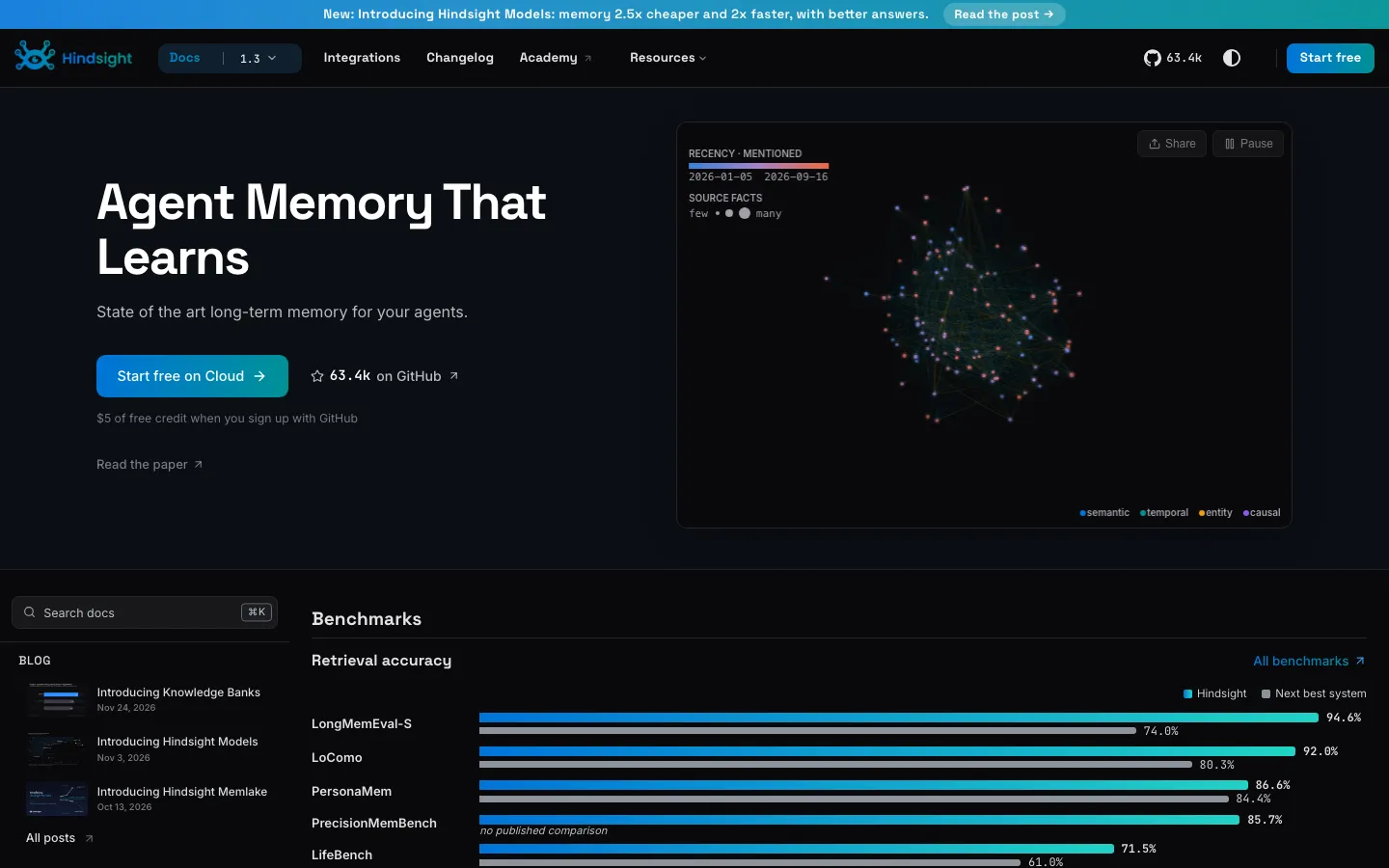
Memory banks that follow Grok Bot's own structure are Hindsight's angle. Each Bot writes to a bank named after it, all your Bots share grok-bot::shared for handoffs and a profile of you, and Bots can read, but not write, the banks your other agents fill, such as Claude Code or ChatGPT. Setup is a prompt you paste into a Bot. It adds Hindsight's MCP server at api.hindsight.vectorize.io/mcp as a custom connector, signs in with OAuth, and brings six skills, including one that writes recall and retain steps into each Routine so a scheduled run can read what the last run recorded.
Hindsight's write-up states the limit itself: Grok Bot runs no plugin hooks, so the skills make memory available and guide its use without guaranteeing that a recall happens. The OAuth grant reaches every bank in the organization you authorize. The marketplace listing was still in review when we checked, which is why setup is a pasted prompt. Hindsight is MIT-licensed with about 63,000 GitHub stars. Self-hosting is free but needs a public HTTPS endpoint with OAuth 2.1 discovery and dynamic client registration for Grok Bot to connect; Hindsight Cloud is pay as you go with $5 of starting credit.
Strengths
- A bank per Bot plus a bank all your Bots share
- Bots can read memory written by Claude Code, ChatGPT and other agents
- Routine and handoff skills written for Grok Bot
- MIT-licensed; self-hosting is free
Limits
- Saving and recall depend on a Bot choosing a skill
- Not in the plugin catalog yet
- The connection reaches every bank in the organization you authorize
Open source (MIT) · Free self-hosted; Cloud pay as you go, $5 credit
Visit hindsight.vectorize.io ↗Nowledge Mem
Best for: People who already keep their memory in Nowledge Mem and want Bots to read it.
mem.nowledge.co - Connects to Grok Bot
- Custom connector (remote MCP, OAuth)
- Captures
- Tool calls; conversations only if the Bot calls sync_thread
- Shared with your team
- Your own Mem, or a Nowledge Cloud workspace
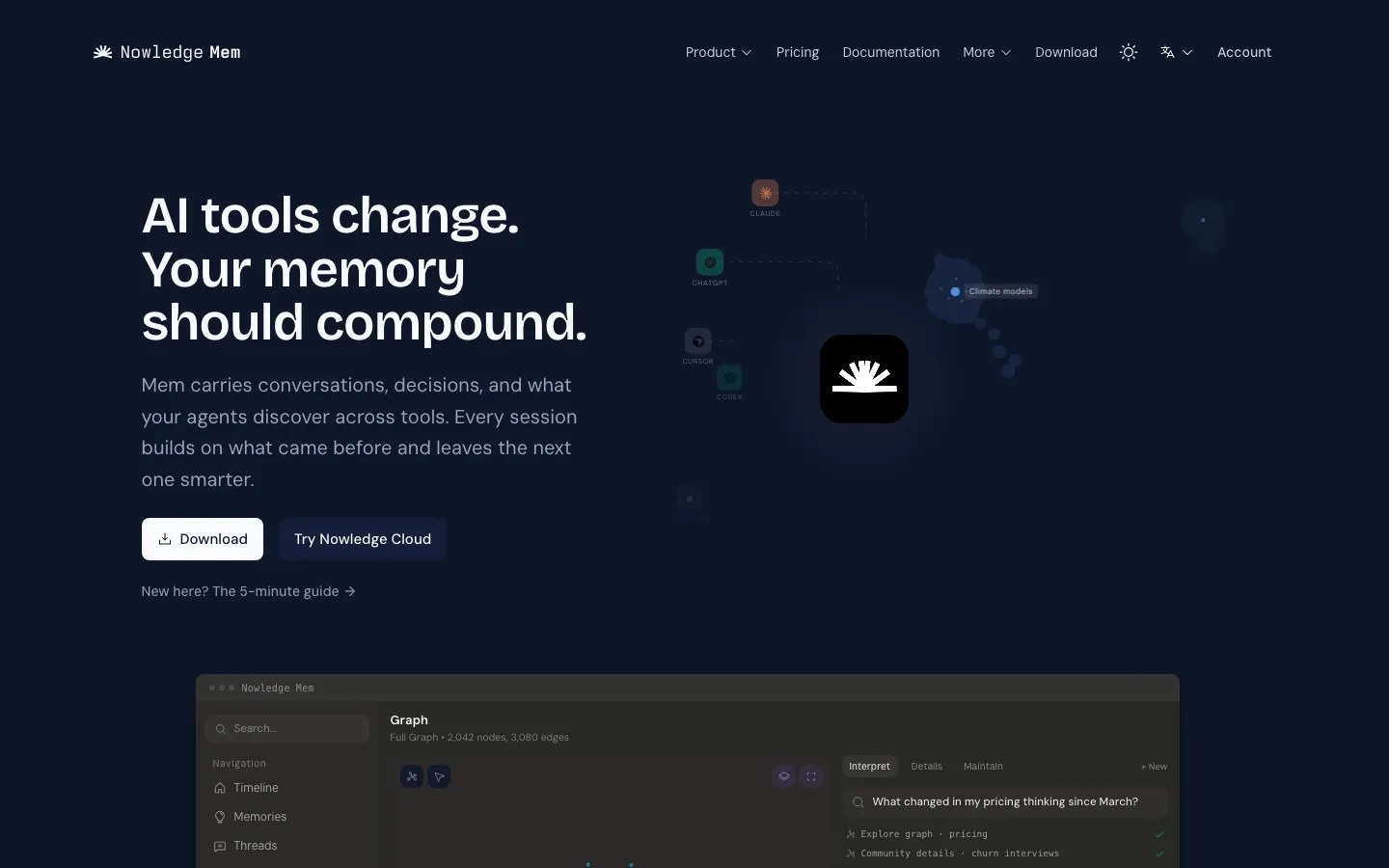
A Bot runs on a cloud computer and can't reach localhost on yours, which is awkward for a local-first memory app. Nowledge Mem's Grok Bot guide gives two ways around it: connect the Bot to a Nowledge Cloud workspace at cloud.nowledge.co/mcp, or keep Mem on your own computer and publish it at a public HTTPS address through its Access Anywhere feature. Both are added as a custom connector with OAuth, and the guide tells you to check that the connector is also enabled in the Bot's plugin settings. Memory writes, thread sync and thread reads are separate permissions. The guide warns that a connected status doesn't prove conversations are being saved, because the Bot has to call the sync_thread tool with the right scope.
Nowledge Mem is a desktop app for macOS, Windows and Linux that keeps memories, conversation threads and documents in a knowledge graph. It is free for up to 50 local memories. Plus, at $9.99 a month billed yearly, adds unlimited local memories, the cloud workspace and a managed link for remote access. The app's source is not published.
Strengths
- Bots read the same memory as your other tools connected to Mem
- Can stay on your own machine, published through Access Anywhere
- Separate scopes for memory writes, thread sync and thread reads
Limits
- Nothing is saved unless a Bot calls the tools
- The local route needs Mem and Access Anywhere left running
- Free plan stops at 50 local memories
Proprietary app; plugin source is public · Free for 50 memories; Plus $9.99/mo billed yearly
Visit mem.nowledge.co ↗
Set up Glen in Grok Bot
Glen records Grok Bot through the desktop app on your Mac, so there is no plugin or connector to add inside Grok Bot. You need the Grok Bot Mac app, Node.js 20 or newer, and a Glen account; the free plan covers 15,000 memories with no card. These steps set up recording only. Nothing is installed into your Bots, and background recording is macOS only for now.
1. Get the Mac app and sign in
Download Grok Bot for Mac from x.ai/bot and sign in. Glen reads the chat files this app keeps on disk, so a chat reaches Glen once the Mac app has loaded it, phone chats included.
2. Install the Glen CLI and sign in
This installs the glen CLI globally and signs you in to your Glen org.
bashnpm install -g @tryglen/cli glen login3. Start recording
This registers the background job that sends each finished turn to Glen. Run glen grok-bot status to see which Bots it found and how far each is synced, and glen grok-bot stop to remove the job. glen incognito pauses recording for these chats, and glen off stops it.
bashglen grok-bot start
Which one should you pick?
Start with where the memory has to be read. If the answer is inside Grok Bot, the built-in memory already covers one Bot at no extra cost. Add Supermemory from the plugin catalog when several Bots should share what they learn, or Hindsight when they should also read what your other agents stored, and accept that both save only when a Bot decides to. claude-mem is the exception, at the price of a worker you keep running.
If the answer is outside Grok Bot, pick Glen. What you decide with a Bot otherwise stays with that Bot: a personal Bot has no memory screen, xAI's docs describe no way to export its memory, and a teammate's coding agent can't ask it anything. Glen records those chats from the Mac app into the memory your team's Claude Code, Codex and Cursor sessions, Slack and GitHub already feed, with access checked per observation at recall. It doesn't make your Bots remember more, and it records on macOS only for now. For a team, the two cover different halves: Grok Bot's memory for the Bot, Glen for everyone who wasn't in the chat.
FAQ
- Does Grok Bot have memory?
- Yes. Each Bot keeps its own memory of your preferences, the rules you ask it to follow, facts about you and a dated log of its work, and it decides on its own what to save. What it saves in one chat it has in all your chats with it. A few facts, such as your name and time zone, are shared by all your Bots.
- How do I see or delete what Grok Bot remembers?
- Ask in chat. A personal Bot has no memory screen, so you say "What do you remember about me?" to see it, and "Forget that..." to remove something. Resetting a conversation keeps the Bot's memory. Deleting a Bot erases that Bot's memory, and deleting your account erases it for all your Bots.
- Is Grok Bot the same as Grok or Grok Build?
- No. Grok Bot is a separate app for Bots that work on a cloud computer, and it signs in with a Cursor account. The Grok chat app has its own memory under Settings > Data Controls, and Grok Build, the coding CLI, has rules files and an experimental memory. Glen records Grok Build through a plugin and Grok Bot through the Mac desktop app; our Grok page covers the other two.
- Can Grok Bot use an MCP server for memory?
- Yes. In the desktop app, Connect apps > Add a custom connector takes a Remote HTTPS server URL with optional headers and an OAuth client ID, or a Command that runs on the Bot's computer, and a Bot can add a server for you by URL. A team admin's MCP policy can block it. Memory servers added this way save and recall when a Bot calls their tools, since plugin hooks don't run in Grok Bot according to the vendors that build for it.
- Does Glen record my Grok Bot chats?
- Yes, on a Mac. After glen grok-bot start, Glen reads the chat files the Grok Bot desktop app keeps and records each finished turn, including chats you send from your phone while the Mac app is open. Turns started by another Bot's message or a Routine's wake-up are skipped. glen incognito and glen off apply to these chats.
- Can Glen give my Grok Bots memory?
- Not today. Glen records Grok Bot chats but adds no connector, skill or memory to the Bots. The recorded chats are searchable from agents that run a Glen plugin, from any MCP client connected to Glen's server, from the glen CLI and from Glen's web app. For recall inside a Bot, use Grok Bot's own memory or one of the plugins above.