Updated
The best memory for Kilo Code in 2026
The best memory for Kilo Code is Glen if you're on a team whose other agents and tools already write to it, and Kilo's own project memory if you work alone and want one repo's sessions remembered on your machine. Glen connects to Kilo Code as a remote MCP server: a Kilo agent can search what teammates' Claude Code, Codex and Cursor sessions recorded, along with Slack, GitHub, tickets, docs and calls, but Kilo Code sessions are not recorded into Glen. That is a real limit, so it is stated before the list instead of inside it.
Kilo Code has shipped two memory features, and people still mix them up. The Memory Bank, a set of rule files under .kilocode/rules/memory-bank/, is deprecated in favor of AGENTS.md. Kilo Memory, announced in July 2026, is the current one: off by default, enabled per project, saved automatically from completed turns, and kept as Markdown under ~/.local/share/kilo/memory/ on one machine. The VS Code extension, the JetBrains plugin and the CLI read the same kilo.jsonc, so an MCP server added there reaches all three. We compared six options on what they record from Kilo Code, what a Kilo agent can recall through them, and who else can read it.
Short answer
- A team whose memory already comes from Claude Code, Codex, Cursor, Slack and GitHub
- Glen
- Solo, one repo, sessions remembered locally
- Kilo Memory (built in, off by default)
- Instructions every session must load
- AGENTS.md
- Kilo CLI sessions captured into a bank your other agents share
- Hindsight
- Free and local, one SQLite file across agents
- Engram
Kilo Code memory tools at a glance
| # | Tool | Connects via | Captures | Team sharing | Price |
|---|---|---|---|---|---|
| 01 |  GlenOur pick | Remote MCP (OAuth) | Kilo Code sessions not recorded; reads team memory | Whole orgOrg-wide, filtered per user at recall | Free for 15,000 memories, no card |
| 02 |  Kilo Memory + AGENTS.md (Memory Bank is deprecated)kilo.ai | Built in | Automatic once enabled; off by default | Repo filesMemory stays on one machine; AGENTS.md through git | Included with Kilo Code |
| 03 |  Hindsighthindsight.vectorize.io | Plugin added by Hindsight's installer (Kilo CLI) | Each turn written back automatically; git history seeded | Shared spacesOne bank per repo across agents; cloud, self-hosted or local | Free self-hosted; Cloud pay as you go, $5 credit |
| 04 |  Engramengram.gentlemanprogramming.com | Local MCP server (engram setup kilocode) | When the agent saves, prompted by a protocol in AGENTS.md | Shared spacesLocal SQLite; Git sync or a self-hosted Engram Cloud | Free; Engram Cloud is self-hosted |
| 05 |  Knowledge Graph Memorygithub.com | Local MCP server from the Kilo Marketplace | Only when the agent calls a tool | One personOne JSONL file on your machine | Free, runs locally |
| 06 |  claude-memcmem.ai | Local stdio MCP server (Kilo CLI) | Explicit saves only in Kilo | One personLocal per project; team sharing is a pilot | Free locally; CMEM Pro $30/mo |
How we ranked them
- Records Kilo Code sessions. Kilo Memory and a plugin can capture turns as they finish. An MCP server saves only when the agent calls a save tool, or never. We say which applies to each pick, Glen included.
- What the agent can recall. Kilo Memory holds one project's past sessions on one machine. Some picks add your other agents; one reaches what teammates' agents recorded and what the team wrote in Slack and GitHub.
- Recall timing. Kilo Memory injects a compact index when a session starts. A plugin can add context to each message. MCP tools run when the agent decides to call them, and every call passes through Kilo's allow, ask or deny permissions.
- Who else can read it. Whether a stored fact stays on your laptop, follows your account, or reaches a teammate's agent, and what decides which facts that teammate gets.
- Setup and price. What goes into kilo.jsonc or gets installed, and the first paid tier, from each vendor's docs and pricing page as of November 2026.
The 6 best memory tools for Kilo Code
Glen
Our pickBest for: Kilo Code users on teams whose other agents and tools already feed Glen.

tryglen.com - Connects to Kilo Code
- Remote MCP (OAuth)
- Captures
- Kilo Code sessions not recorded; reads team memory
- Shared with your team
- Org-wide, filtered per user at recall
There is no Glen plugin for Kilo Code, so Glen reaches it as a remote MCP server and records nothing from it. You add https://mcp.tryglen.com/mcp under the mcp key in kilo.jsonc and sign in with OAuth, and the agent can then call glen_search, glen_code_search, glen_skill_search and glen_artifact_search. No context is added before a prompt; recall happens when the agent calls a tool. Kilo's agent also runs terminal commands, so the glen CLI is a second route to the same memory: with the CLI installed and glen login done, the agent can run glen search with a question.
The reason to connect it is what that search covers. Glen's plugins record teammates' Claude Code, Codex, Cursor, Grok Build, Antigravity, Pi and jcode sessions, and one person connects public Slack channels, GitHub, tickets, docs and call transcripts from Fireflies, Fathom and Granola once for the org. A Kilo agent querying that memory gets results filtered per observation to what its user is cleared to see, and a decision the team later reversed stops coming back. If Kilo Code is your only agent and you work alone, nothing has been recorded for Glen to return. Turn on Kilo Memory instead.
Strengths
- Searches memory recorded from teammates' Claude Code, Codex and Cursor sessions
- Slack, GitHub, tickets, docs and calls answer the same query
- One kilo.jsonc entry is read by the VS Code extension, the JetBrains plugin and the CLI
- glen_code_search finds the agent session behind a line of code
Limits
- Kilo Code sessions are not recorded into Glen
- Recall waits for the agent to call glen_search, and Kilo asks for approval unless you allow the tool
- Hosted only; there is no self-hosted build
Managed service · Free for 15,000 memories, no card
Set up Glen in Kilo Code →Kilo Memory + AGENTS.md (Memory Bank is deprecated)
Best for: Solo developers who want one repo's decisions remembered between Kilo sessions.
kilo.ai - Connects to Kilo Code
- Built in
- Captures
- Automatic once enabled; off by default
- Shared with your team
- Memory stays on one machine; AGENTS.md through git
Kilo Memory is off by default and enabled per project, with the Project memory switch under Settings > Context in VS Code or /memory on in chat and the CLI. Once it is on, auto-save reviews completed turns and writes what is worth keeping into three Markdown files, project.md, environment.md and corrections.md, plus short session digests. They live outside the repository in ~/.local/share/kilo/memory/<project-slug>-<hash>/, keyed to the repo so linked git worktrees share one store. A session starts with a compact index of what is stored, and the agent calls kilo_memory_recall when it needs the detail. Auto-save sends redacted turn context to your model provider; memory_model in kilo.jsonc can point that work at a cheaper model.
Written instructions are a separate system. Kilo loads AGENTS.md (or AGENT.md) from the project root and parent directories, also reads CLAUDE.md and CONTEXT.md, takes global rules from ~/.config/kilo/AGENTS.md, and loads a subdirectory's AGENTS.md when the agent reads a file there. The instructions array in kilo.jsonc adds more files by path, glob or URL. The old Memory Bank under .kilocode/rules/memory-bank/ is deprecated in favor of AGENTS.md, though existing files still load. Kilo's docs state that memory is local, project-only, and that user-level memory is not supported, so a teammate's agent sees none of it.
Strengths
- Captures from sessions on its own once enabled, with no extra service
- Plain Markdown you can open with /memory inspect and remove with /memory forget
- Secret-like content is filtered before anything is written
- AGENTS.md, CLAUDE.md and URL instructions cover shared conventions
Limits
- Off by default, and scoped to one project on one machine
- No user-level memory and no sync between teammates
- Auto-save sends redacted turn context to your model provider
Built into Kilo Code (MIT) · Included with Kilo Code
Visit kilo.ai ↗Hindsight
Best for: Developers who want Kilo CLI sessions and git history captured with no save step.
hindsight.vectorize.io - Connects to Kilo Code
- Plugin added by Hindsight's installer (Kilo CLI)
- Captures
- Each turn written back automatically; git history seeded
- Shared with your team
- One bank per repo across agents; cloud, self-hosted or local
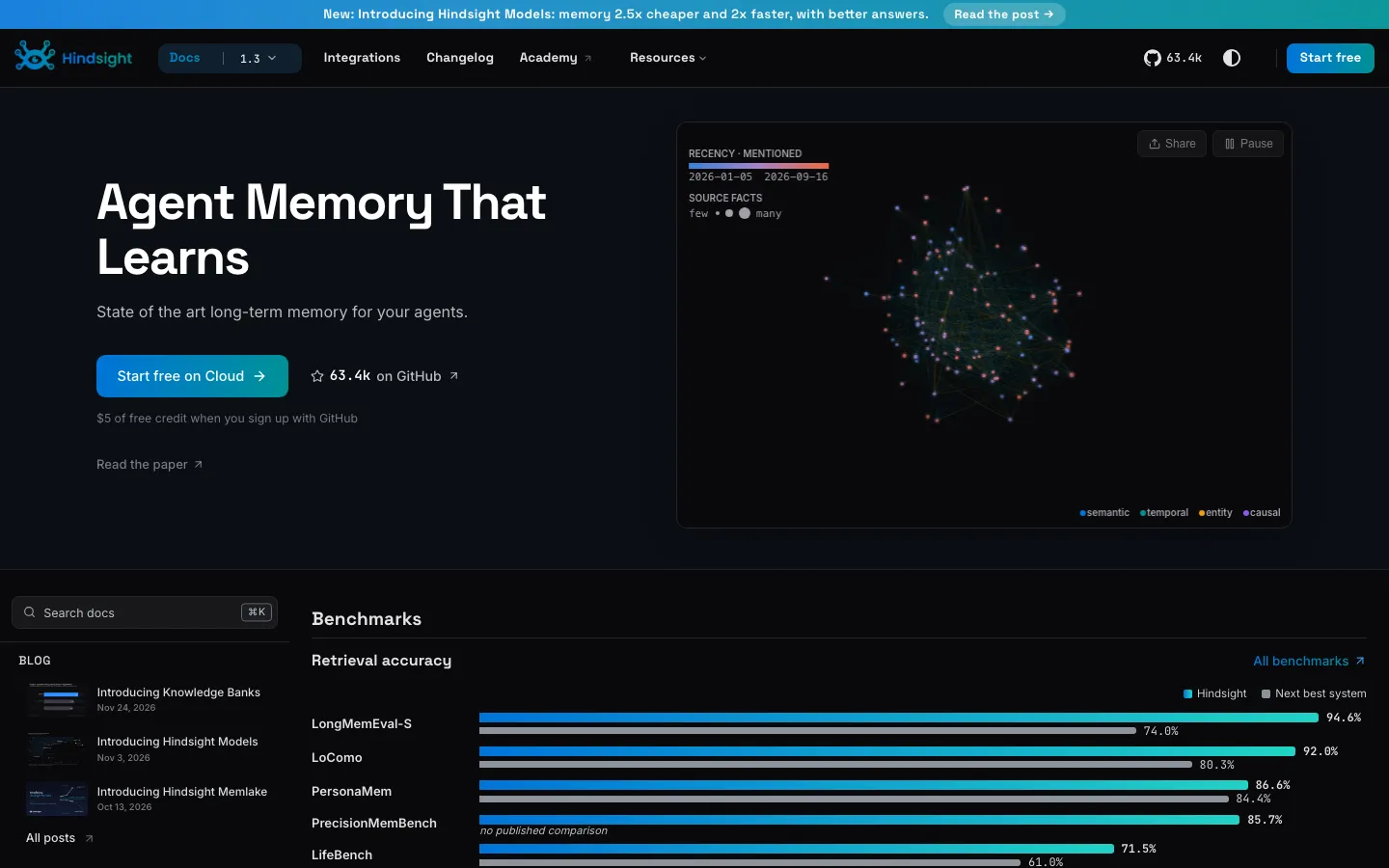
A plugin entry in ~/.config/kilo/kilo.json is all the installer adds for Kilo: run npx @vectorize-io/hindsight-coding-agents install kilo, and the Kilo CLI is on the list of agents Hindsight's coding-agents package supports. There is no save step after that. The plugin writes the session transcript back every turn, flushes once more when the session goes idle, and seeds a new repo's memory bank from its commit messages in the background. On the first prompt of a session it injects one synthesized summary of what the bank holds, and on each turn it refreshes a list of curated pages (architecture, conventions, work in flight) that the agent reads with tools such as hindsight_search_pages and hindsight_read_page.
Memory is one bank per repository, shared by every agent the package is installed for, so what a Kilo session records is there for Claude Code or Codex in the same repo. The installer asks where the bank lives: Hindsight Cloud, a server you run, or a local daemon that needs uv and an LLM key. Two limits apply to Kilo, both from Hindsight's docs: earlier Kilo sessions are not imported, because Kilo keeps its history in an internal database, and the one-time codebase survey does not run. The docs cover sharing a bank between agents and repos, not access rules between teammates. Hindsight is MIT-licensed with about 63,000 GitHub stars. Cloud accounts start with $5 of credit, then pay $10 per million tokens retained and $0.75 per million recalled; self-hosting is free.
Strengths
- Turns and commit history are ingested with no save step
- One bank per repo, shared with the other agents you run
- MIT, with cloud, self-hosted and local daemon options
Limits
- Documented for the Kilo CLI; the IDE extensions are not named
- The summary is injected once per session by default; later recall is a tool call
- Cloud use is metered by tokens, and the local daemon needs uv and an LLM key
Open source (MIT) · Free self-hosted; Cloud pay as you go, $5 credit
Visit hindsight.vectorize.io ↗Engram
Best for: Developers who want free, local memory in one SQLite file across Kilo and their other agents.
engram.gentlemanprogramming.com - Connects to Kilo Code
- Local MCP server (engram setup kilocode)
- Captures
- When the agent saves, prompted by a protocol in AGENTS.md
- Shared with your team
- Local SQLite; Git sync or a self-hosted Engram Cloud
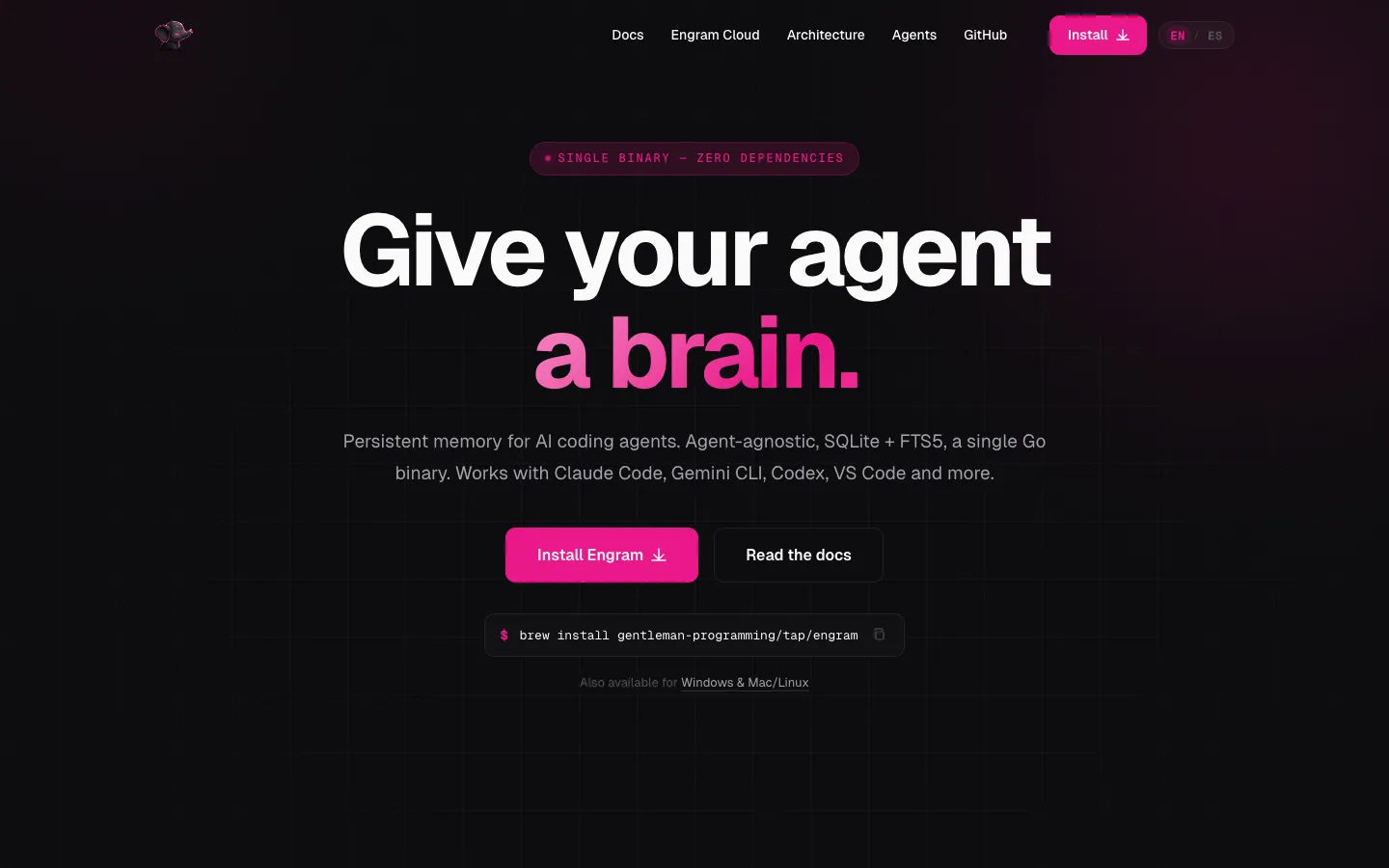
engram setup kilocode does two things. It registers Engram's MCP server under the mcp object in ~/.config/kilo/opencode.json, a legacy filename Kilo still reads from its own config directory, and it writes a Memory Protocol block into ~/.config/kilo/AGENTS.md, Kilo's global instructions file. Kilo Code is one of 14 agents the setup command targets. The protocol tells the agent when to save with mem_save and when to look things up with mem_context and mem_search, so the store holds what the model chose to write down, not a transcript. Engram ships plugins for OpenCode, Claude Code, Codex and Pi; for Kilo its docs describe the MCP entry and the AGENTS.md block only.
Storage is deliberately small: a single Go binary with SQLite and FTS5 full-text search at ~/.engram/engram.db, shared by every agent you set up, with a terminal UI (engram tui) for browsing it. Sharing is opt-in. Git sync exports compressed chunks, and Engram Cloud is a server you host yourself. The team guide is direct that a memory's scope is a search filter, not a privacy boundary. Engram is MIT-licensed with about 8,300 GitHub stars, and it is free, funded through GitHub Sponsors.
Strengths
- A documented setup command for Kilo Code
- Free and local under MIT: one binary, one SQLite file
- One store across Kilo, Claude Code, Codex, OpenCode and other agents
Limits
- Saving and recall depend on the model following the protocol
- No Kilo plugin, so nothing is captured automatically
- Team sharing means Git sync or running your own Engram Cloud server
Open source (MIT) · Free; Engram Cloud is self-hosted
Visit engram.gentlemanprogramming.com ↗Knowledge Graph Memory
Best for: Developers who want a free local store the agent writes to on request.
github.com - Connects to Kilo Code
- Local MCP server from the Kilo Marketplace
- Captures
- Only when the agent calls a tool
- Shared with your team
- One JSONL file on your machine
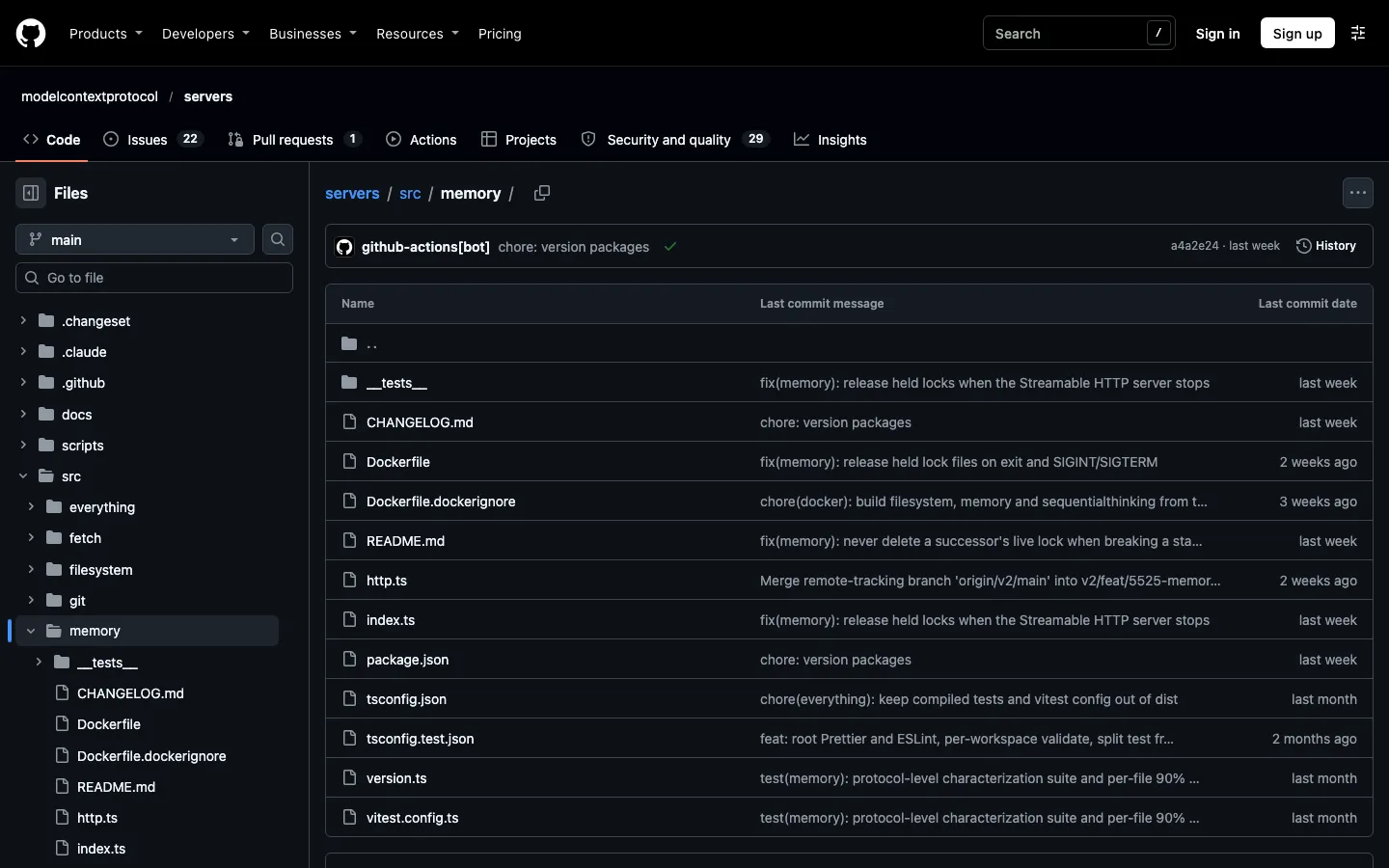
Installing this one takes a click, because it is listed in the Kilo Marketplace: open Marketplace in the Kilo sidebar, pick Knowledge Graph Memory, and Kilo writes the server under the mcp key of .kilo/kilo.json or ~/.config/kilo/kilo.json. It is the reference memory server from the modelcontextprotocol/servers repository, published as @modelcontextprotocol/server-memory and run locally with npx or Docker.
The store is a graph in a single JSONL file: entities, relations between them, and observations attached to each entity. Nine tools read and write it, among them create_entities, add_observations, search_nodes and read_graph. Nothing is captured from a session unless the agent calls those tools, so it needs an AGENTS.md instruction saying when to save and when to look. Set MEMORY_FILE_PATH to an absolute path you own. By default the file sits beside the server code inside npx's node_modules, where clearing the cache can delete it; the Marketplace entry includes a variant that asks for that path. Its README gives the license as MIT, it costs nothing, and the repository of reference servers it belongs to has about 92,000 GitHub stars.
Strengths
- Listed in the Kilo Marketplace and installed from the sidebar
- Free, local and MIT-licensed
- The whole graph is one JSONL file you can read or back up
Limits
- Saves only when the agent calls a tool
- The default file location can be wiped with the npx cache
- One file on one machine, with no access rules between people
Open source (MIT) · Free, runs locally
Visit github.com ↗claude-mem
Best for: claude-mem users who want to save to and search their local store from the Kilo CLI.

cmem.ai - Connects to Kilo Code
- Local stdio MCP server (Kilo CLI)
- Captures
- Explicit saves only in Kilo
- Shared with your team
- Local per project; team sharing is a pilot
In Kilo, claude-mem does less than it does in Claude Code, and its own docs say so. The Kilo CLI guide adds claude-mem's stdio MCP server under the mcp key in kilo.json, points it at a claude-mem worker you start yourself, and allows three tools: save_memory, search and get_observations. That gives you an explicit save and project-scoped recall in a later session. The connection does not capture conversations or inject memories, and the guide notes it was tested with Kilo CLI 7.8.27 on macOS and that the IDE extension was not tested.
It earns a place mainly for people who already run claude-mem with Claude Code and want Kilo to write to and search the same local worker. The project is Apache 2.0 with about 120,000 GitHub stars, the most-starred memory project on this page. Storage is local and free; CMEM Pro costs $30 a month after a 30-day trial. TeamBrain, the feature for sharing between people, was a pilot with no public pricing when we checked.
Strengths
- A vendor-written Kilo CLI guide with a repeatable smoke test
- Free and local
- Uses the same worker as claude-mem in Claude Code
Limits
- No automatic capture or injection in Kilo
- Needs a claude-mem worker running and absolute paths in the config
- The IDE extension was not tested
Open source (Apache 2.0) · Free locally; CMEM Pro $30/mo
Visit cmem.ai ↗
Set up Glen in Kilo Code
Glen connects to Kilo Code as a remote MCP server with OAuth, so there is no plugin to install. The VS Code extension, the JetBrains plugin and the CLI read the same kilo.jsonc, so one entry covers all three. You need a Glen account; the free plan covers 15,000 memories with no card. What Kilo reads through Glen comes from your team's other agents and integrations, so there is something to search once those are connected.
1. Add Glen under the mcp key
Put the entry in ~/.config/kilo/kilo.jsonc to have it in every project, or in .kilo/kilo.jsonc for one repo. In VS Code you can add the same server from Settings > Agent Behaviour > MCP Servers. Kilo tries Streamable HTTP first for remote servers, which is the transport Glen serves.
json{ "mcp": { "glen": { "type": "remote", "url": "https://mcp.tryglen.com/mcp" } } }2. Sign in
Kilo starts the OAuth flow when it connects to a remote server that supports it. In VS Code, a server in needs_auth status shows a notification that starts sign-in. In the CLI, run the auth command and finish in the browser.
bashkilo mcp auth glen3. Tell the agent when to search
Recall happens when the agent calls glen_search, so add a line to AGENTS.md saying when. MCP tools go through Kilo's permission prompts under the key server_tool; to stop being asked for searches, set "glen_glen_search": "allow" under permission in kilo.jsonc and leave the write tools on ask.
markdownWhen a task touches code or a decision from before this session, call glen_search first and say what it returned.
Which one should you pick?
Start with what Kilo ships. If you work alone, /memory on gives you automatic, local, per-repo memory at no cost beyond model calls, and AGENTS.md holds the conventions. For one person in one repo, neither Glen nor a third-party tool improves on that. Add Hindsight if you want Kilo CLI sessions captured into a bank your other agents also read, Engram if you want one local SQLite file across agents, or Knowledge Graph Memory if a file the agent writes to on request is enough.
Kilo Memory stops at your machine. On a team where some people run Claude Code, Codex or Cursor and decisions get made in public Slack channels and GitHub reviews, Glen gives a Kilo agent search over all of that, filtered to what its user may see, with reversed decisions left out. The limit is direction: Kilo Code sessions are not recorded into Glen, so a Kilo user reads the team's memory and adds to it only through the other agents and tools they use. Kilo Memory for your own sessions and Glen for the team's is a workable pair, since the first is local files and the second is an MCP server.
FAQ
- Does Kilo Code have memory?
- Yes. Kilo Memory, announced in July 2026, remembers project facts, environment details, corrections and session digests across sessions. It is off by default and enabled per project with /memory on or the Project memory switch in Settings > Context. Kilo also loads AGENTS.md, CLAUDE.md and CONTEXT.md as written instructions.
- Where does Kilo Code store memory?
- Outside the repository, in a per-project folder under Kilo's data directory: ~/.local/share/kilo/memory/<project-slug>-<hash>/ on typical systems, or under XDG_DATA_HOME if that is set. The folder holds project.md, environment.md, corrections.md and a sessions/ directory of digests. Run /memory inspect to open it.
- What happened to the Kilo Code Memory Bank?
- It is deprecated in favor of AGENTS.md. Kilo's docs say existing memory bank files under .kilo/rules/memory-bank/ or the legacy .kilocode/rules/memory-bank/ keep working, and suggest moving their content into the project's AGENTS.md. Kilo Memory is a separate feature and does not use those files.
- How do I add a remote MCP server to Kilo Code?
- Add it under the mcp key in kilo.jsonc with type "remote" and its url, globally in ~/.config/kilo/kilo.jsonc or per project in .kilo/kilo.jsonc. Kilo tries Streamable HTTP first and falls back to SSE, and starts OAuth automatically when the server supports it. In the CLI, kilo mcp auth <name> signs in.
- Does Glen record my Kilo Code sessions?
- No. Glen has no Kilo Code plugin and connects over MCP, so a Kilo agent can search team memory but its own sessions are not recorded. What it searches comes from teammates' Claude Code, Codex and Cursor sessions and from Slack, GitHub, tickets, docs and calls.
- Can a team share memory in Kilo Code?
- Not through Kilo Memory, which is local to one machine and has no sync. Teams share written instructions: AGENTS.md and .kilo/ rules through git, or a URL in the instructions array of kilo.jsonc. For memory that comes from sessions, Engram can export its store through Git sync, and Glen lets Kilo search what teammates' other agents recorded, filtered to what each person may see.