Updated
The best memory for OpenClaw in 2026
The best memory for OpenClaw is Glen if your agent has to answer from what your team's coding agents, Slack and GitHub already recorded, and OpenClaw's built-in memory if it only has to remember you. OpenClaw ships with real memory, on by default: the agent writes Markdown files in its workspace, searches them with memory_search, and a scheduled background pass called dreaming promotes what keeps coming up into MEMORY.md. Glen adds nothing to that store. It connects as a remote MCP server, so an OpenClaw agent can search the team's memory, and OpenClaw sessions are not recorded into Glen.
Between those two sits OpenClaw's own plugin ecosystem. There is one exclusive memory slot, plugins.slots.memory, held by the memory-core plugin unless you install a replacement such as Mem0, Supermemory or Cognee; Honcho runs beside it instead. QMD, the backend older guides still recommend, has been removed. We compared six options on what they record from OpenClaw, when recall reaches the model, and who besides you can read the result.
Short answer
- An agent that answers from your team's Claude Code, Codex and Cursor sessions, Slack and GitHub
- Glen
- A personal agent that remembers you, with nothing to install
- OpenClaw built-in memory (memory-core)
- Every turn captured, and a separate model of each person the agent talks to
- Honcho
- Automatic capture and recall that can also run fully self-hosted
- Mem0 (@mem0/openclaw-mem0)
- Company, user and agent scopes over the memory files you already have
- Cognee
OpenClaw memory tools at a glance
| # | Tool | Connects via | Captures | Team sharing | Price |
|---|---|---|---|---|---|
| 01 |  GlenOur pick | Remote MCP (OAuth) | OpenClaw sessions not recorded; reads team memory | Whole orgOrg-wide, filtered per user at recall | Free for 15,000 memories, no card |
| 02 |  OpenClaw memory-core (MEMORY.md, daily notes, dreaming)openclaw.ai | Built in (memory-core plugin) | Agent writes notes; silent flush before compaction; dreaming promotes | One personOne agent's private workspace | Free |
| 03 |  Honchohoncho.dev | Plugin (@honcho-ai/openclaw-honcho), beside memory-core | Every turn, automatically | Shared spacesOne Honcho workspace; a peer per sender | $5 free credit; $2 per 1M tokens ingested |
| 04 |  Mem0mem0.ai | Plugin (@mem0/openclaw-mem0), takes the memory slot | Selected messages after each turn, automatically | Shared spacesPer userId you choose | Free tier; paid is usage-based or custom |
| 05 |  Cogneecognee.ai | Plugin (@cognee/cognee-openclaw), takes the memory slot | Each turn into a session cache; into the graph at session end | Shared spacesCompany, user and agent datasets | Free for 100M tokens; $0.10 per 1M after |
| 06 |  Supermemorysupermemory.ai | Plugin (@supermemory/openclaw-supermemory), takes the memory slot | Every turn, automatically | Shared spacesOne container tag per machine by default | Free with $5 credit; Pro $19/mo |
How we ranked them
- Records OpenClaw conversations. memory-core depends on the agent writing notes, helped by a silent flush before compaction. Plugins granted conversation access can capture each turn. An MCP server records nothing unless the agent calls a save tool. We say which applies to each pick, Glen included.
- When recall reaches the model. MEMORY.md is in context from the start of a private session. Plugins can inject context before each prompt through the before_prompt_build hook. MCP tools run only when the agent decides to call them, so an AGENTS.md line telling it when to search matters.
- Keeps or replaces memory-core. Only one plugin owns plugins.slots.memory, and the Markdown files and dreaming belong to memory-core. Each pick either takes that slot or runs beside it.
- Who else can read it. An OpenClaw workspace is private to one agent, and MEMORY.md never loads in group chats. We looked at whether a second person, or a second agent, can read what the first one stored.
- Setup and price. The install command or config key, and the first paid tier, from each vendor's docs and pricing page as of November 2026.
The 6 best memory tools for OpenClaw
Glen
Our pickBest for: OpenClaw users on engineering teams whose coding agents and tools already feed Glen.
tryglen.com - Connects to OpenClaw
- Remote MCP (OAuth)
- Captures
- OpenClaw sessions not recorded; reads team memory
- Shared with your team
- Org-wide, filtered per user at recall
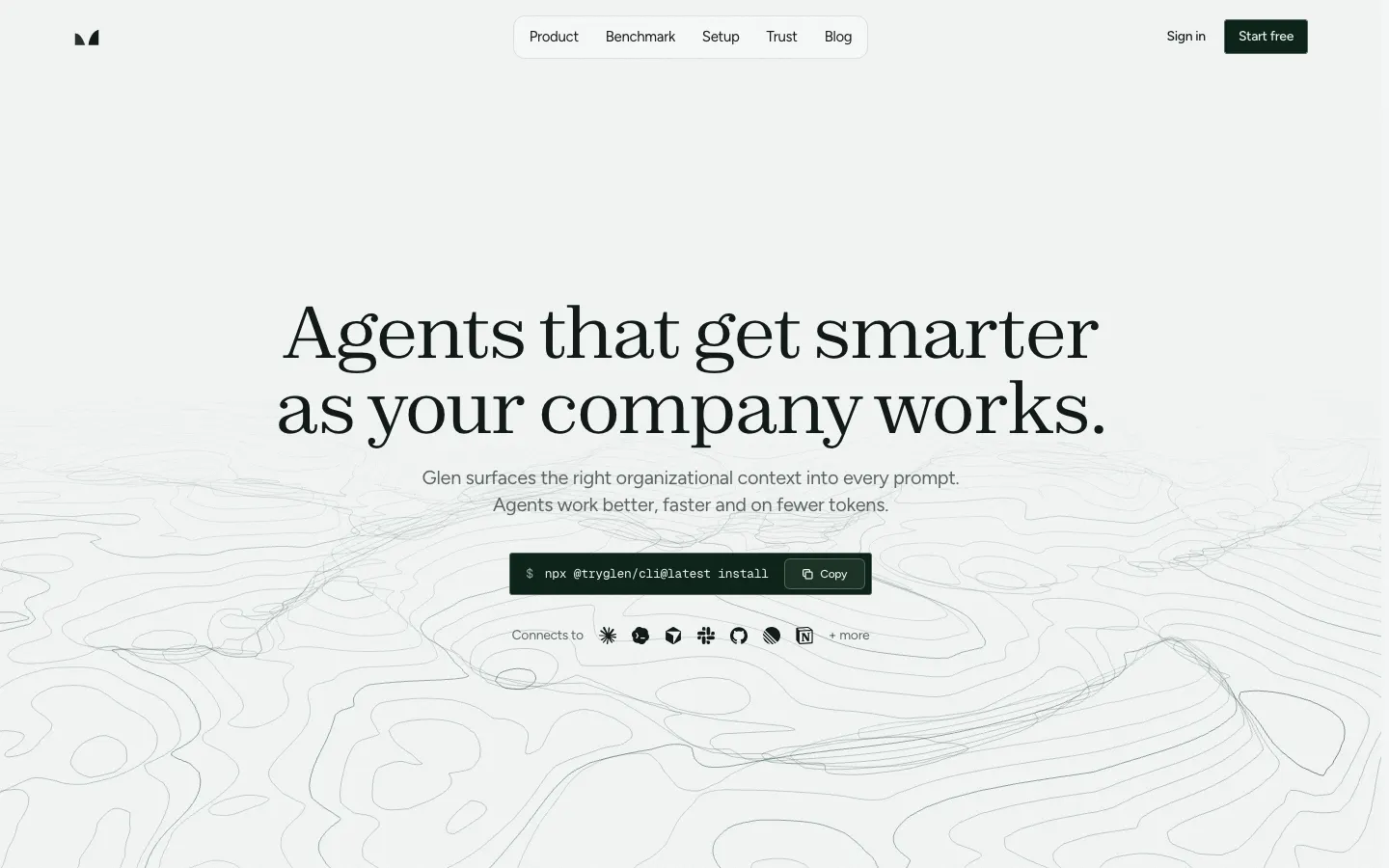
Nothing from an OpenClaw conversation is written to Glen. There is no Glen plugin for OpenClaw, so Glen takes no part in the memory slot, MEMORY.md or dreaming; it is one more entry under mcp.servers, signed in with openclaw mcp login. The agent gets glen_search, glen_code_search, glen_skill_search and glen_artifact_search, and recall happens when it calls one of them. In an unsandboxed session OpenClaw's exec tool runs shell commands on the Gateway host, which makes the glen CLI a second route: install it there, run glen login, and the agent can run glen search.
What the search reaches is the reason to add it. Teammates' Claude Code, Codex and Cursor sessions are recorded by Glen's plugins, and public Slack channels, GitHub, tickets, docs and call transcripts from Fireflies, Fathom and Granola come in through integrations one person sets up once. Results are filtered per observation to what the signed-in user is cleared to see, and decisions the team has reversed stop surfacing. One OpenClaw default matters here: a Gateway keeps a single shared sign-in per MCP server, so the agent searches Glen as the person who ran the login, whoever is messaging it. If several people use the same agent, set oauth.identity to per-requester, which also needs gateway.publicOrigin, so each sender connects their own account. And if OpenClaw is your personal assistant and nobody on your team feeds Glen, it has nothing to recall for you; the built-in memory below is the better choice.
Strengths
- Searches memory recorded from the team's Claude Code, Codex and Cursor sessions
- Slack, GitHub, tickets, docs and call transcripts in the same search
- Runs beside memory-core; the memory slot and MEMORY.md stay as they are
- Per-requester OAuth lets each sender on a shared Gateway sign in as themselves
Limits
- OpenClaw conversations are not recorded into Glen
- Recall waits for the agent to call glen_search; nothing is injected before a prompt
- With the default shared sign-in, every sender gets the operator's view of Glen
- Hosted only; there is no self-hosted build
Managed service · Free for 15,000 memories, no card
Set up Glen in OpenClaw →OpenClaw memory-core (MEMORY.md, daily notes, dreaming)
Best for: A personal agent that should remember its owner across sessions and channels.
openclaw.ai - Connects to OpenClaw
- Built in (memory-core plugin)
- Captures
- Agent writes notes; silent flush before compaction; dreaming promotes
- Shared with your team
- One agent's private workspace
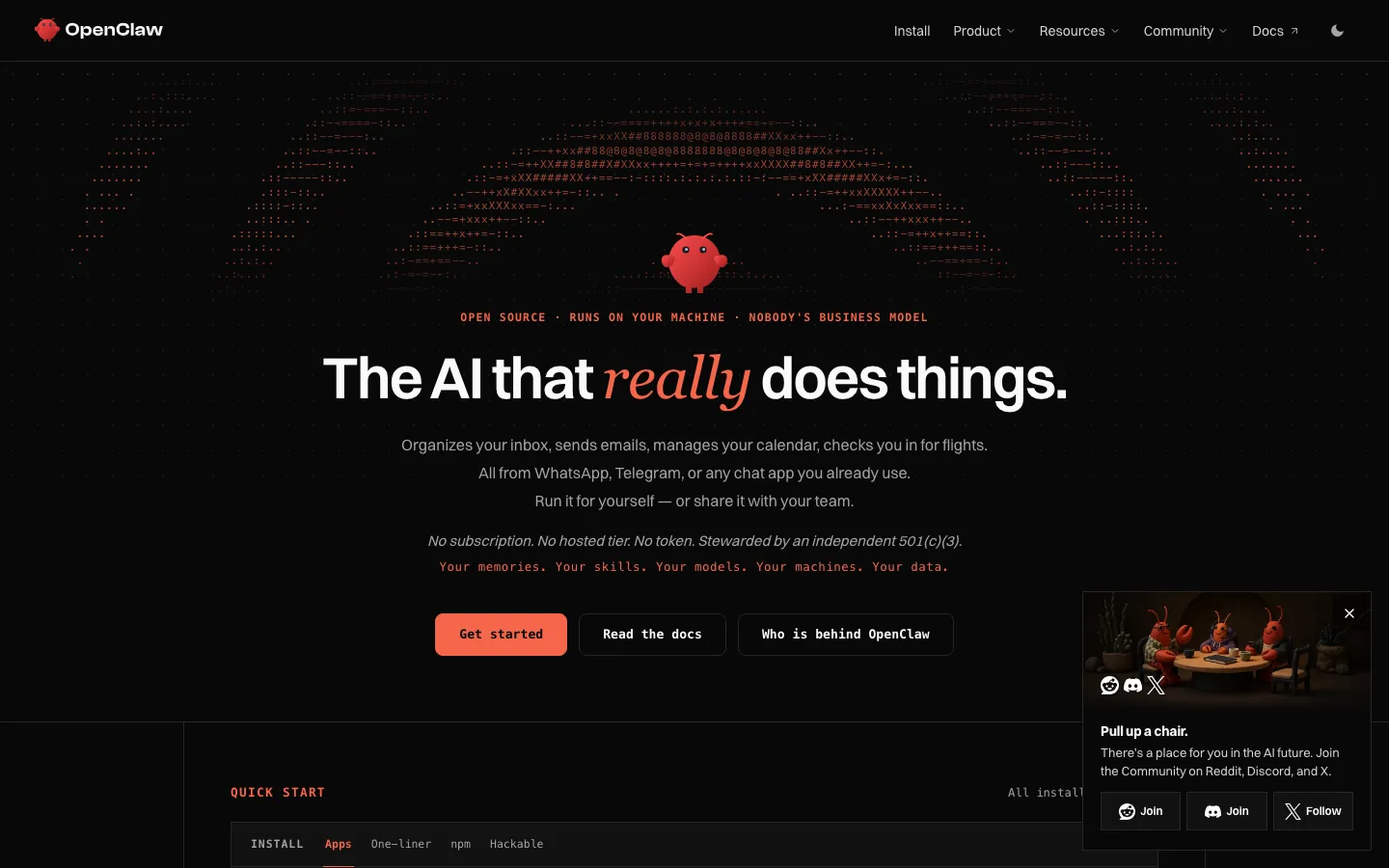
Plain Markdown files in the agent workspace, ~/.openclaw/workspace by default, are where OpenClaw keeps memory; the docs say the model only remembers what gets saved to disk. MEMORY.md holds curated long-term facts and loads at the start of the main private session, never in group or shared contexts. USER.md holds preferences and loads every session under its own 4,000-character budget. Daily notes go to memory/YYYY-MM-DD.md: today's and yesterday's load on a bare /new or /reset, and older ones are reached through the memory_search and memory_get tools. The injected copy of a file is truncated past 20,000 characters (agents.defaults.bootstrapMaxChars), with 60,000 across all bootstrap files, while the file on disk stays whole.
Writing is partly automatic. Before compaction OpenClaw runs a silent turn that tells the agent to save what matters to the daily note. Dreaming, a scheduled sweep that is on by default, promotes recurring items into MEMORY.md and logs what it did in DREAMS.md. Search is hybrid, SQLite FTS5 keywords plus embeddings, with OpenAI as the default embedding provider and keyword-only search when none is configured. All of this belongs to memory-core, the default owner of plugins.slots.memory. The bundled Knowledge plugin or the official memory-lancedb plugin can take the slot instead, and QMD, the old alternative backend, has been removed. A workspace is private to one agent on one Gateway, and the docs suggest a private git repo as its backup, so none of it reaches a teammate's agent.
Strengths
- On by default, free, and stored as Markdown you can read and edit
- Dreaming consolidates daily notes into MEMORY.md without being asked
- A silent flush saves context before compaction
- Imports existing Codex, Claude Code and Hermes memory files from the Control UI
Limits
- Holds one agent's notes; nothing from teammates, Slack or GitHub
- MEMORY.md is truncated in context past the bootstrap budget
- Semantic search needs an embedding provider; without one it is keyword-only
Built into OpenClaw (MIT) · Free
Visit openclaw.ai ↗Honcho
Best for: Personal and group-chat agents that should keep a model of each person they talk to.
honcho.dev - Connects to OpenClaw
- Plugin (@honcho-ai/openclaw-honcho), beside memory-core
- Captures
- Every turn, automatically
- Shared with your team
- One Honcho workspace; a peer per sender
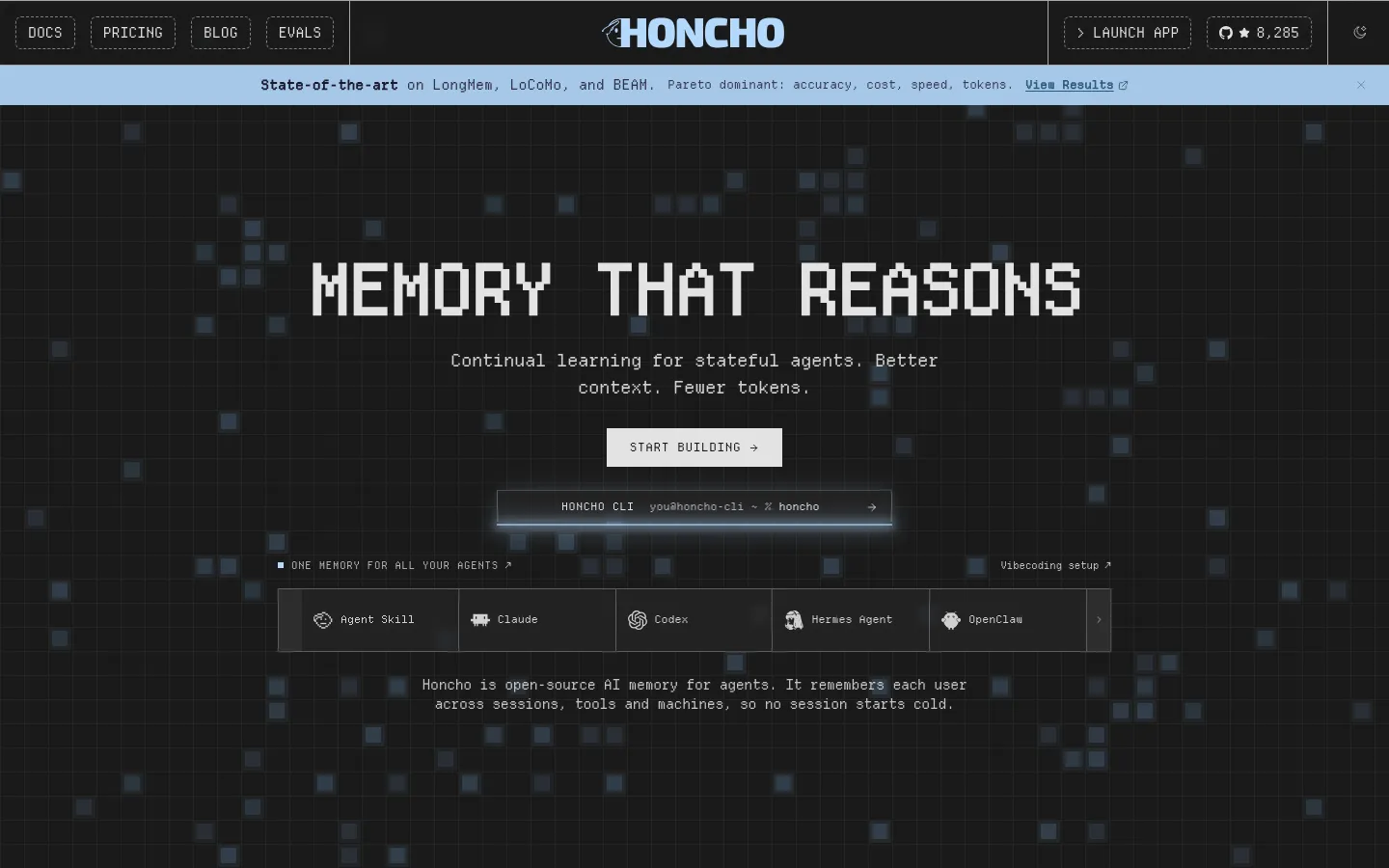
Unlike the slot-replacing plugins further down, Honcho runs beside memory-core, so MEMORY.md, daily notes and dreaming keep working. It also has its own page in OpenClaw's memory docs, which the other three plugins on this list do not. After every turn the plugin sends the user and agent messages to Honcho, which reasons over them into a representation of each participant; in group chats every sender becomes a separate peer. Context is injected before each prompt through the before_prompt_build hook, and the agent gets five tools, among them honcho_context, honcho_search_conclusions and honcho_ask. Saving new messages requires hooks.allowConversationAccess to be set for the plugin, which logs a warning at startup when the flag is missing.
Plastic Labs runs Honcho as a managed API at api.honcho.dev and publishes the server under AGPL-3.0, with about 8,300 GitHub stars, so a self-hosted instance needs no API key. Managed pricing is metered: $2 per million tokens ingested, reasoning queries from $0.001 to $0.50 each, and $5 of credit on a new account. Recall is workspace-wide by default, which lets a person's memory follow them across every channel the agent serves.
Strengths
- Captures every turn without the agent deciding to save
- Keeps memory-core, MEMORY.md and dreaming in place
- Separate memory for each sender in a group chat
- Server is self-hostable under AGPL-3.0
Limits
- Models people and their preferences, not a team's engineering decisions
- Managed use is metered per token ingested and per reasoning query
- Conversations go to Honcho's API unless you self-host
Open source (AGPL-3.0) · $5 free credit; $2 per 1M tokens ingested
Visit honcho.dev ↗Mem0
Best for: Developers who want automatic capture and recall, hosted or fully local.
mem0.ai - Connects to OpenClaw
- Plugin (@mem0/openclaw-mem0), takes the memory slot
- Captures
- Selected messages after each turn, automatically
- Shared with your team
- Per userId you choose
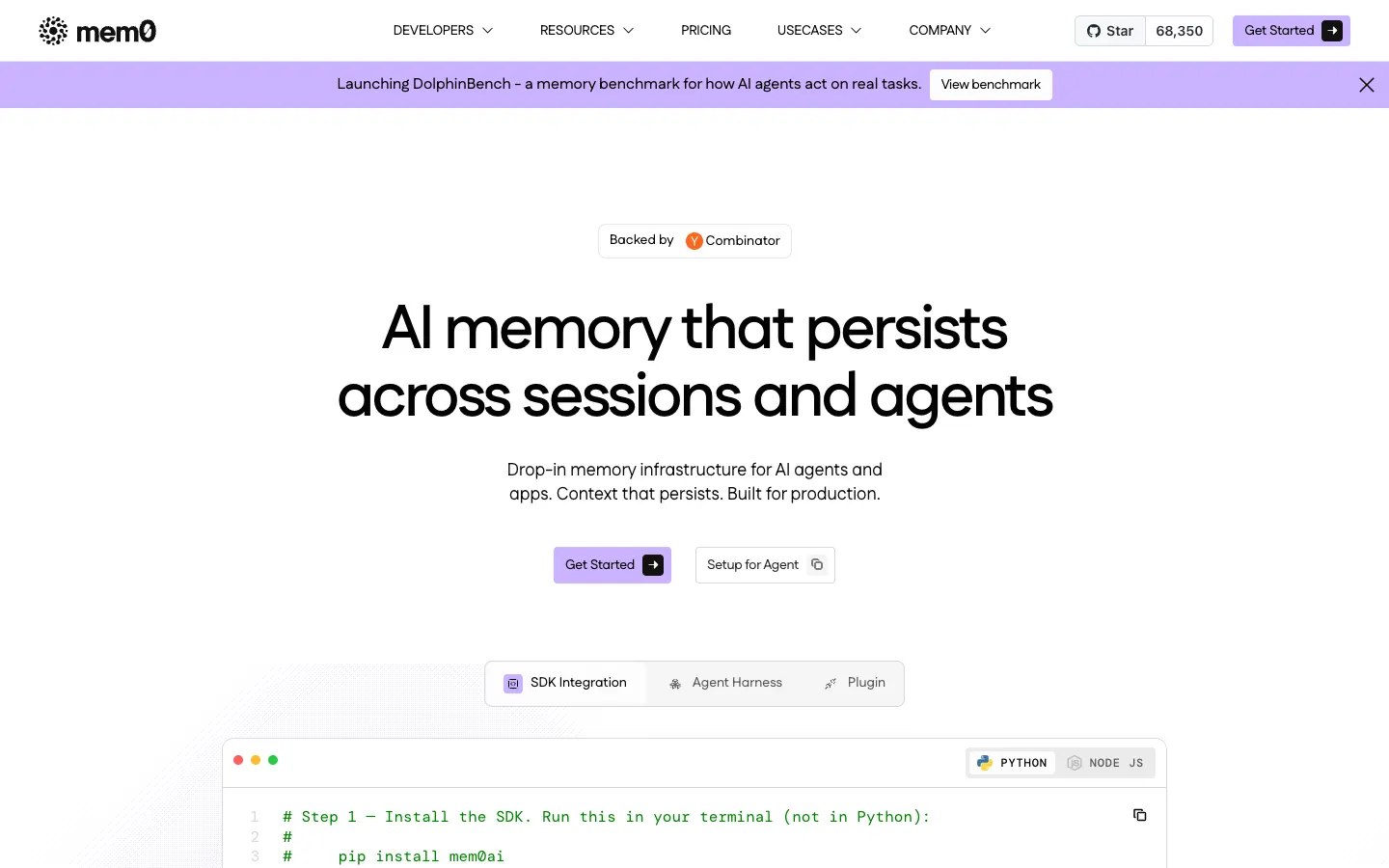
Setup can happen inside the chat: send "Setup Mem0 from mem0.ai/claw-setup" to your OpenClaw agent, confirm the emailed code, and the @mem0/openclaw-mem0 plugin installs and connects. From the CLI it is openclaw plugins install followed by setting plugins.slots.memory to openclaw-mem0, because installing alone does not activate it. Once it holds the slot, the plugin retrieves relevant memories before each turn and injects them, and after each turn stores selected user and assistant messages with secrets redacted. Automatic capture is scoped to the current session; long-term facts are written by the agent through the memory_add tool. Mem0's docs list OpenClaw 2026.4.25 or later as supported.
Two modes exist. Platform mode uses Mem0 Cloud with an API key. Open-source mode needs no Mem0 key and runs on your own LLM, embedder and vector store, and with Ollama and Qdrant it stays on your machine. The project is Apache 2.0 with about 69,000 GitHub stars. Mem0's pricing page shows a free tier of 10,000 adds and 1,000 retrievals a month for the first 30 days, higher limits with your own LLM key, then usage billing or a custom contract. Memories are scoped to a userId that defaults to your OS username.
Strengths
- Recall is injected before each turn and capture runs after it
- Open-source mode runs on Ollama and Qdrant with no Mem0 account
- Chat-based setup with no config editing
Limits
- Takes the memory slot from memory-core
- Long-term facts depend on the agent calling memory_add
- No published paid price for new accounts
Open source (Apache 2.0) · Free tier; paid is usage-based or custom
Visit mem0.ai ↗Cognee
Best for: Teams that want company, user and agent scopes over OpenClaw's Markdown memory files.
cognee.ai - Connects to OpenClaw
- Plugin (@cognee/cognee-openclaw), takes the memory slot
- Captures
- Each turn into a session cache; into the graph at session end
- Shared with your team
- Company, user and agent datasets
The Markdown files OpenClaw already writes are this plugin's input. It indexes MEMORY.md and the memory/ folder into Cognee's knowledge graph, re-syncs as files are added, changed or removed, and serves the memory_search and memory_get tools the memory slot expects. Before each prompt it injects a cognee_memories block. Each prompt and answer, and the tool calls a capture policy allows, go to a session cache that is bridged into the graph when the session ends. Multi-scope mode routes files by path: memory/company/** goes to a dataset shared across all users and agents on that Cognee server, and memory/user/** to a per-user one.
Running openclaw cognee setup sets plugins.slots.memory to cognee-openclaw and writes the two hook permissions. With the default loopback baseUrl the plugin boots its own Cognee server on port 8011, which needs Python 3.10 to 3.14 on the host and an LLM key in ~/.cognee/.env; a cold first start can take several minutes. Cognee is Apache 2.0 with about 34,000 GitHub stars. Cognee Cloud's Standard plan includes 100 million tokens at no charge, then bills $0.10 per million.
Strengths
- Indexes the MEMORY.md and memory/ files you already have
- Company, user and agent scopes routed by file path
- Boots a local Cognee server for you, or connects to Cognee Cloud
Limits
- The local server needs Python 3.10 to 3.14 and an LLM key
- Takes the memory slot from memory-core
- A cold first start of the local server can take several minutes
Open source (Apache 2.0) · Free for 100M tokens; $0.10 per 1M after
Visit cognee.ai ↗Supermemory
Best for: People who want cloud memory for OpenClaw with no local services to run.
supermemory.ai - Connects to OpenClaw
- Plugin (@supermemory/openclaw-supermemory), takes the memory slot
- Captures
- Every turn, automatically
- Shared with your team
- One container tag per machine by default
A browser OAuth sign-in, started with openclaw supermemory login, is the whole hosted setup: it enables the plugin in ~/.openclaw/openclaw.json and stores refreshable credentials. From then on the plugin queries Supermemory before every turn and injects matching memories and a user profile, then sends each exchange for extraction after the turn. Both behaviours are on by default. Memory lands in a container tag that defaults to openclaw_{hostname}, and custom container tags let the agent route work, personal or bookmark memories to separate containers. The agent also gets supermemory-save, supermemory-search, supermemory-forget and supermemory-profile, and you get /remember and /recall.
Check one thing before installing. The plugin's README says it requires Supermemory Pro or above, which is $19 a month, while the pricing page lists all plugins under the free plan with $5 of usage included. The plugin repository has about 800 GitHub stars. Supermemory's main repository and plugins are MIT; the memory engine is not open source, though a free local binary started with npx supermemory local runs it on your machine, and the plugin accepts that server as its baseUrl.
Strengths
- Auto-recall and auto-capture on every turn, both on by default
- Browser OAuth sign-in with no API key to paste
- Custom container tags keep work and personal memory apart
Limits
- README and pricing page disagree on whether the free plan covers the plugin
- The memory engine is not open source
- Default namespace is one container per machine, not per person
Open source (MIT) · Free with $5 credit; Pro $19/mo
Visit supermemory.ai ↗
Set up Glen in OpenClaw
Glen connects to OpenClaw as a remote MCP server with OAuth. Nothing is installed into the Gateway and the memory slot is untouched, so memory-core or whichever plugin holds it keeps running. You need a Glen account; the free plan covers 15,000 memories with no card. What your agent can search comes from your team's other agents and integrations, so connect those first or there is little to find.
1. Save Glen as an MCP server
openclaw mcp set writes the definition under mcp.servers in ~/.openclaw/openclaw.json. Glen speaks Streamable HTTP, so name the transport; OpenClaw uses SSE when it is omitted.
bashopenclaw mcp set glen '{"url":"https://mcp.tryglen.com/mcp","transport":"streamable-http","auth":"oauth"}'2. Sign in
With the Gateway running, login prints a sign-in link. Approve it in the browser until the page says you're connected; the Gateway saves the credentials and the next agent turn can use Glen's tools without a restart. Status shows whether authorization is complete. On a headless host, copy the failed redirect address and pass it back with the callback-url flag.
bashopenclaw mcp login glen openclaw mcp status --verbose3. Tell the agent when to search
Recall happens when the agent calls glen_search, so add a line to AGENTS.md in the workspace, which loads at the start of every session. MCP tools are hidden under the minimal tool profile, and sandboxed sessions need them allowed in tools.sandbox.tools.
markdownBefore answering a question about our codebase or a past engineering decision, call glen_search.
Which one should you pick?
Most people run OpenClaw as a personal assistant on their own machine, and for that the built-in memory is the right default and is already on. Add Honcho when the agent talks to several people and should keep them apart. Choose Mem0 or Supermemory when you want capture that doesn't depend on the agent writing notes, and Cognee when several agents should share a company dataset built from Markdown files.
Glen covers a different question: what have my team's coding agents, Slack channels and GitHub reviews already settled? It reads that memory into OpenClaw over MCP and writes nothing back, so it sits beside whichever plugin holds the memory slot. An engineer who messages their OpenClaw agent about work gets the team's recorded decisions, filtered to what that engineer is cleared to see. An OpenClaw user whose team isn't on Glen gets an empty search, and should skip it.
FAQ
- Does OpenClaw have memory?
- Yes, and it is on by default. The bundled memory-core plugin has the agent write Markdown notes in its workspace, gives it memory_search and memory_get, runs a silent flush before compaction, and consolidates daily notes into MEMORY.md with a scheduled pass called dreaming. It remembers one agent's own conversations, not a team's.
- Where does OpenClaw store memory?
- In the agent workspace, ~/.openclaw/workspace by default: MEMORY.md for long-term facts, USER.md for preferences, memory/YYYY-MM-DD.md for daily notes and DREAMS.md for dreaming summaries. The search index is a per-agent SQLite database, and settings live in ~/.openclaw/openclaw.json.
- What happened to QMD in OpenClaw?
- It was removed. The builtin SQLite engine now covers most of what QMD did, without its learned reranking. Running openclaw doctor --fix drops the retired memory.backend and memory.qmd settings and keeps your QMD paths as memory.search.extraPaths entries. The Markdown files themselves are untouched; only the derived index is rebuilt.
- Can I use more than one memory plugin in OpenClaw?
- Only one plugin owns plugins.slots.memory at a time. Installing a slot plugin such as memory-lancedb switches the slot and disables the previous owner with a warning. Companion plugins such as memory-wiki and Honcho run beside the slot owner, and MCP servers such as Glen are outside the slot entirely.
- How do I add a remote MCP server to OpenClaw?
- Run openclaw mcp set <name> with a JSON object containing the url and "transport": "streamable-http". For a server that uses OAuth, add "auth": "oauth" and run openclaw mcp login <name>; static headers are supported for bearer tokens. Definitions are saved under mcp.servers in ~/.openclaw/openclaw.json.
- Does Glen record my OpenClaw sessions?
- No. Glen connects to OpenClaw as an MCP server, so the agent can search team memory, but OpenClaw conversations are not recorded into it. What it reads comes from teammates' Claude Code, Codex and Cursor sessions and from Slack, GitHub, tickets, docs and calls.