Updated
The best memory for Hermes Agent in 2026
The best memory for Hermes Agent is Glen if you're on a team whose coding agents and tools already feed it, and Hermes's built-in memory with Honcho added if the agent works for you alone. Hermes ships with memory turned on: MEMORY.md and USER.md load into the system prompt at the start of every session, session_search runs full-text queries over every past conversation, and the agent writes skills for workflows it has worked out. All of that belongs to one profile on one machine. Glen connects to Hermes as a remote MCP server, so a Hermes agent can search what teammates' Claude Code, Codex and Cursor sessions recorded and what the team wrote in Slack, GitHub, tickets, docs and calls, but Hermes sessions themselves are not recorded into Glen.
Hermes also has a provider interface for external memory. One provider can be active at a time, chosen with hermes memory setup or memory.provider in ~/.hermes/config.yaml, and it runs next to the built-in files. RetainDB and ByteRover still ship in the Hermes tree; Honcho, Hindsight, Supermemory, Mem0, OpenViking and Holographic install from the plugin catalog. An MCP server doesn't take that slot, so Glen and a provider can run side by side. We compared six options on what they record from Hermes, what a Hermes agent can recall through them, and who else can read it.
Short answer
- A team whose memory already comes from Claude Code, Codex, Cursor, Slack and GitHub
- Glen
- One person, nothing extra to install
- MEMORY.md, USER.md and session search
- An agent that builds a model of the person it works for
- Honcho
- Every turn retained, on your own machine if you want
- Hindsight
- One memory API for Hermes and your own product
- Supermemory or Mem0
Hermes Agent memory tools at a glance
| # | Tool | Connects via | Captures | Team sharing | Price |
|---|---|---|---|---|---|
| 01 |  GlenOur pick | Remote MCP (OAuth) | Hermes sessions not recorded; reads team memory | Whole orgOrg-wide, filtered per user at recall | Free for 15,000 memories, no card |
| 02 |  Hermes MEMORY.md, USER.md + session searchhermes-agent.nousresearch.com | Built in | Agent writes its own notes; every session is stored for search | One personOne profile on one machine | Free |
| 03 |  Honchohoncho.dev | Memory provider plugin (hermes plugins install honcho) | Messages synced in the background, automatically | Shared spacesOne workspace across Hermes profiles and other Honcho-connected agents | $5 free credit; $2 per 1M tokens ingested |
| 04 |  Hindsighthindsight.vectorize.io | Memory provider plugin (hermes plugins install hindsight) | Every turn, tool calls included, automatically | Shared spacesPer memory bank; a repo can pin its own bank | Free self-hosted; Cloud pay as you go, $5 credit |
| 05 |  Supermemorysupermemory.ai | Memory provider plugin (hermes plugins install supermemory) | Each completed turn, automatically | Shared spacesOne namespace per setup; orgs with scoped keys | Free with $5 credit; Pro $19/mo |
| 06 |  Mem0mem0.ai | Memory provider plugin (hermes plugins install mem0) | Facts extracted from each turn, automatically | Shared spacesPer user ID, with the agent ID on writes | Free tier; paid is usage-based or custom |
How we ranked them
- Takes the provider slot. Hermes runs one external memory provider at a time next to MEMORY.md and USER.md. An MCP server is configured separately under mcp_servers and doesn't compete for that slot. We say which kind each pick is.
- Records Hermes turns. An active provider is handed every turn after the response and can prefetch memories before the next one. An MCP server sees only what the agent sends in a tool call. Glen is the second kind in Hermes, and its pick says so.
- Who else can read it. Built-in memory is scoped to one Hermes profile. We checked whether each option reaches a second profile, a second machine, a different agent, or a teammate.
- Where the data lives. Plenty of Hermes installs run on a home server or a VPS. Some providers are cloud only, some run a local daemon, and some do both.
- Setup and price. The install command or config entry, and the first paid tier, from each vendor's pricing page as of November 2026.
The 6 best memory tools for Hermes Agent
Glen
Our pickBest for: Hermes users on teams whose coding agents and tools already feed Glen.
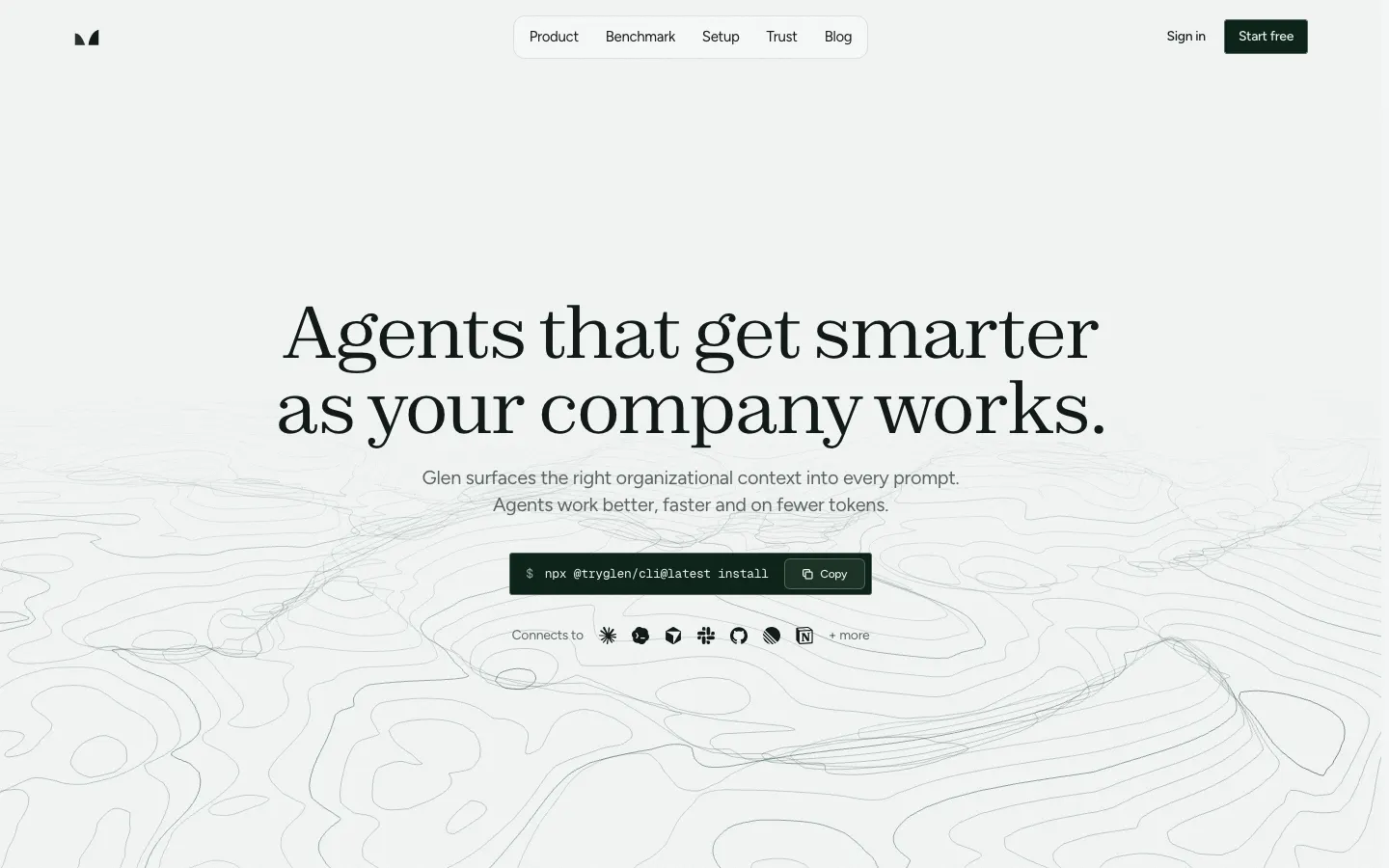
tryglen.com - Connects to Hermes Agent
- Remote MCP (OAuth)
- Captures
- Hermes sessions not recorded; reads team memory
- Shared with your team
- Org-wide, filtered per user at recall
In Hermes, Glen is an MCP server and not a memory provider. There is no Glen plugin for Hermes's provider interface, so what an active provider gets, a prefetch before each turn and a copy of every turn afterwards, doesn't apply. The agent calls glen_search, glen_code_search, glen_skill_search or glen_artifact_search when it decides to, and Hermes sessions are not recorded into memory. Because Glen sits under mcp_servers, it leaves memory.provider free for one of the tools below. If Hermes's terminal backend is local, which is the default, and the glen CLI is installed and signed in on that machine, the agent can also run glen search as a shell command; with a Docker, SSH or cloud sandbox backend, use the MCP route.
What the search reaches is the reason to connect it. Teammates' Claude Code, Codex and Cursor sessions are recorded through Glen's plugins, and public Slack channels, GitHub, tickets, docs and call transcripts from Fireflies, Fathom and Granola arrive through integrations one person sets up once. A Hermes agent querying that memory gets results filtered per observation to what its user is cleared to see, and decisions the team has since reversed no longer come back. If you work alone and Hermes is your only agent, Glen has little to recall for you; the built-in memory and a provider record what Glen can't see.
Strengths
- Reads memory recorded from the team's Claude Code, Codex and Cursor sessions
- Slack, GitHub, tickets, docs and calls in the same search
- Doesn't occupy Hermes's single memory provider slot
- glen_code_search traces a line of code to the session that wrote it
Limits
- Hermes sessions are not recorded into memory
- Recall happens only when the agent calls glen_search
- Hosted only; there is no self-hosted build
Managed service · Free for 15,000 memories, no card
Set up Glen in Hermes Agent →Hermes MEMORY.md, USER.md + session search
Best for: One person's agent remembering preferences, environment facts and past conversations.
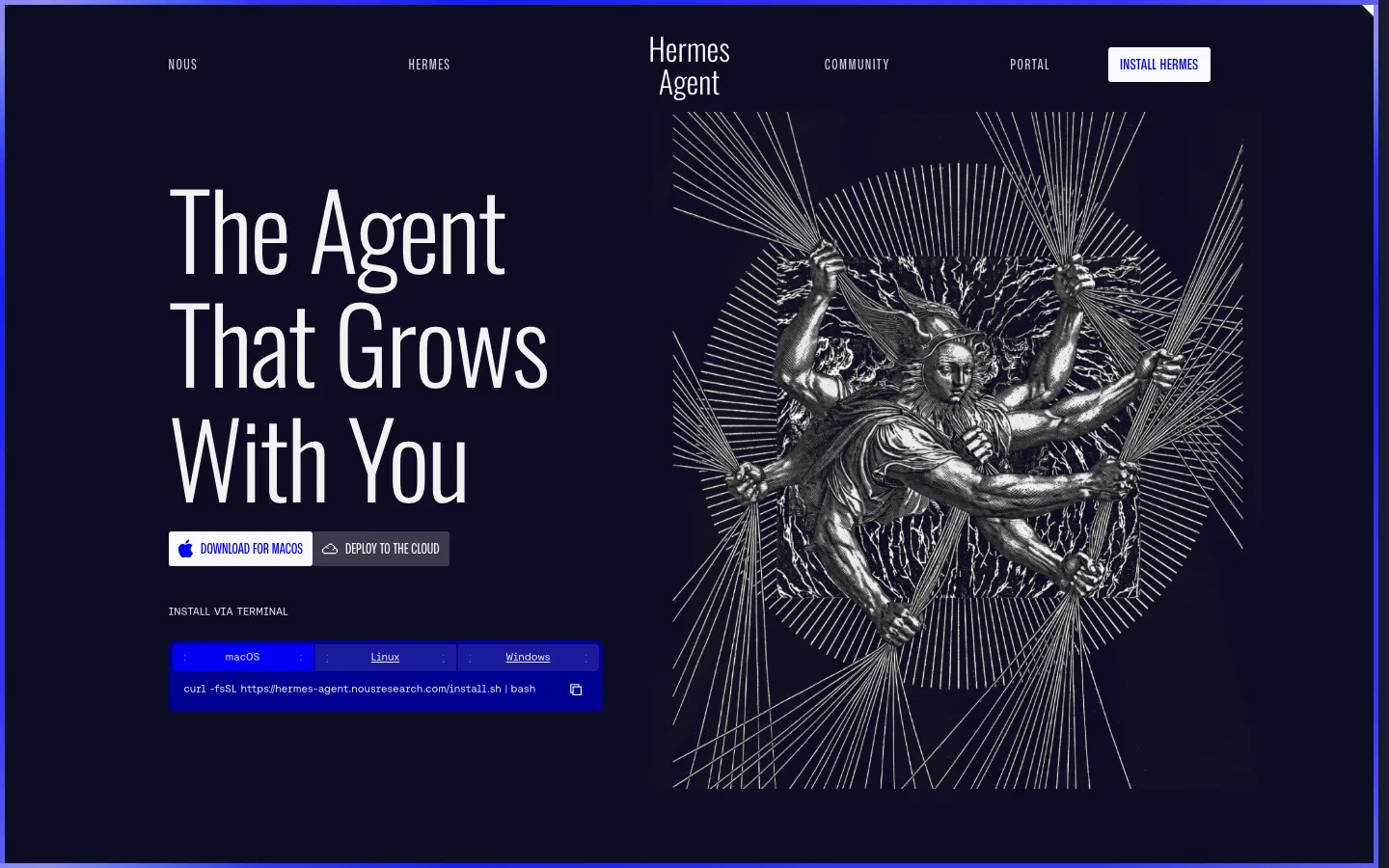
hermes-agent.nousresearch.com - Connects to Hermes Agent
- Built in
- Captures
- Agent writes its own notes; every session is stored for search
- Shared with your team
- One profile on one machine
Two files hold what Hermes remembers by default. MEMORY.md is the agent's own notes (environment facts, conventions, lessons), capped at 2,200 characters; USER.md is its profile of you, capped at 1,375. Both live in ~/.hermes/memories/ and are injected into the system prompt as a frozen snapshot when a session starts. The agent edits them with the memory tool (add, patch, remove), and a background review after a turn can save entries too. Nothing auto-compacts: when a write would pass the cap, the tool returns an error and the agent has to merge or drop entries first. A note saved mid-session is on disk at once but reaches the prompt only in the next session.
Beyond those roughly 1,300 tokens, every CLI and messaging session is stored in SQLite at ~/.hermes/state.db, and the session_search tool runs FTS5 full-text queries over it, returning the stored messages with no LLM call. Procedures go into skills: the agent writes its own with skill_manage into ~/.hermes/skills/, and a curator pass archives the ones that go unused. All of this is scoped to one profile. Hermes's docs warn against pointing two agents at the same home directory and send you to an external provider when memory has to be shared.
Strengths
- On by default, free, and stored as plain files you can read and edit
- session_search covers every past session without an LLM call
- The agent saves repeatable workflows as skills
- memory.write_approval makes every save wait for your yes
Limits
- MEMORY.md and USER.md together hold about 1,300 tokens
- A save happens only when the model calls the memory tool
- Scoped to one profile on one machine, with nothing from teammates or other agents
Built into Hermes Agent (MIT) · Free
Visit hermes-agent.nousresearch.com ↗Honcho
Best for: A personal Hermes agent that should build a model of who it works for.
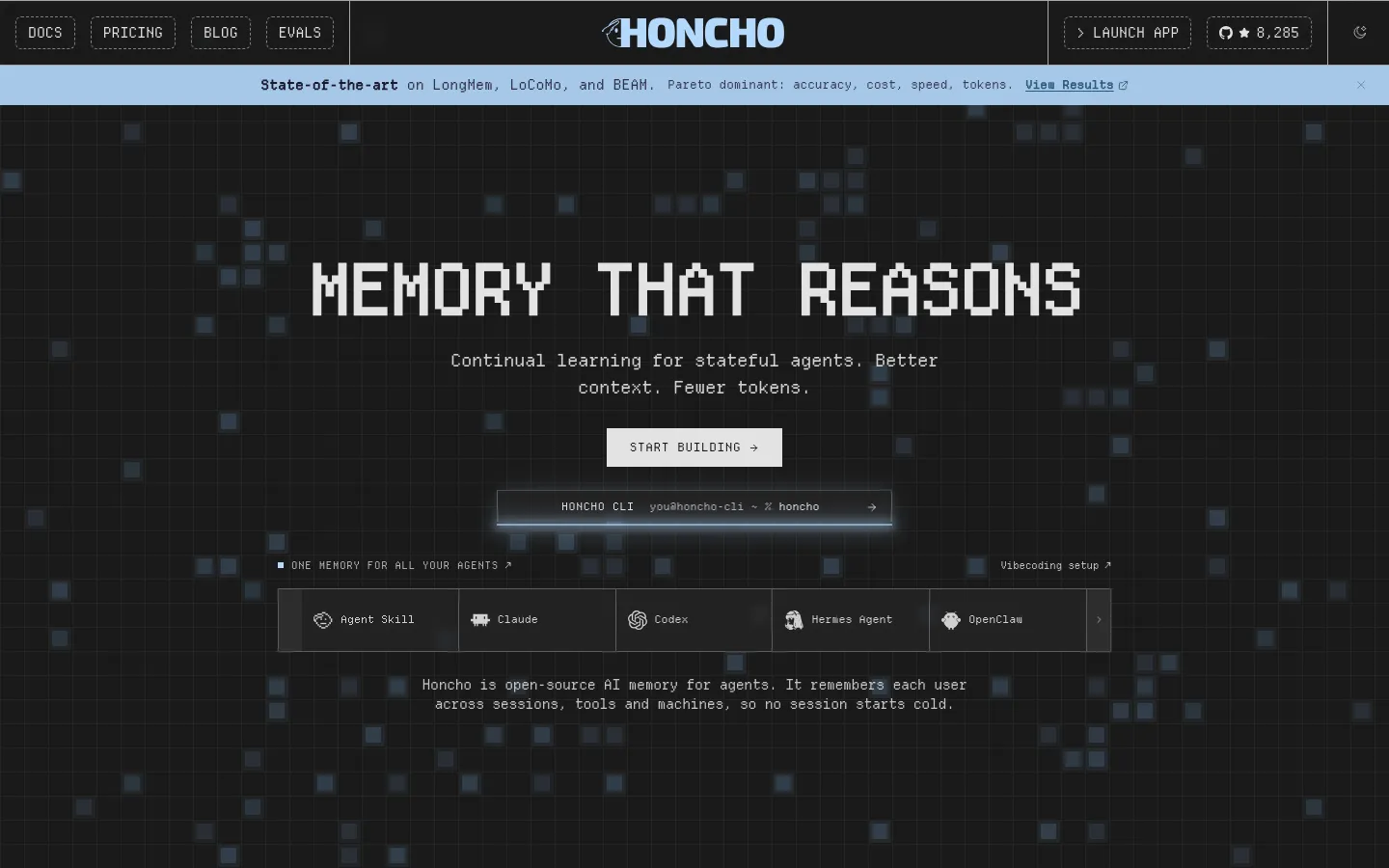
honcho.dev - Connects to Hermes Agent
- Memory provider plugin (hermes plugins install honcho)
- Captures
- Messages synced in the background, automatically
- Shared with your team
- One workspace across Hermes profiles and other Honcho-connected agents
Where the built-in files hold facts the agent chose to write down, Honcho builds a model of the person Hermes is talking to. It treats a conversation as peers exchanging messages, one user peer and one AI peer per Hermes profile inside a shared workspace, and derives a representation of each from what they say. Before a model call it injects a base layer (session summary, user representation, peer card) into the user message, and on a separate cadence it adds an answer from its own reasoning model about what matters for the current conversation. Five tools, among them honcho_search and honcho_reasoning, let the agent query on demand.
Honcho shipped inside Hermes before providers moved to the plugin catalog, and it still registers its own hermes honcho commands. If Honcho is already set up for another agent, uvx honcho-cli install hermes reuses the key in ~/.honcho/config.json so Hermes shares that memory. Plastic Labs publishes the server under AGPL-3.0, with about 8,300 GitHub stars, and you can self-host it. On Honcho Cloud, new accounts get $5 of credit, ingestion costs $2 per million tokens, and each reasoning query costs between $0.001 and $0.50 depending on the level.
Strengths
- Models the user and the agent as separate peers, per Hermes profile
- Sign-in by OAuth, device code or API key from the setup wizard
- Self-hostable, with the same config file
Limits
- Occupies the one external provider slot
- Reasoning queries are billed per call on Honcho Cloud
- Built around one user's profile, not a team's decisions
Open source (AGPL-3.0) · $5 free credit; $2 per 1M tokens ingested
Visit honcho.dev ↗Hindsight
Best for: Hermes users who want every turn kept, locally or in a cloud bank.
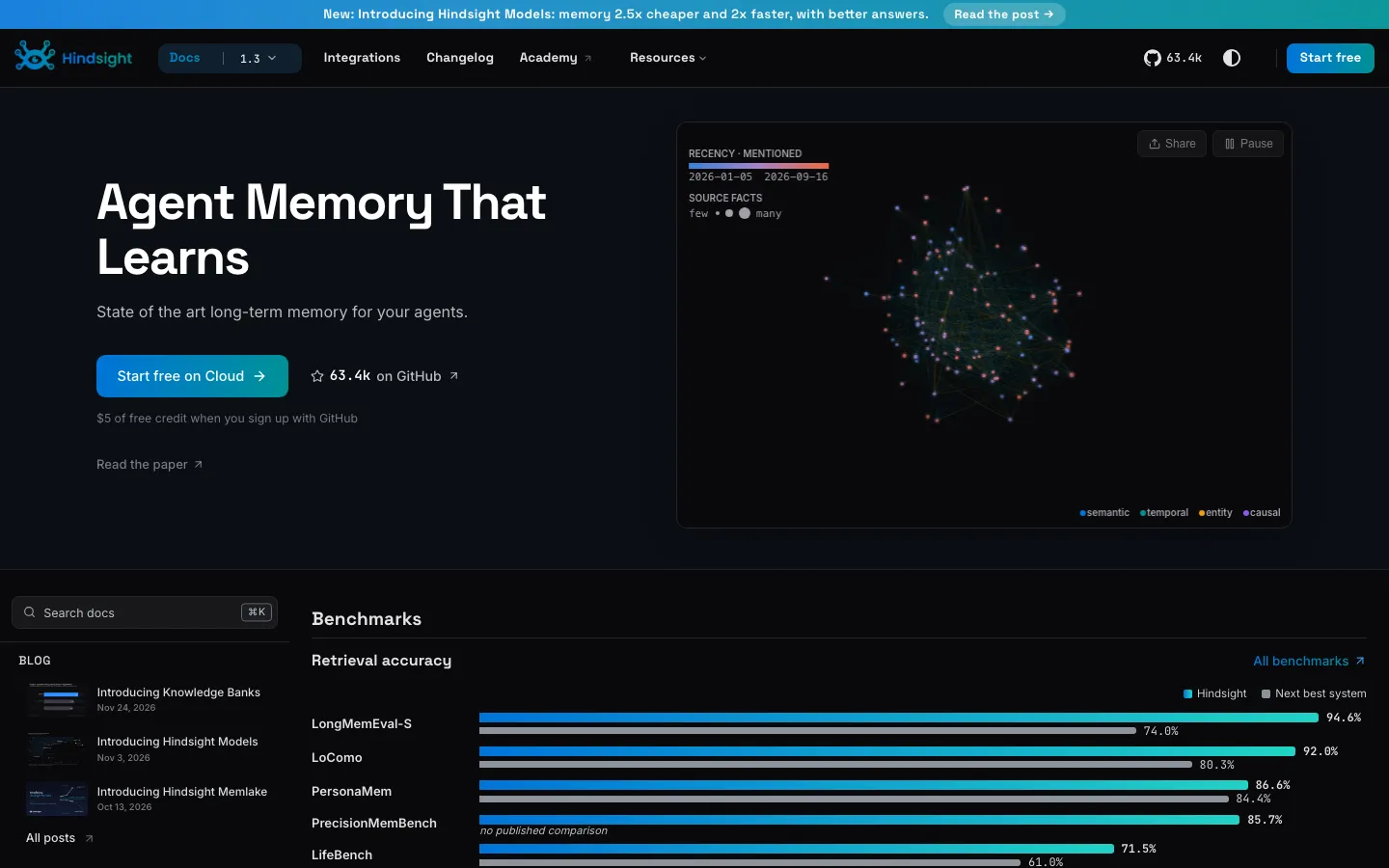
hindsight.vectorize.io - Connects to Hermes Agent
- Memory provider plugin (hermes plugins install hindsight)
- Captures
- Every turn, tool calls included, automatically
- Shared with your team
- Per memory bank; a repo can pin its own bank
Every turn, tool calls included, is retained automatically once Hindsight is the active provider, and matching memories are recalled before each turn. Both behaviors are on by default (auto_retain and auto_recall), and three tools add explicit control: hindsight_retain, hindsight_recall, and hindsight_reflect, which synthesizes an answer across stored memories. Hindsight extracts entities from what it retains and links them in a knowledge graph.
Where it runs is your choice. Cloud mode takes an API key. In local_embedded mode the plugin starts a Hindsight daemon with its own PostgreSQL on your machine and needs an LLM for extraction; the provider list includes Ollama and LM Studio next to OpenAI and Anthropic. Memory lands in a bank named hermes unless bank_id_template derives one per project, profile or chat. The project is MIT licensed with about 63,000 GitHub stars. Hindsight Cloud is pay as you go with $5 of starting credit: $10 per million tokens retained, $0.75 per million recalled, and $0.05 per reflect call.
Strengths
- Capture and recall both run without the agent choosing to call a tool
- Local mode keeps the database on your machine
- MIT licensed, with no seat pricing on the cloud
Limits
- Occupies the one external provider slot
- Local mode still needs an LLM for extraction
- Hindsight Cloud bills per token retained and recalled
Open source (MIT) · Free self-hosted; Cloud pay as you go, $5 credit
Visit hindsight.vectorize.io ↗Supermemory
Best for: Developers who want Hermes turns captured into a memory API they can also call themselves.
supermemory.ai - Connects to Hermes Agent
- Memory provider plugin (hermes plugins install supermemory)
- Captures
- Each completed turn, automatically
- Shared with your team
- One namespace per setup; orgs with scoped keys
Per-turn capture is the default with Supermemory's provider: each completed user and assistant turn is stored after the response, with previously recalled memories stripped out first so the store doesn't fill with copies of its own output. Before a turn it injects matching memories, and it adds profile facts on the first turn and every 50 turns after. The agent also gets supermemory_store, supermemory_search, supermemory_forget and supermemory_profile.
Writes go to one namespace, hermes by default. A {identity} template gives each Hermes profile its own, and gateway bots can scope memory per user or per chat. To self-host, npx supermemory local starts a server and base_url in supermemory.json points the plugin at it. Supermemory's core is MIT licensed with about 32,000 GitHub stars. Hosted, the free plan comes with $5 of credit and Pro is $19 a month with three seats.
Strengths
- Captures Hermes turns without the agent calling a tool
- Recalled context is stripped before capture
- Open source with a local server option
Limits
- Occupies the one external provider slot
- Scoped by namespace and key, not by what each person may see
- Hosted usage is metered in credits
Open source (MIT) · Free with $5 credit; Pro $19/mo
Visit supermemory.ai ↗Mem0
Best for: Teams that already use Mem0 in their own product, or want extraction running in-process.
mem0.ai - Connects to Hermes Agent
- Memory provider plugin (hermes plugins install mem0)
- Captures
- Facts extracted from each turn, automatically
- Shared with your team
- Per user ID, with the agent ID on writes
Three backends are offered in the setup wizard: Mem0 Cloud with an API key, a Mem0 server you run in Docker, or the open-source SDK running inside the Hermes process with your own LLM and a Qdrant or pgvector store. In all three, a background worker sends each turn's user message and assistant reply for fact extraction, cut to 450 characters per message by default (sync_max_chars raises it), and recall waits up to three seconds for memories that match the current message. mem0_search, mem0_add, mem0_update and mem0_delete cover explicit use.
Memories are scoped to a user ID, with the agent ID attached on writes, so one Mem0 account can serve Hermes and code you write against the SDK. The project is Apache 2.0 with about 69,000 GitHub stars. Mem0's pricing page lists a Free plan (10,000 adds and 1,000 retrievals a month for the first 30 days with model calls included, or 50,000 adds and 10,000 retrievals with your own LLM key) and a Custom plan, which is where graph memory sits. Hermes's docs note that the SDK sends anonymous usage telemetry unless MEM0_TELEMETRY=false is set.
Strengths
- Cloud, self-hosted server and in-process modes from one plugin
- Apache 2.0 with a large community
- One SDK for Hermes and your own app
Limits
- Occupies the one external provider slot
- Each message is cut to 450 characters before extraction unless you raise the limit
- No published paid price; past the free limits it's usage billing or a contract
Open source (Apache 2.0) · Free tier; paid is usage-based or custom
Visit mem0.ai ↗
Set up Glen in Hermes Agent
Glen connects to Hermes Agent as a remote MCP server with OAuth. It isn't a memory provider, so memory.provider stays as it is and the built-in memory keeps working. You need a Glen account; the free plan covers 15,000 memories with no card. The memory Hermes reads comes from your team's other agents and integrations, so it fills up once those are connected.
1. Add Glen under mcp_servers
Add a server entry with the URL and auth: oauth to ~/.hermes/config.yaml. Running hermes mcp add glen --url https://mcp.tryglen.com/mcp --auth oauth writes the same entry after it connects and lets you choose which tools to enable.
yamlmcp_servers: glen: url: "https://mcp.tryglen.com/mcp" auth: oauth2. Sign in
Run the login from a terminal outside a running Hermes session. Hermes prints an authorize URL, opens your browser when it can, and caches the token at ~/.hermes/mcp-tokens/glen.json. On a headless host, open the URL elsewhere and paste the redirect URL back at the prompt.
bashhermes mcp login glen3. Tell the agent when to search
Start a new session, or run /reload-mcp in an open one, so the Glen tools register. Recall happens when the agent calls glen_search, so add a line to the project's AGENTS.md, which Hermes loads at session start. You can also ask directly, for example "search Glen for why we moved off the old job queue".
markdownWhen a task touches a decision the team may already have made, call glen_search before asking me.
Which one should you pick?
Hermes is the rare agent whose built-in memory is worth keeping as the base. MEMORY.md, USER.md and session_search cover one person's preferences and history for free, and the provider slot is there for the day 1,300 tokens of notes stops being enough: Honcho if you want the agent to model you, Hindsight if you want every turn retained and the option to keep it local, Supermemory or Mem0 if the same store should serve your own code. If Hermes is your only agent and you work alone, stop there, because nothing you do in Hermes is recorded into Glen.
The picture changes when the Hermes user is on a team that runs Claude Code, Codex or Cursor, or settles things in public Slack channels and GitHub reviews. None of that reaches ~/.hermes/memories/, and a personal memory provider doesn't see it either. Glen gives the Hermes agent search over each teammate's recorded sessions and every connected integration, filtered to what you're cleared to see, with reversed decisions left out. It connects as an MCP server, so it runs next to whichever provider you picked, and it stays read-only: your Hermes sessions don't add to the team's memory.
FAQ
- Does Hermes Agent have memory?
- Yes, and it is on by default. MEMORY.md (the agent's notes, 2,200 characters) and USER.md (its profile of you, 1,375 characters) are injected into the system prompt at the start of each session, the session_search tool searches every past conversation, and the agent saves repeatable workflows as skills. One external memory provider can be added on top.
- Where does Hermes Agent store memory?
- MEMORY.md and USER.md are in ~/.hermes/memories/. Session history is in a SQLite database at ~/.hermes/state.db with FTS5 full-text search, and agent-created skills go to ~/.hermes/skills/. A named profile keeps its own copies under ~/.hermes/profiles/<name>/.
- Which memory providers does Hermes Agent support?
- Hermes's docs list RetainDB and ByteRover as bundled, though the same page says both are leaving core, and Honcho, Hindsight, Supermemory, Mem0, OpenViking and Holographic as plugin catalog installs (hermes plugins install <name>). Memori is documented as an external integration with its own installer. Run hermes memory setup to pick one; catalog plugins update when you run hermes plugins update.
- Can Hermes Agent use two memory providers at once?
- No. Only one external provider can be active at a time, and the built-in MEMORY.md and USER.md always run next to it. MCP servers are configured separately, so a memory tool that connects over MCP, Glen included, can run alongside whichever provider is active.
- Does Glen record my Hermes Agent sessions?
- No. Glen connects to Hermes over MCP, so the agent can search team memory but Hermes sessions aren't recorded. The memory it reads comes from teammates' Claude Code, Codex and Cursor sessions and from Slack, GitHub, tickets, docs and calls.
- How do I add a remote MCP server with OAuth to Hermes Agent?
- Add it under mcp_servers in ~/.hermes/config.yaml with its url and auth: oauth, then run hermes mcp login <name>. Hermes handles discovery, client identification, PKCE and token refresh, and caches tokens at ~/.hermes/mcp-tokens/<name>.json.